Date
Date question
Need to ask for date of birth, add an appointment scheduler, or test your respondents' knowledge about historical dates? You can do all that with the Date question.
To add a Date question
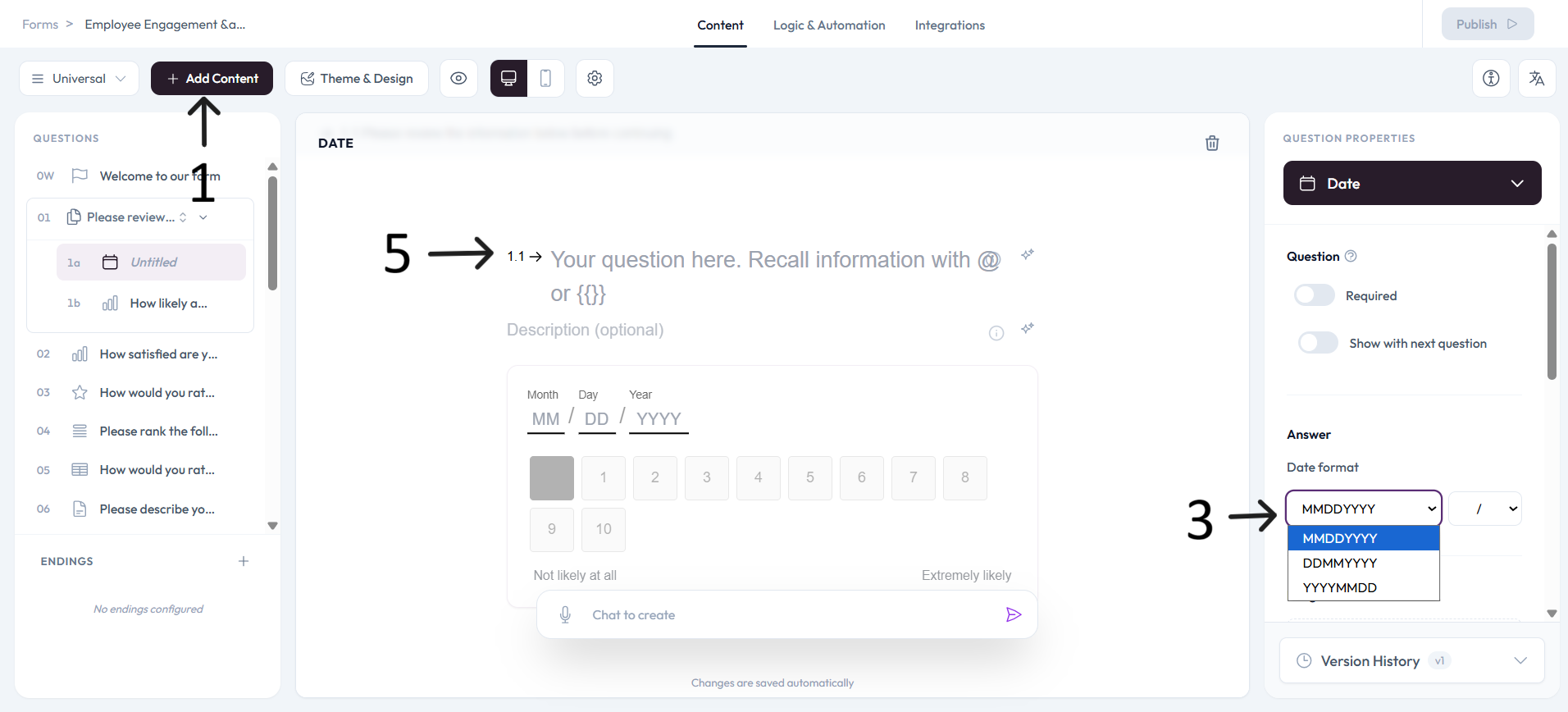
Open a form from your Workspace, or start a new one. Then click + Add content to open the question type menu.
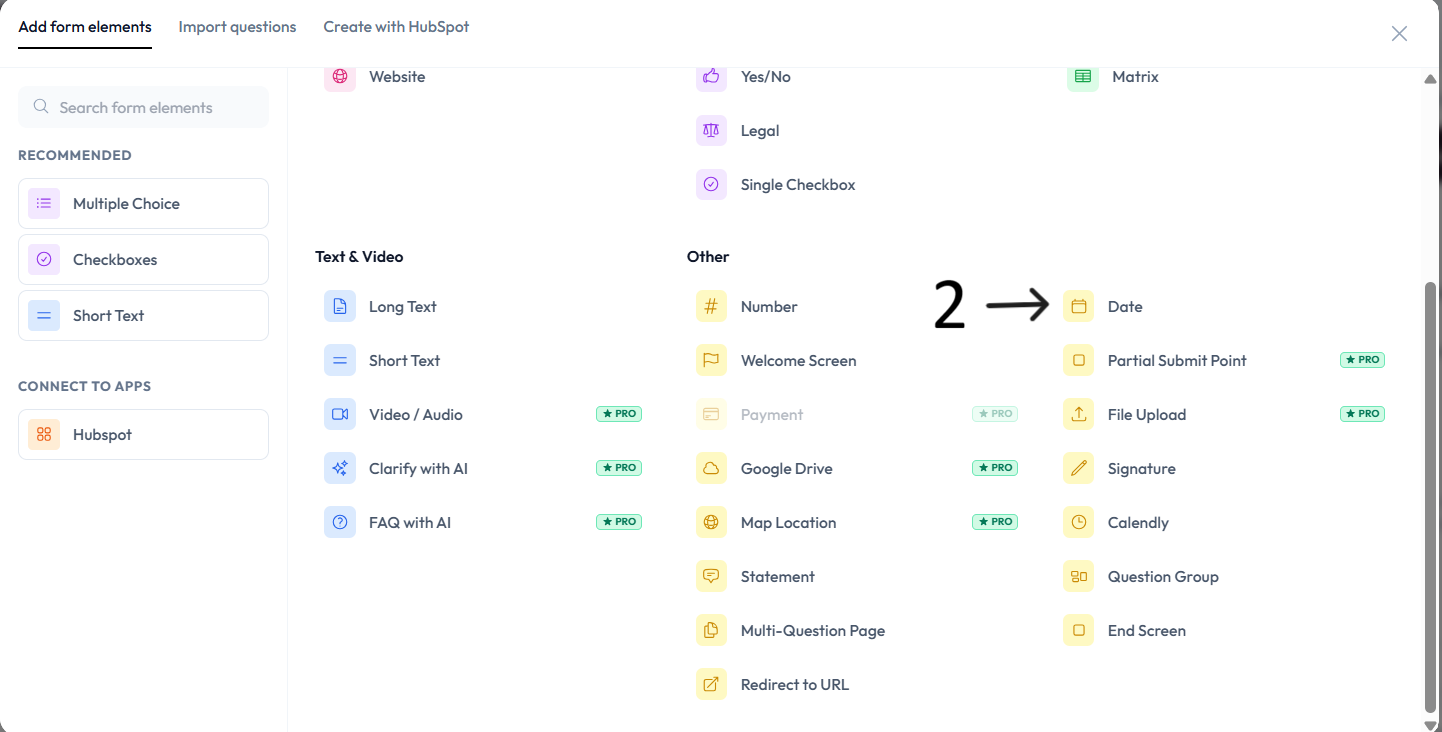
Select Date.
Ovoform offers the 3 most common date formats used worldwide:
Month-Day-Year
Year-Month-Day
Day-Month-Year
Select your preferred format from the dropdown menus in the Question tab. You can set the date format and the separator character between days, months, and years.
For example, you can use MMDDYYYY with a slash separator or DDMMYYYY with a dash separator.
Add your date question in the question placeholder text.
Settings
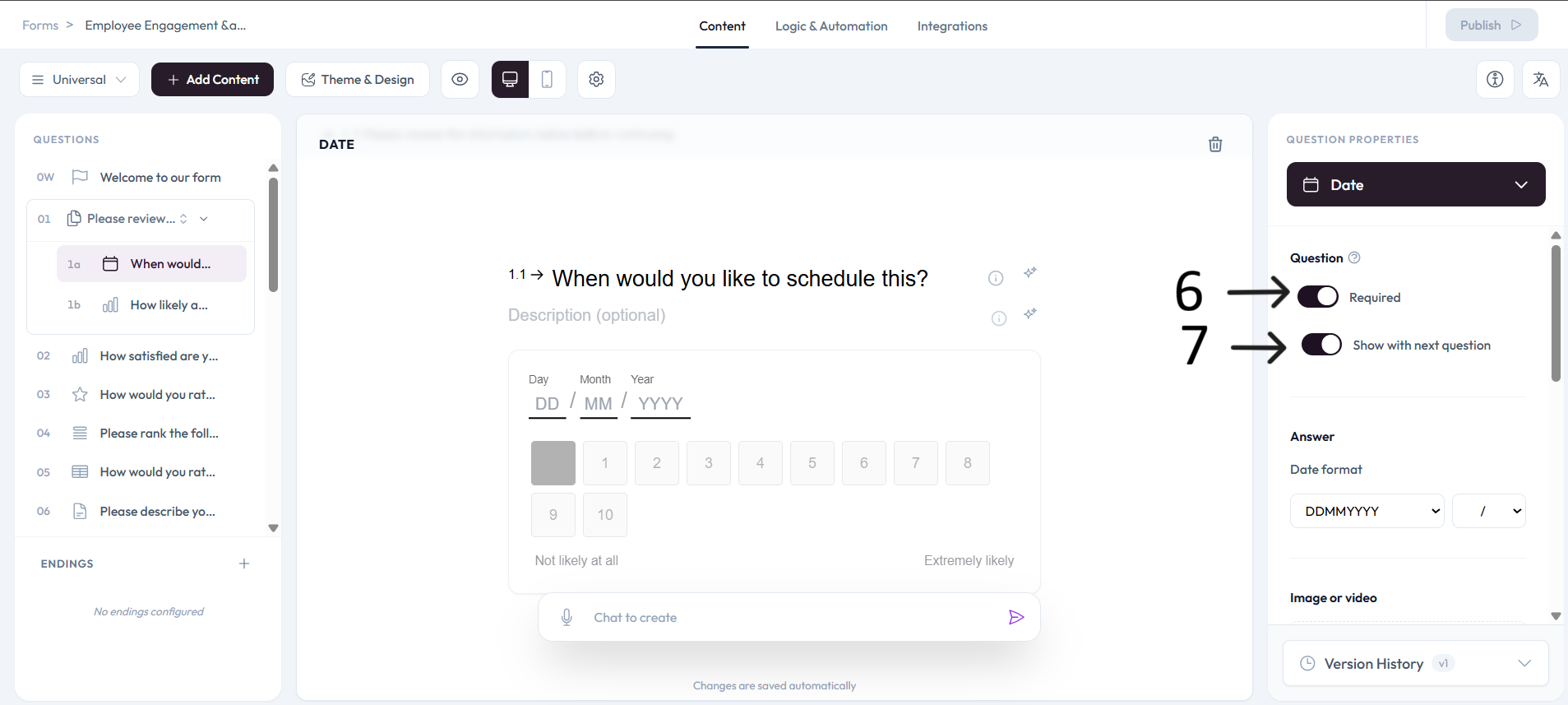
Use right-side Question settings to mark this question as required.
Enable Show with next question when you want this question to appear in the same step.
Add an image or video to provide context for this question.