
Slack Integration
What is this integration?Survey results stuck where no one can see them? Bypass your inbox and send answers straight to your team in Slack.
You can notify channels or direct messages with real-time responses so the right person can react instantly, without switching between apps.
Run customer satisfaction surveys and review results as soon as they arrive. In Slack, teams can search updates, discuss ideas, and fix issues faster.
How to set up
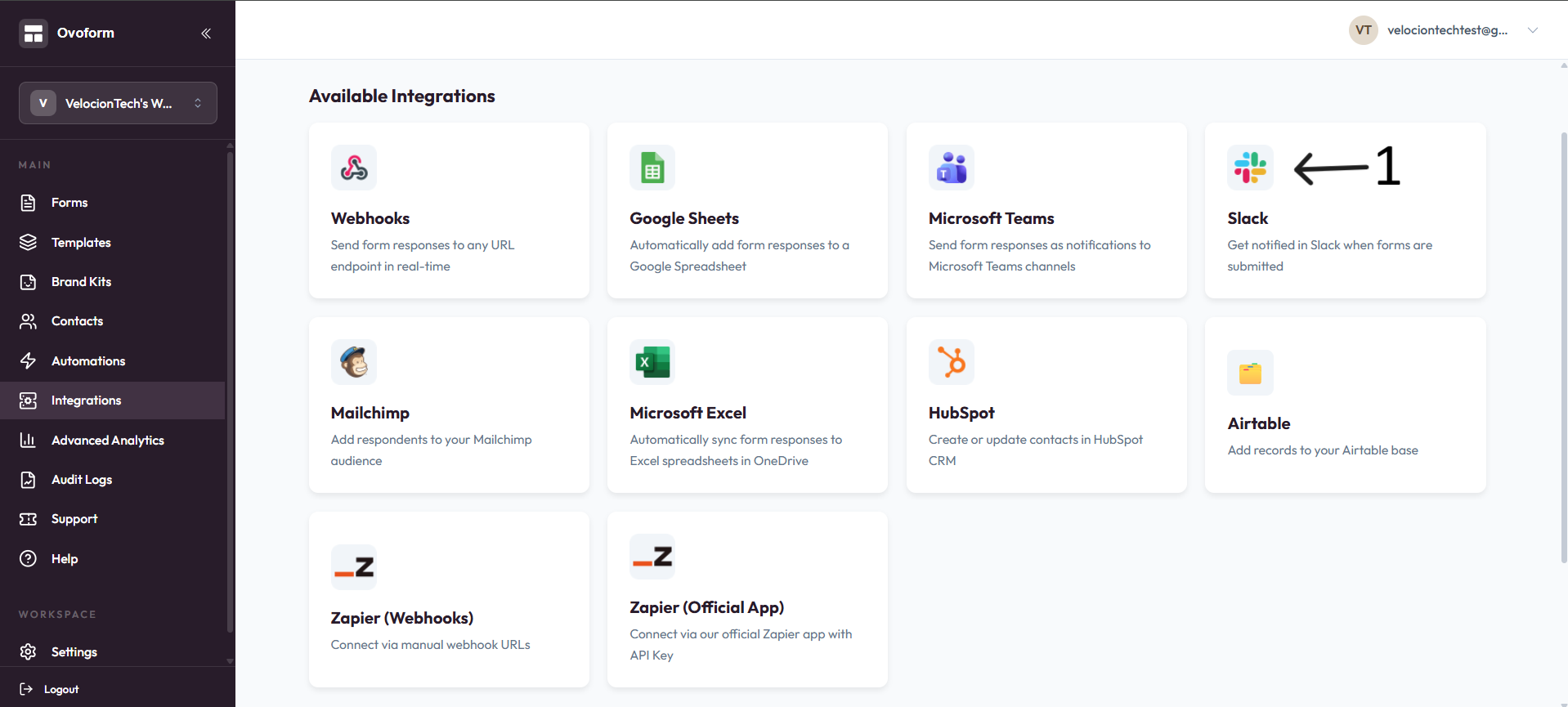
Go to OvoForm dashboard, click Integrations in the sidebar, then click Slack.
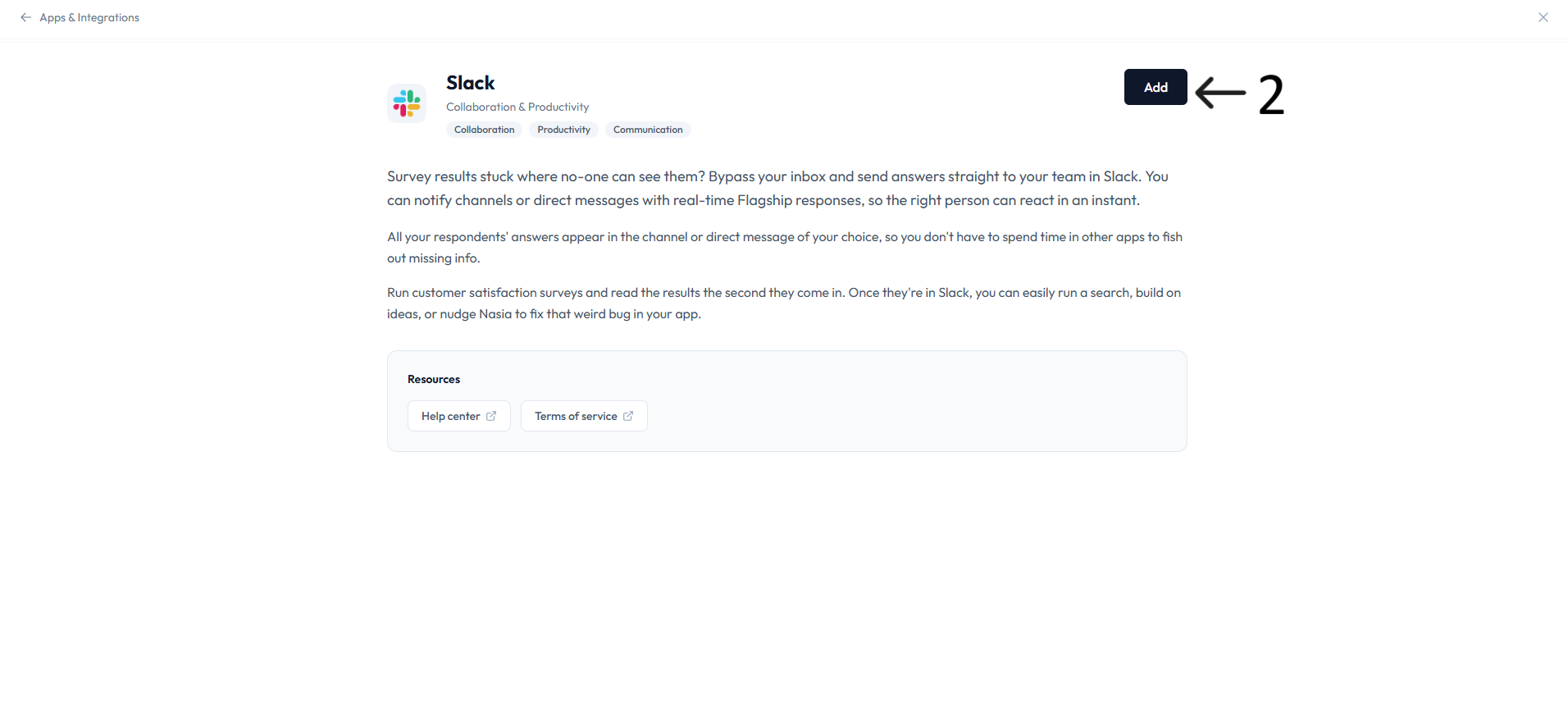
Click Add to connect the integration.
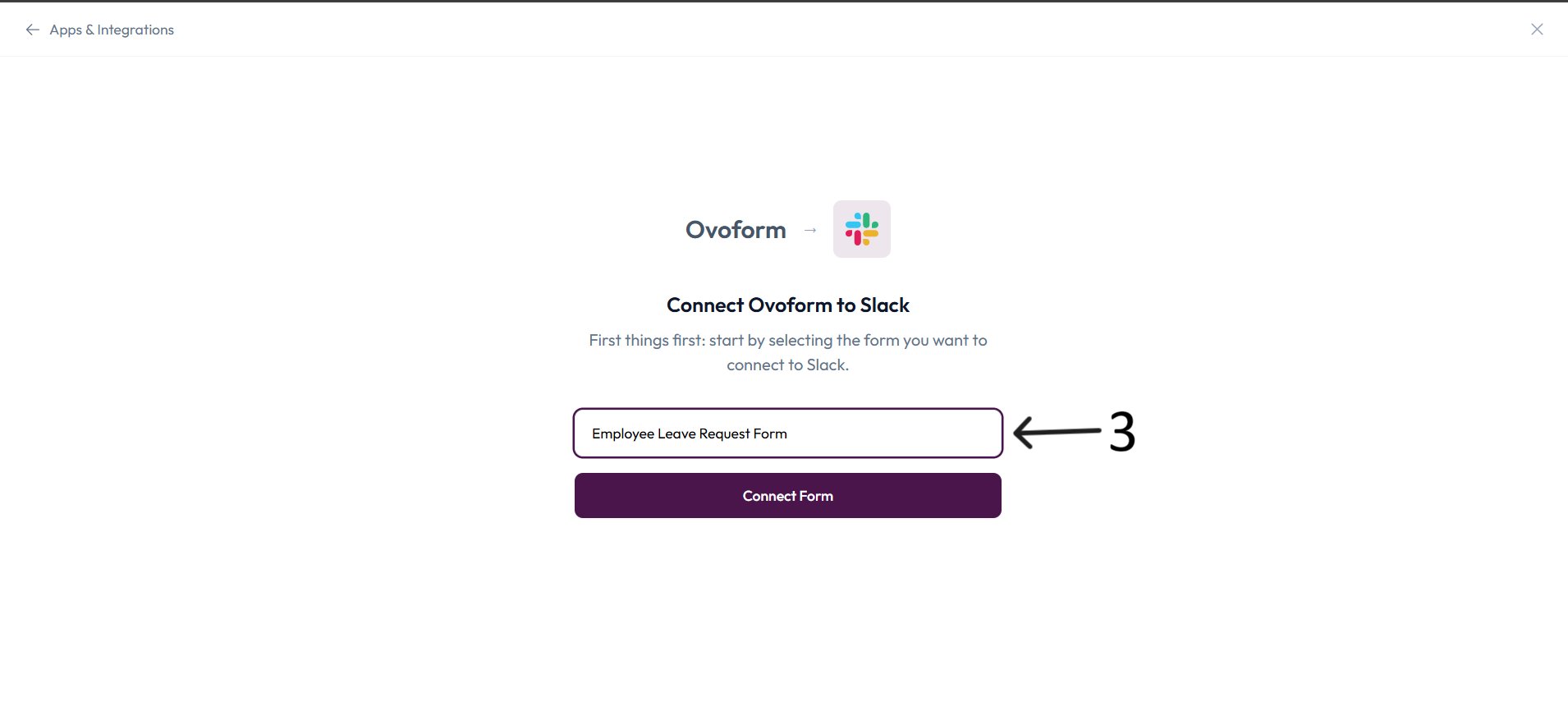
In Connect Ovoform to Slack, select the form you want to connect and click Connect Form.
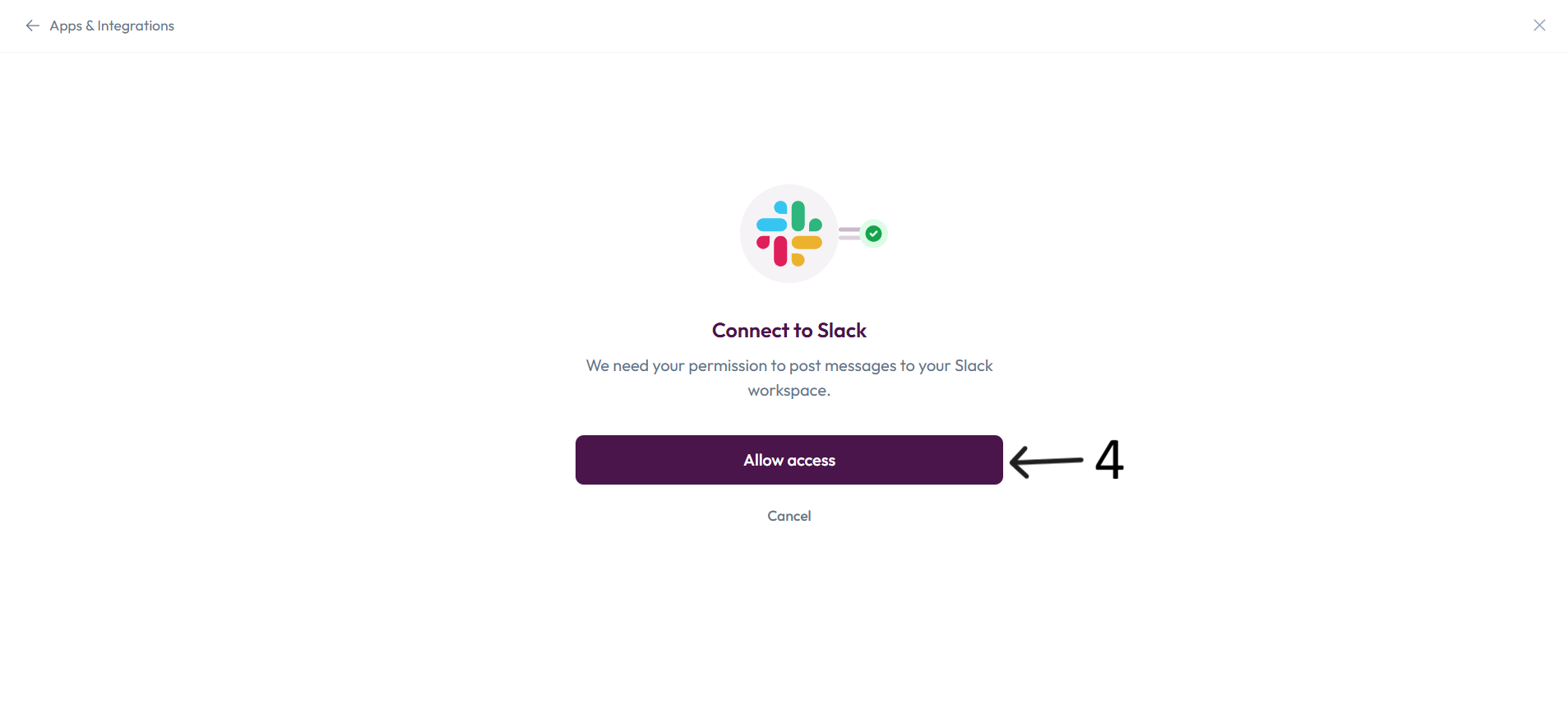
On the Connect to Slack screen, click Allow access to authorize posting to your Slack workspace.
In Configure Slack, choose where to post notifications using Post to Channel.
In Choose Question Data To Include, select which form answers should be sent to Slack.
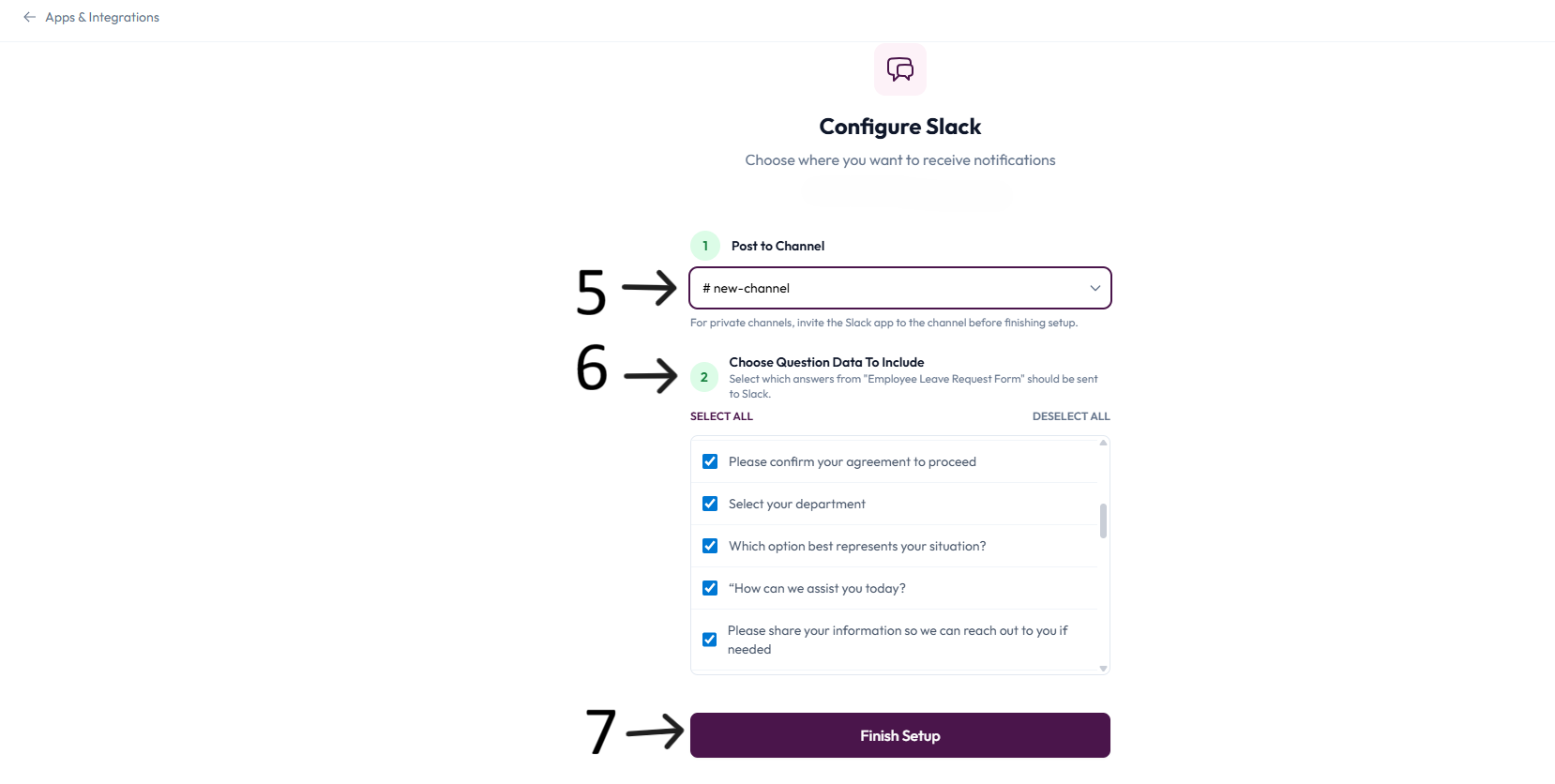
Click Finish Setup to complete the integration.
Resources
Help center: available via the integration page.
Terms of service: available via the integration page.