
Clarify with AI
The Clarify with AI question type uses generative AI to generate up to two personalized clarification follow-up questions based on a respondent’s initial open-ended answer.
How to add a Clarify with AI question to your form
Open an existing form from your workspace, or create a new form.
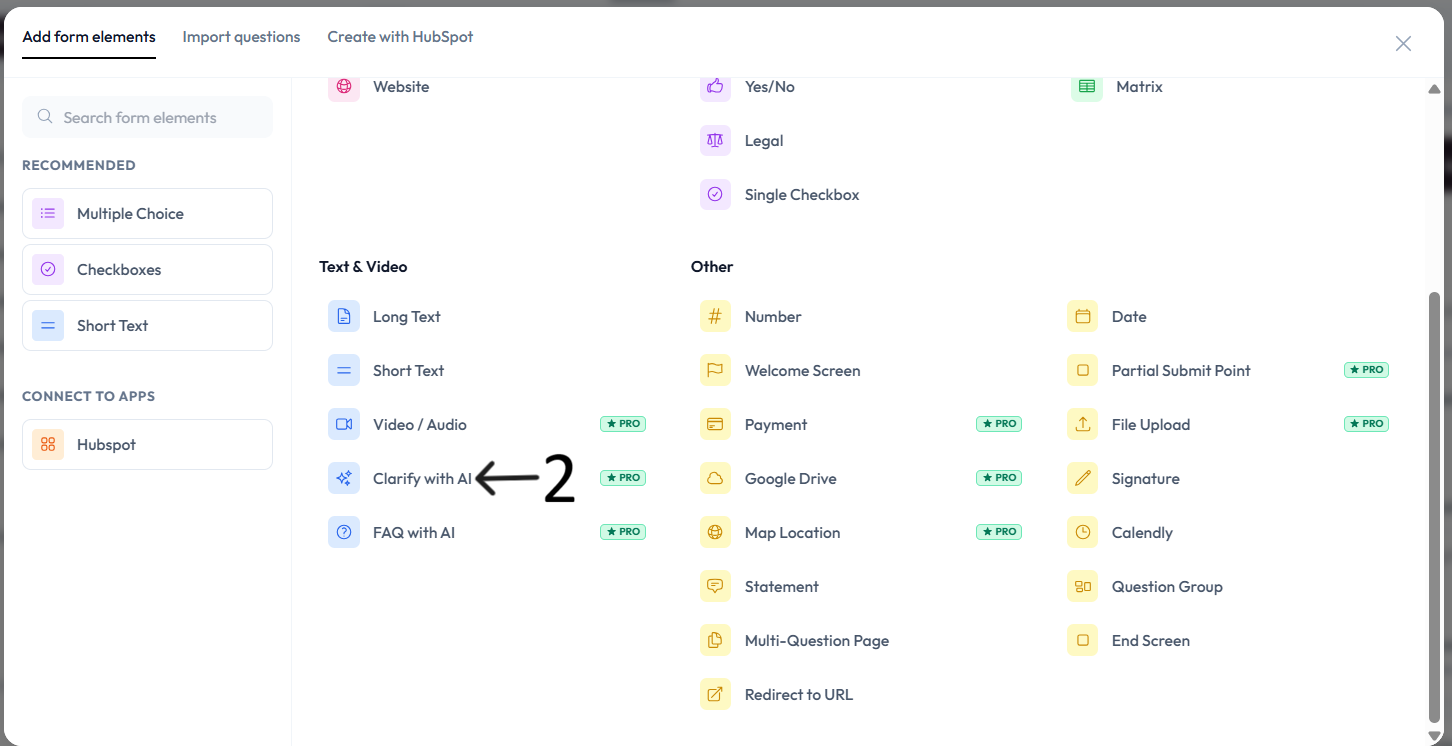
Add a Clarify with AI question from the question type menu.
If this is your first time using it, review the legal disclaimer and click Accept.
Enter your initial open-ended question in the question field.
Use a specific and descriptive prompt to improve follow-up answer quality.
Best practices
Use Clarify with AI for qualitative questions where context depth matters.
Avoid including sensitive personal or regulated data in prompts.
Review sample responses in preview mode before publishing.
Settings
Use right-side Question settings to mark this question as required.
Enable Show with next question when you want this question to appear in the same step.
Add an image or video to provide context for this question.