
Airtable Integration
What is this integration?Turn your form responses into actionable records in Airtable. Automatically sync every submission to your Airtable base, map fields to columns, and keep your data organized in real time.
Whether you're tracking leads, managing inventory, or collecting feedback, OvoForm plus Airtable combines the power of a relational database with the ease of a spreadsheet.
No more manual data entry or CSV exports. Your Airtable base updates instantly as users submit forms.
How to set up
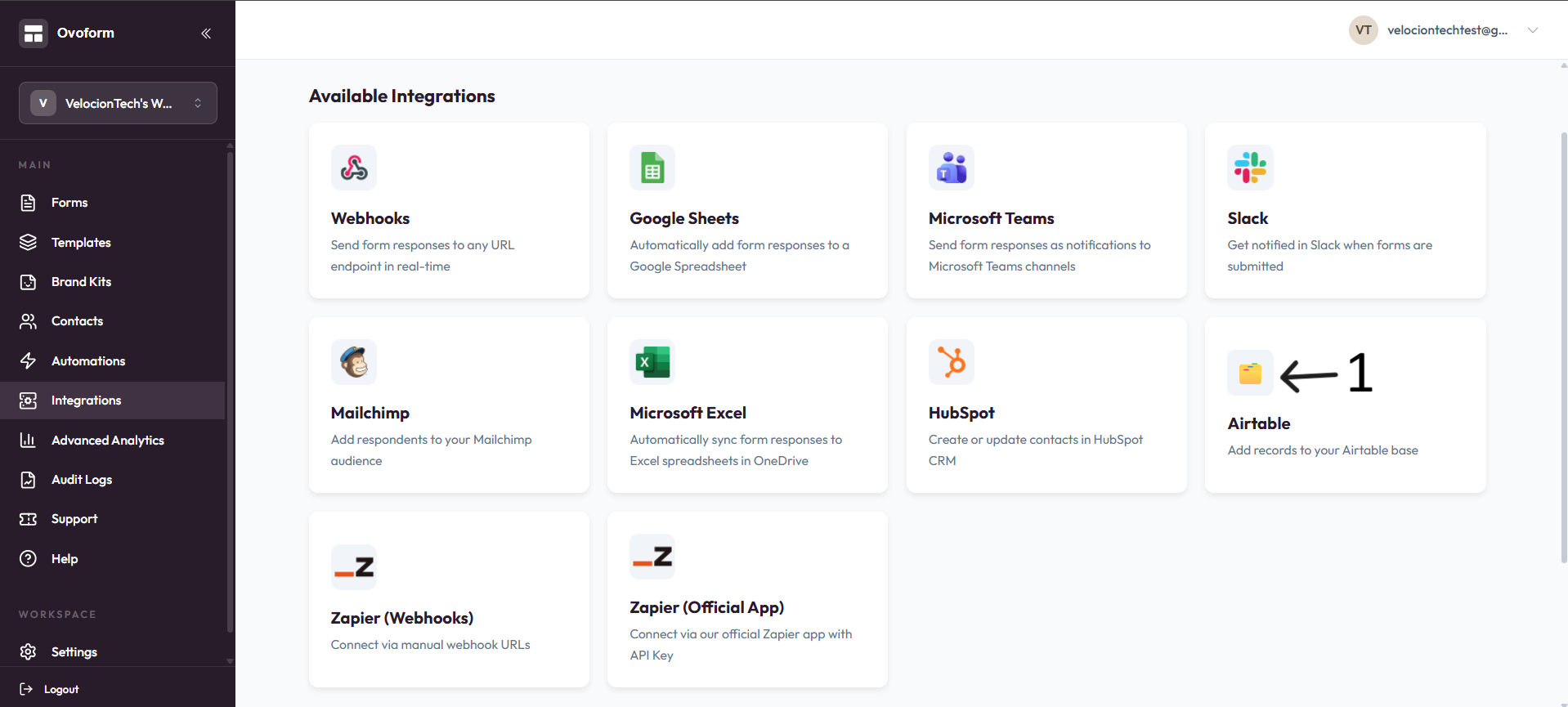
Go to OvoForm dashboard, click Integrations in the sidebar, then on the Airtable card click Add.
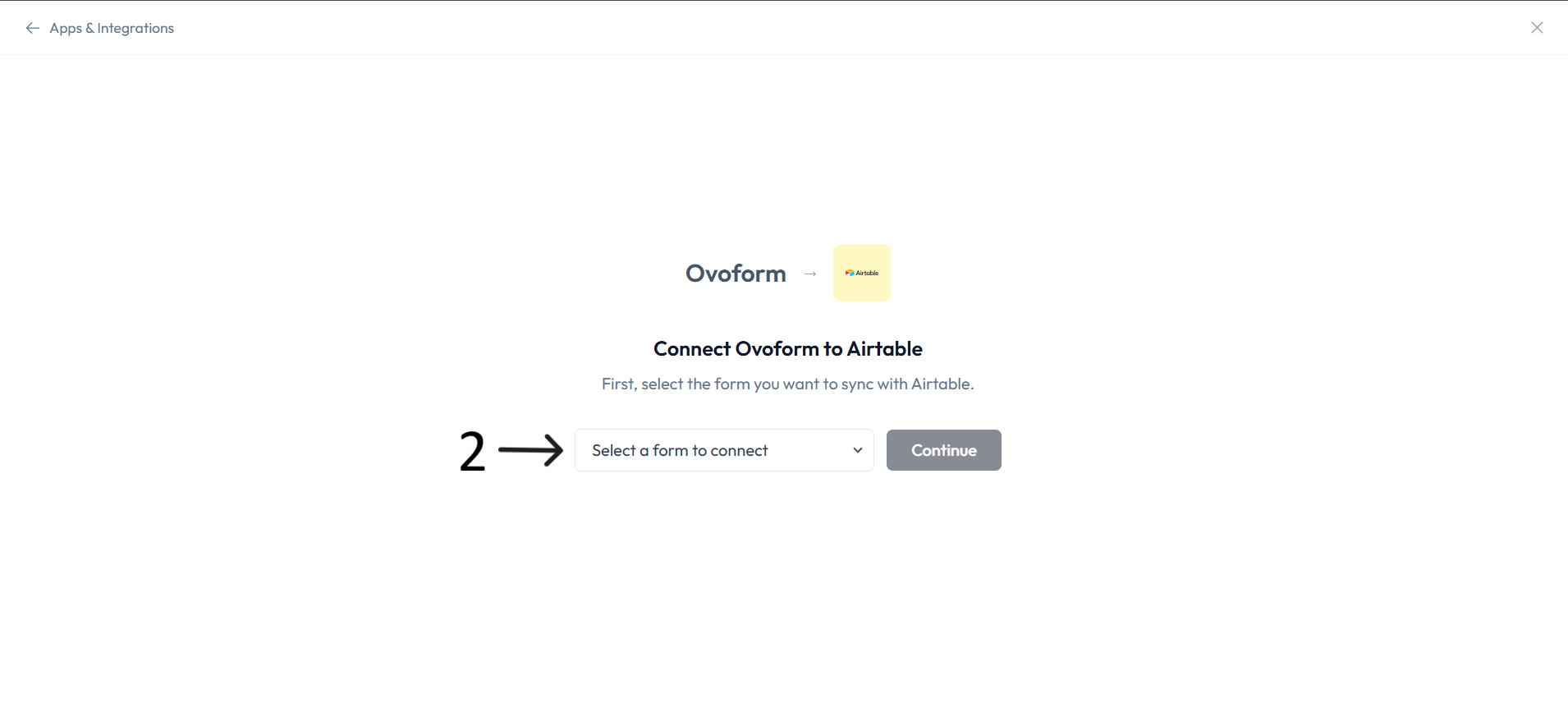
In Connect Ovoform to Airtable, select the form you want to sync and click Continue.
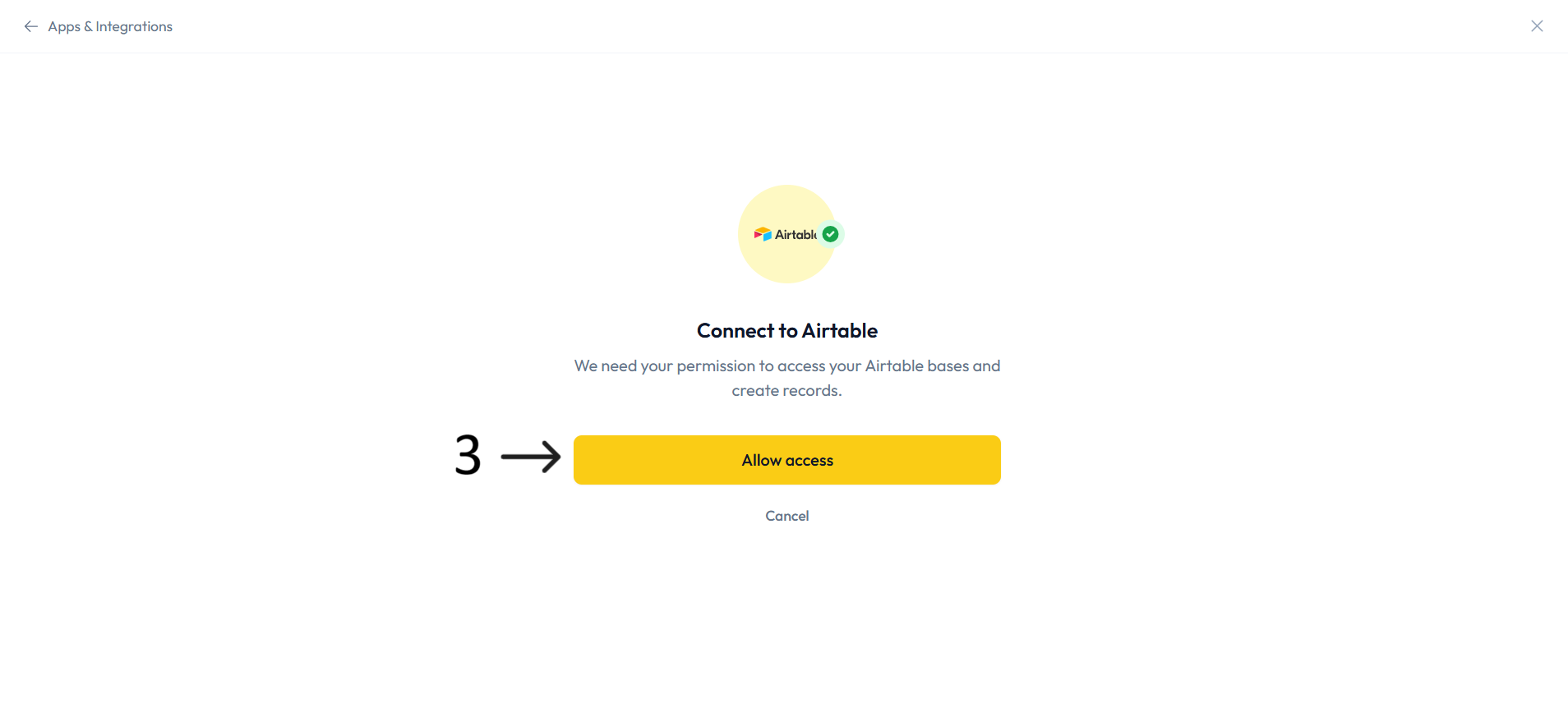
On the Connect to Airtable screen, click Allow access and complete Airtable authorization.
In Configure Airtable, select your base.
Select your table.
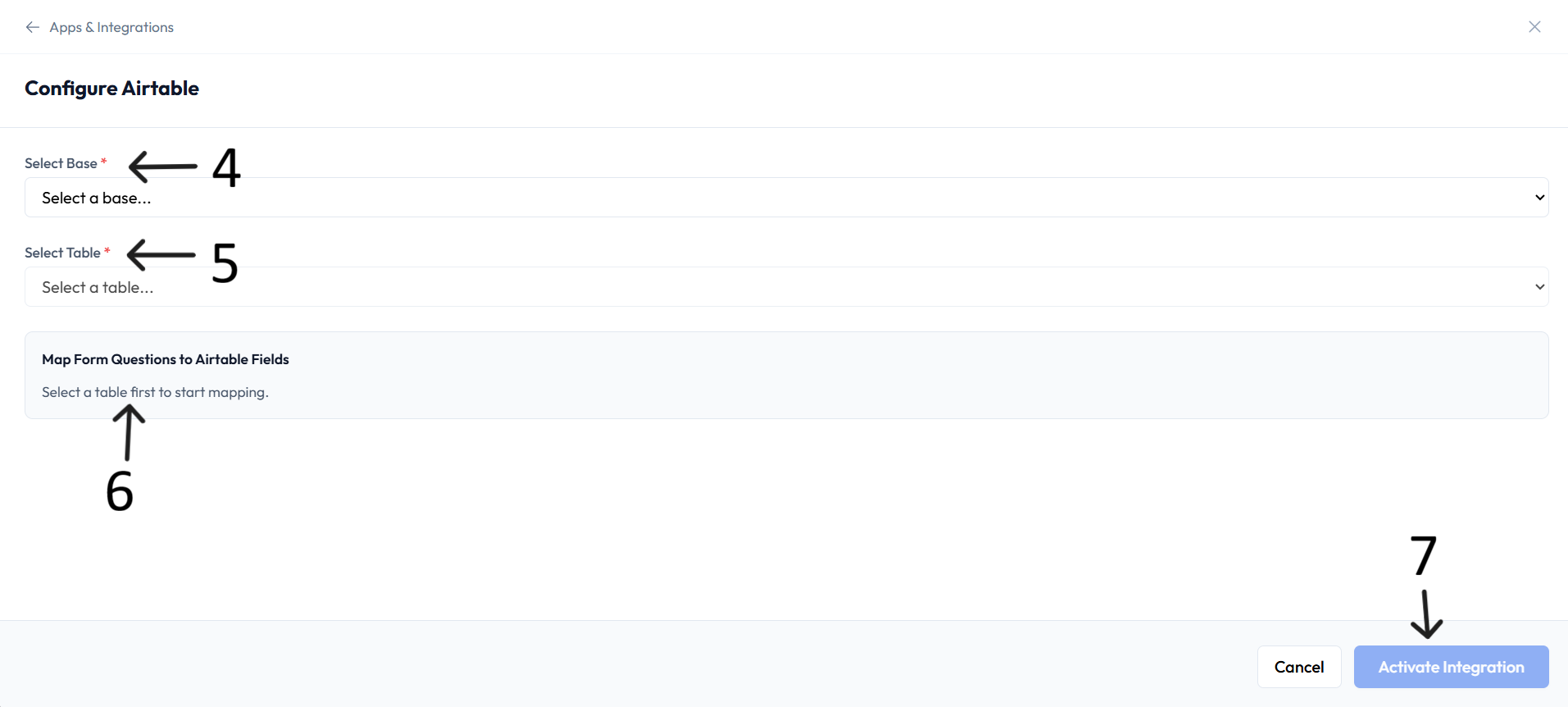
Map form questions to Airtable fields.
Click Activate Integration to finish setup.
What you can do
Sync form responses to Airtable in real time.
Keep mapped Airtable columns consistent across responses.
Organize data in bases and tables.
Trigger Airtable automations.
Eliminate manual data entry.
Resources
Airtable API docs: available via integration page.
Help center: available via integration page.