Surveys

Jotform remains a respected platform, but it's no longer the only strong choice for modern businesses. Whether your priority is workflow automation, Airtable integration, conversational forms, enterprise compliance, or branded customer experiences, today's market offers solutions tailored to different needs. If your organisation depends on approvals, conditional logic, secure file uploads, and collaborative workflows, platforms like Ovoform provide a practical alternative that extends beyond simple form collection. Meanwhile, tools such as Fillout, Typeform, Paperform, and Formstack each bring their own strengths depending on your workflow and team structure. Rather than choosing the most popular platform, focus on the one that helps your business work more efficiently every day.
Nikhil Dogra
September 9, 2026
When James launched his marketing agency, Jotform seemed like the right choice. He could quickly create contact forms, collect project briefs, and gather client feedback without writing code.
But as the agency grew, his forms became part of larger business processes.
Clients wanted branded experiences. His team needed approval workflows before projects could begin. Different clients needed different questions based on their answers, while submissions had to be shared across multiple teams and tools.
The problem wasn't that Jotform had stopped working. James's workflow had changed.
This is a common challenge for growing businesses. A form builder that works well for basic data collection may not provide the right experience when teams need automation, approvals, conditional logic, integrations, collaboration, and greater control over how submissions are handled.
That's why businesses look for Jotform alternatives.
Some want a simpler or more scalable pricing model. Others need stronger workflow automation, better branding, more flexible conditional logic, deeper integrations, or an easier respondent experience.
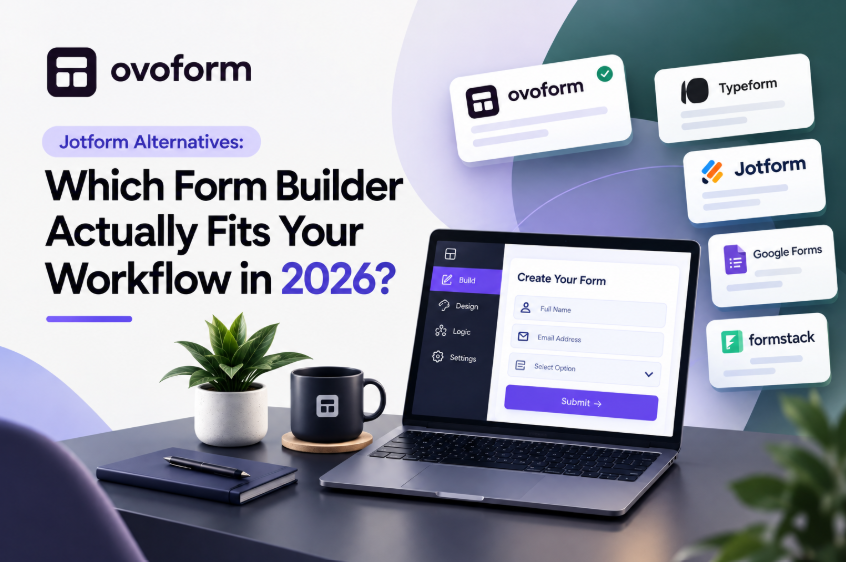
In this guide, we'll compare the best Jotform alternatives in 2026, explain what each platform does best, and help you choose a form builder based on your actual workflow, not simply the number of features it offers.
Platform | Best For | Main Strength |
|---|---|---|
Jotform | General-purpose forms | Broad form-building ecosystem |
Ovoform | Business workflows | Automation and approvals |
Fillout | Airtable users | Database integration |
Typeform | Conversational experience | |
Tally | Freelancers and startups | Simplicity |
Paperform | Agencies and service businesses | Branding and flexible layouts |
Google Forms | Basic internal forms | Simplicity and accessibility |
Formstack | Enterprise organisations | Workflows and compliance |
Cognito Forms | Complex forms |
The best choice depends on what your business needs most.
Jotform is a capable form builder, but no single platform is the best fit for every business.
As a company grows, a simple form can become part of a much larger workflow. A submission may need to be reviewed, approved, routed to another team, added to a CRM, or trigger an automated response.
Common reasons businesses consider Jotform alternatives include:
Forms are often just the starting point.
After someone submits a form, your workflow may need to:
Notify different teams
Trigger approval requests
Create CRM records
Assign internal tasks
Send personalised emails
Generate invoices
Schedule appointments
Automating these steps can reduce manual work and make it easier for teams to act on the information they collect.
Not every respondent needs to answer the same questions.
For example, an employee onboarding form could ask remote employees about home-office equipment while showing different questions to employees working from an office.
Conditional logic allows forms to adapt based on previous answers, creating a shorter and more relevant experience.
When comparing Jotform alternatives, look for a platform that makes conditional workflows easy to create and manage without requiring technical expertise.
A form should be easy to complete, especially on mobile devices.
Small improvements such as:
Multi-step layouts
Progress indicators
Mobile optimisation
Clear navigation
Branded design
Can significantly increase completion rates.
A better experience doesn't just help respondents; it helps your business collect higher-quality information.
Forms are often managed by multiple departments.
Marketing, HR, sales, operations, finance, and customer success may all need to access or act on submissions.
Depending on your workflow, shared workspaces, permissions, approval processes, and team-based workflows can make form management much easier.
Pricing can become more important as response volumes, teams, and business requirements increase.
Instead of choosing the cheapest form builder, compare the features included in each plan and consider how the pricing will work as your business grows.
The right Jotform alternative should provide the capabilities you actually need without forcing you to pay for functionality that isn't relevant to your workflow.
Before switching platforms, identify the problems your current form builder isn't solving.
Here are some of the most important areas to evaluate.
A good form builder should allow non-technical users to create professional forms without coding.
Templates, drag-and-drop editing, reusable components, and customisation can speed up form creation.
If different users need different questions, flexible conditional logic can help create a more personalised experience.
Look for automation capabilities that can:
Route submissions
Send notifications
Trigger approvals
Assign tasks
Send confirmation emails
Connect with other applications
Your form builder should work with the tools your team already uses.
Depending on your workflow, integrations may include CRM platforms, Google Workspace, Microsoft 365, Slack, payment providers, project management tools, and email marketing platforms.
If your forms collect sensitive information, consider features such as encryption, permissions, access controls, and other security capabilities relevant to your organisation.
For regulated industries, always verify the specific compliance requirements supported by the platform before choosing a solution.
We focused on the factors that can have the biggest impact on day-to-day form management:
Ease of use
Conditional logic
Workflow automation
Collaboration
Integrations
Branding
Security
Scalability
Pricing and value
Different business use cases
Rather than treating one platform as the universal winner, we've highlighted where each option may be a better fit.
Every business uses forms differently.
A freelancer collecting enquiries has very different requirements from a healthcare clinic handling patient intake forms or an HR team managing employee onboarding.
That's why there isn't a single "best" Jotform alternative, only the one that best fits your workflow.
Let's look at the strongest options available today.
Best for: Businesses that need forms connected to business workflows
Forms often don't end when someone clicks Submit.
A sales enquiry may need approval. A client onboarding form may need to notify multiple departments. An employee form may need to trigger tasks for HR and IT.
Ovoform focuses on connecting form collection with the workflows that happen afterwards.
It provides features such as conditional logic, multi-step forms, approval workflows, secure file uploads, team collaboration, custom branding, workflow automation, and integrations.
Ovoform also offers Unlimited Responses, an AI Form Builder, and a 30-Day Pro Trial, making it an option for businesses that want to build and test more advanced workflows.
Key Features
AI Form Builder
Conditional logic
Multi-step forms
Approval workflows
Secure file uploads
Team collaboration
Custom branding
Workflow automation
Integrations
Affordable Pricing
Unlimited Responses
Pros
Modern interface
Strong automation capabilities
Excellent for business workflows
Easy for non-technical users
30 Day Free Pro Trial
Businesses looking only for a very basic contact form may not need the broader workflow capabilities.
HR teams
Agencies
Operations teams
Internal workflows
Growing businesses
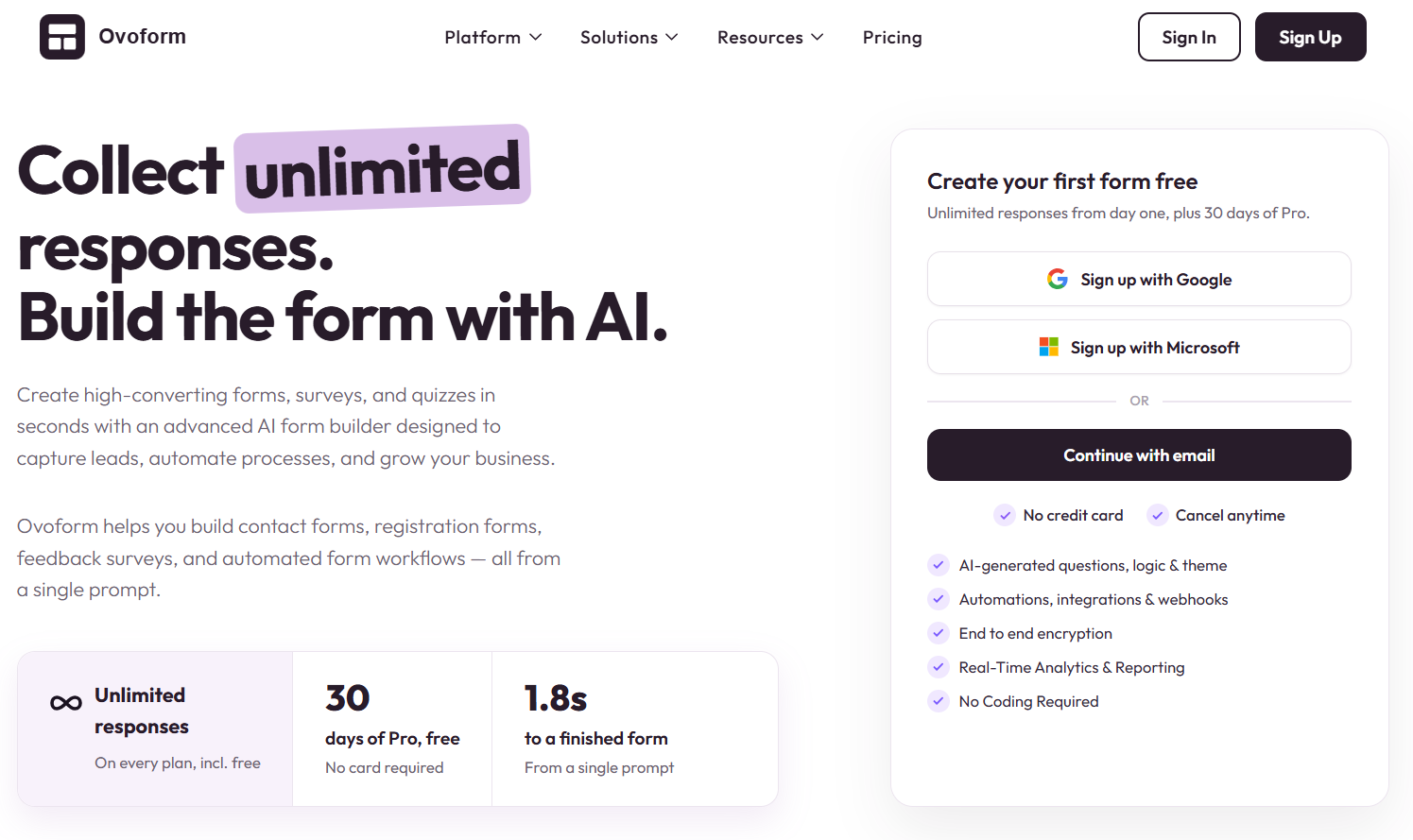
Best for: Businesses already using Airtable
Fillout has become increasingly popular because it combines a clean interface with excellent Airtable integration.
If your workflows already depend on Airtable databases, Fillout feels like a natural extension rather than a separate product.
Its forms are clean, fast, and highly customisable.
Pros
Excellent Airtable integration
Beautiful interface
Powerful conditional logic
Easy to build
Teams looking for extensive enterprise workflow capabilities may want to compare its features against more enterprise-focused platforms.
Best for: Conversational forms, surveys, and marketing
Typeform is well known for its conversational approach to form design.
Instead of showing many questions at once, it typically presents questions in a more focused, one-at-a-time experience.
This can work particularly well for surveys, quizzes, lead generation, and customer-facing experiences where presentation is important.
Strong user experience
Attractive design
Conversational form experience
Strong branding capabilities
Businesses with more complex internal workflows may want to compare its automation and workflow capabilities with alternatives focused more heavily on business processes.
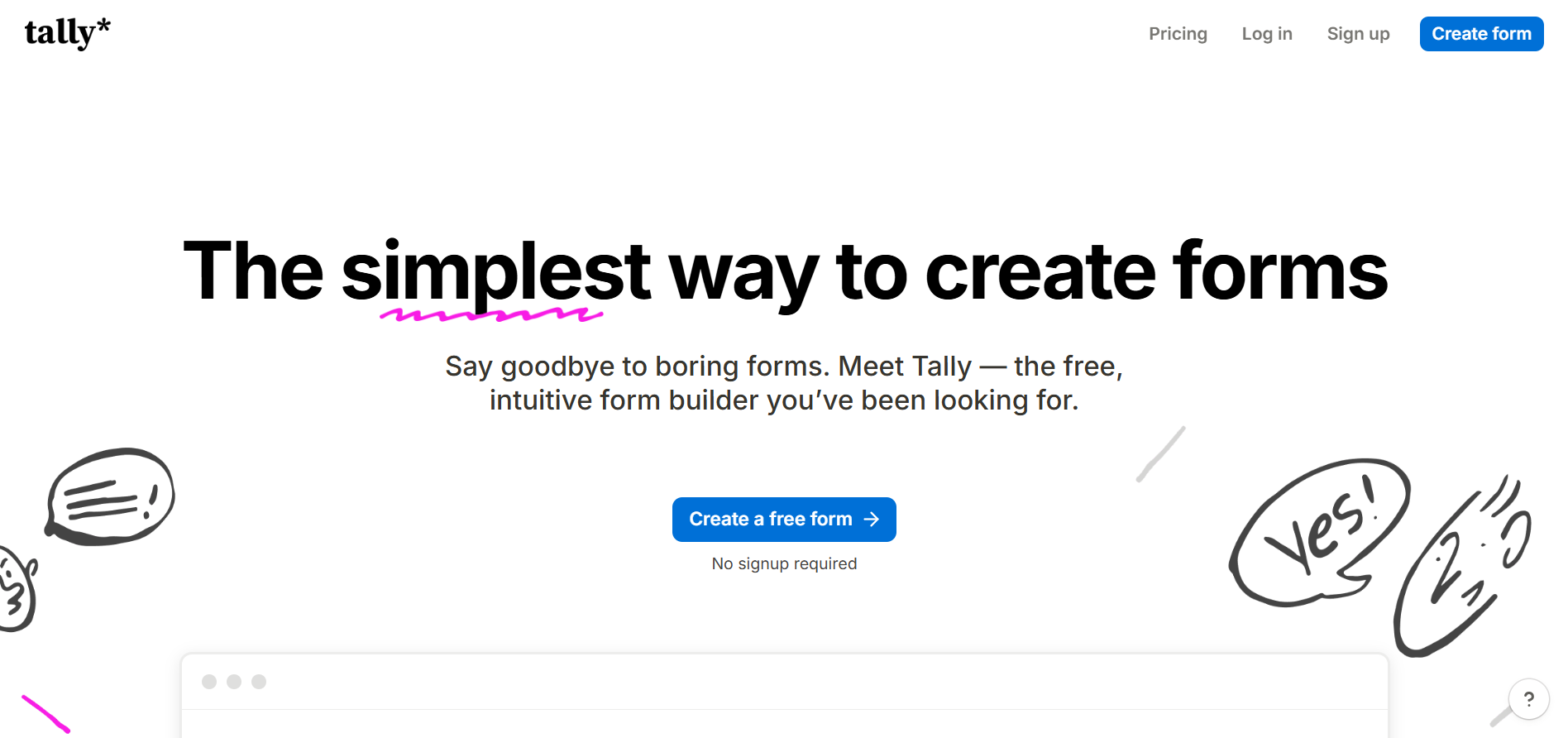
Best for: Creators, freelancers, and startups
Tally takes a minimalist approach to form creation.
Its editor is designed to make creating a form feel similar to writing a document, which can make it easy for individuals and small teams to get started.
It also supports features such as conditional logic, calculations, payments, and file uploads.
Pros
Easy to learn
Fast form creation
Generous free offering
Minimal interface
Potential Limitation
Larger organisations may need more advanced enterprise-level functionality and governance.
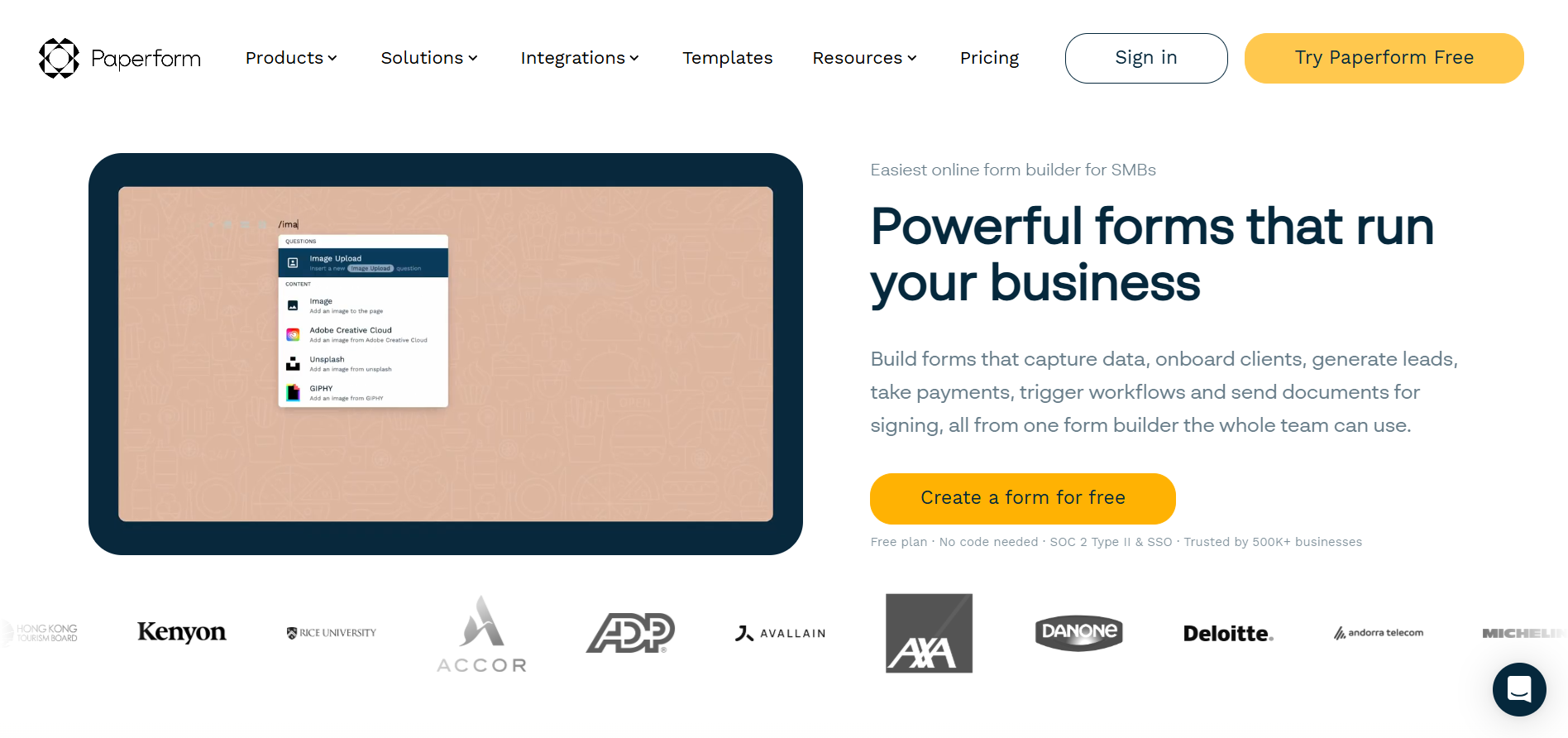
Best for: Agencies and businesses focused on branded experiences
Paperform combines forms with a more flexible page-building experience.
Instead of making every form look like a traditional questionnaire, businesses can create experiences that feel closer to branded landing pages.
This can be useful for agencies, consultants, service businesses, and customer-facing forms.
Strong visual design
Branding flexibility
Flexible layouts
Payment collection
Its broader design capabilities can introduce a learning curve for users who only need simple forms.
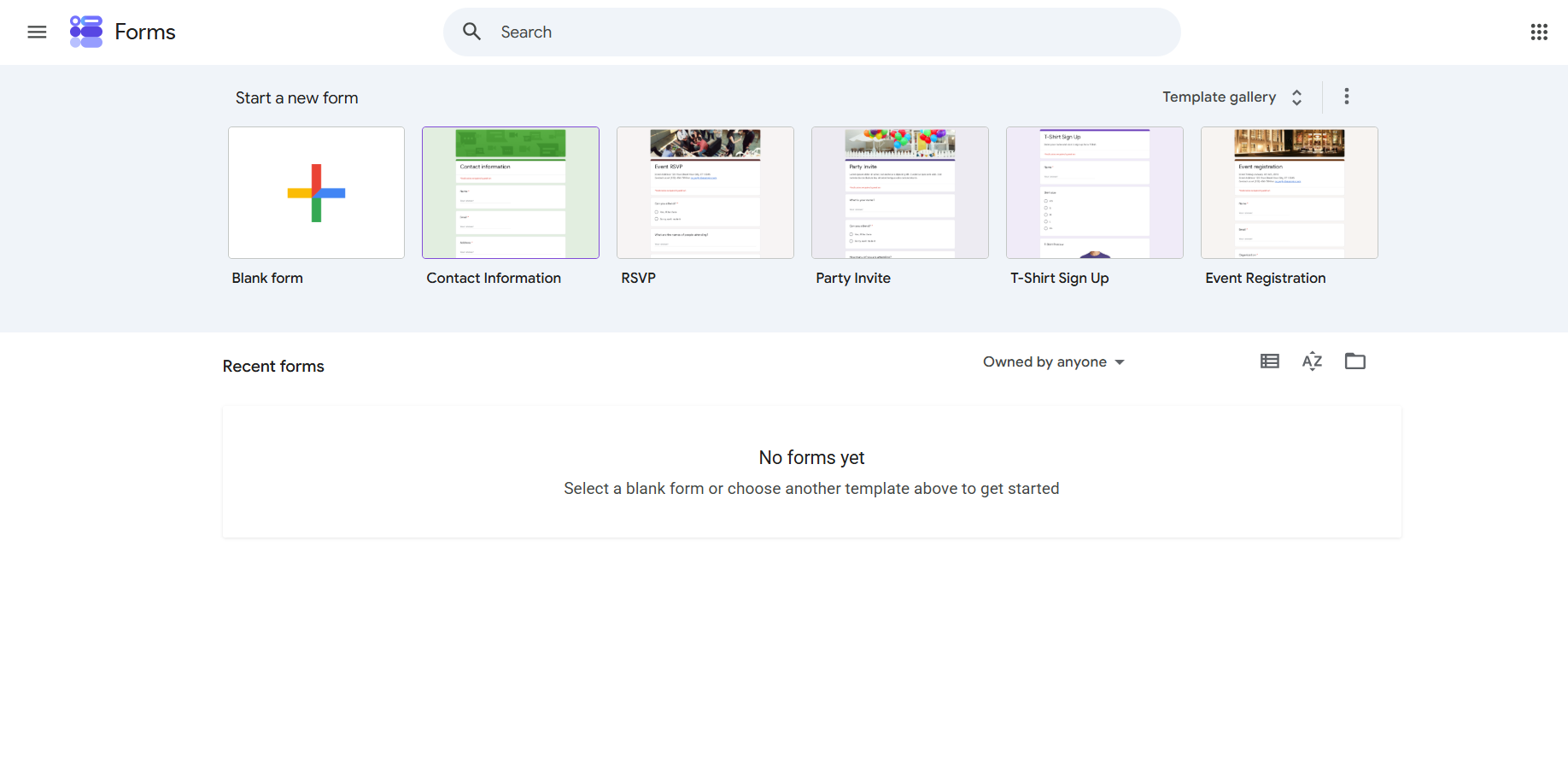
Best for: Simple internal forms
For basic data collection, Google Forms remains a practical option.
It is familiar, easy to share, and works naturally within the Google Workspace ecosystem.
It can be a good choice for simple surveys, internal questionnaires, registrations, and basic data collection.
Simple to use
Easy sharing
Familiar interface
Convenient for Google Workspace users
Teams that require advanced branding, approval workflows, or sophisticated automation may need a more specialised form builder.
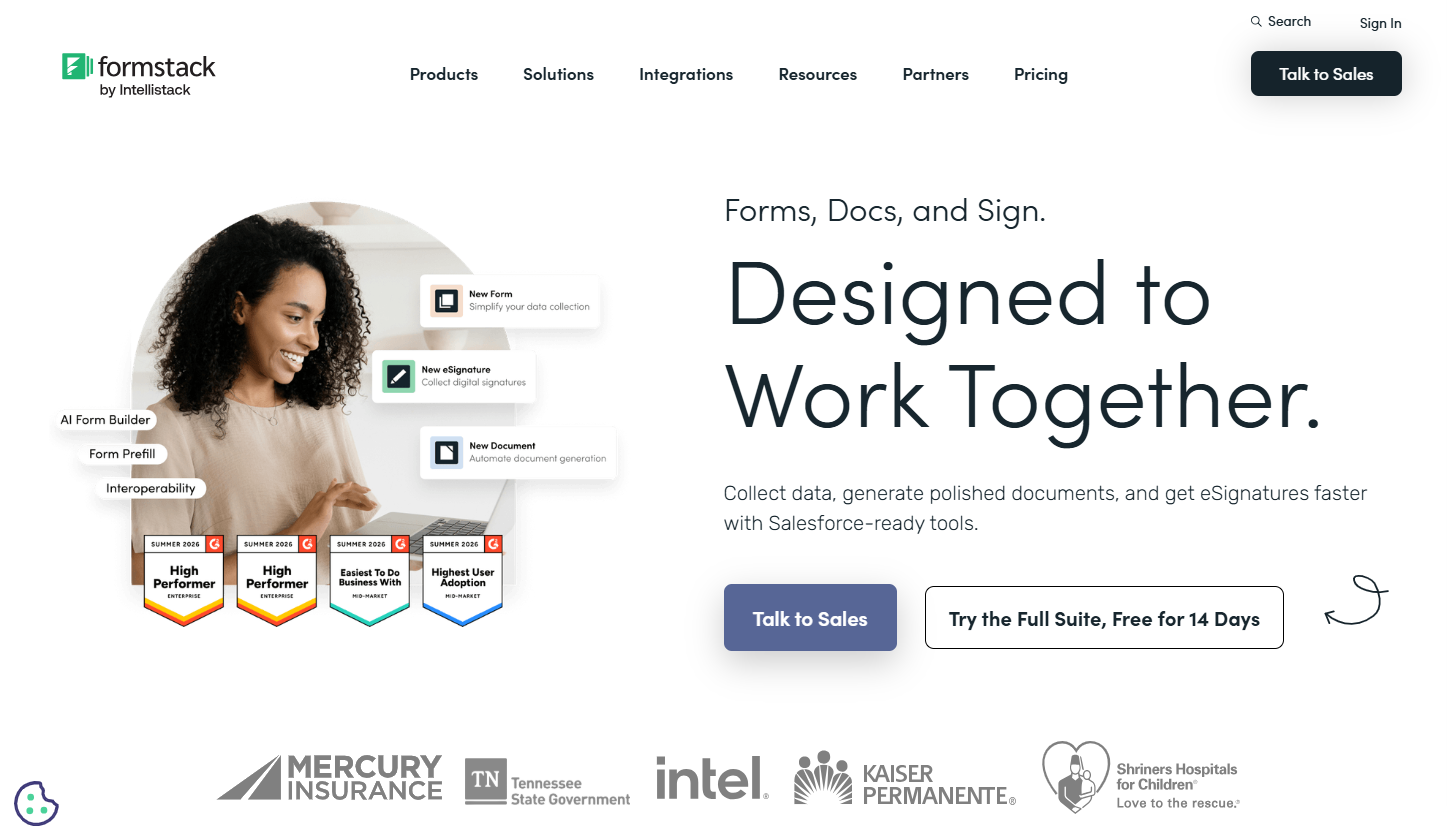
Best for: Enterprise organisations
Formstack is designed for organisations that need more than basic form creation.
Its platform includes capabilities around forms, documents, electronic signatures, and workflow automation.
This makes it particularly relevant for larger organisations with structured business processes and compliance requirements.
Enterprise-focused features
Workflow capabilities
Document generation
Electronic signatures
Security and compliance capabilities
The broader enterprise feature set can make implementation more complex, and pricing may be higher than simpler form builders.
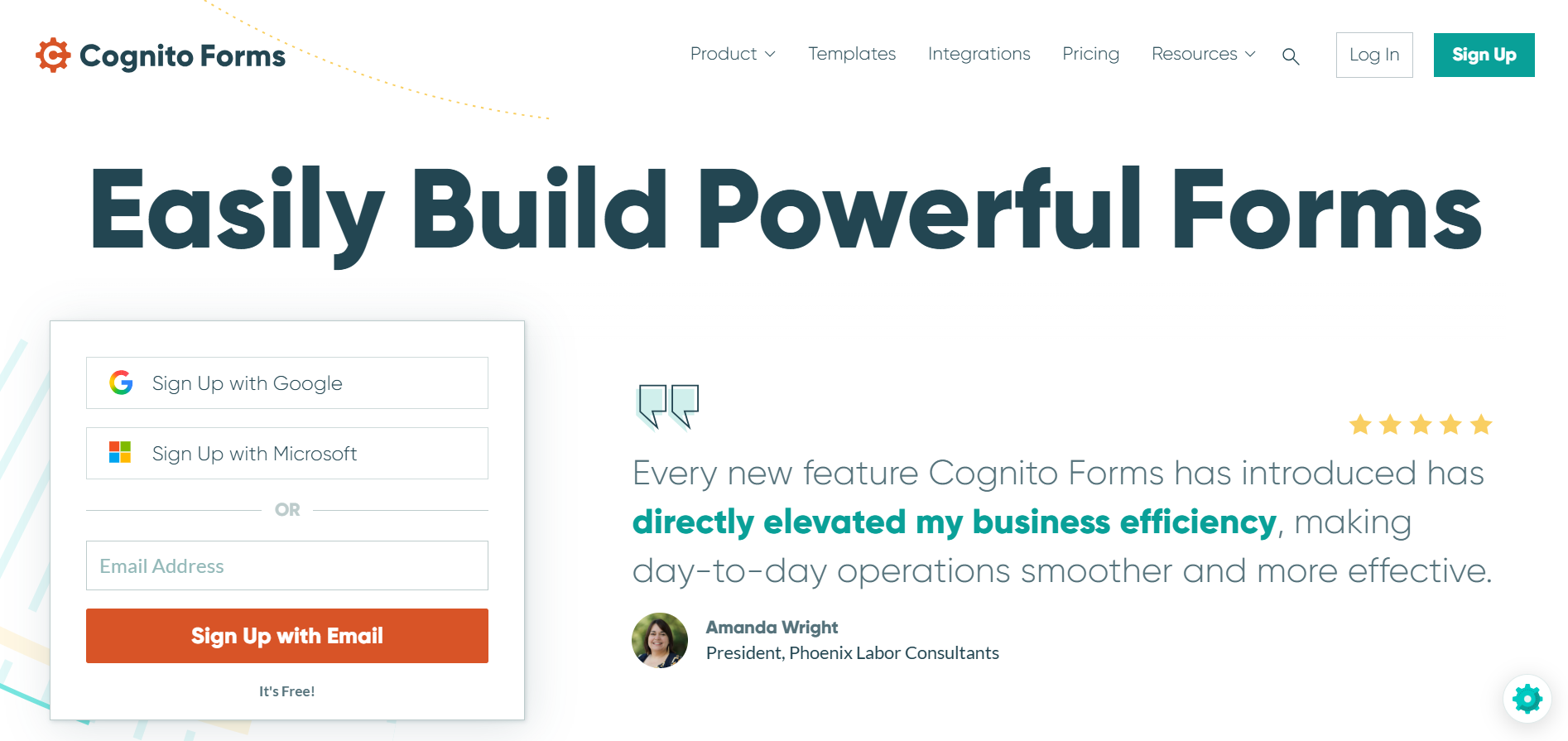
Best for: Complex forms and calculations
Cognito Forms is particularly useful for forms that involve calculations, pricing, quotations, orders, or other formula-driven workflows.
It supports conditional logic, repeating sections, payments, and calculations.
Advanced calculations
Flexible conditional logic
Repeating sections
Payment capabilities
Businesses prioritising a highly modern visual interface may prefer some newer form-building platforms.
Jotform and Ovoform can both support online form creation, but the right choice depends on what you need your forms to accomplish.
Requirement | Jotform | Ovoform |
|---|---|---|
Form creation | ✓ | ✓ |
Conditional logic | ✓ | ✓ |
Workflow automation | ✓ | ✓ |
Approval workflows | Compare current plans | ✓ |
Team collaboration | ✓ | ✓ |
Custom branding | ✓ | ✓ |
AI Form Builder | Compare current capabilities | ✓ |
Unlimited Responses | Compare current plans | ✓ |
30-Day Pro Trial | Compare current plans | ✓ |
Choose Jotform if its existing ecosystem, features, integrations, and pricing structure already match your requirements.
Consider Ovoform if your priority is combining form creation with business workflows, approvals, collaboration, AI-assisted creation, and unlimited responses.
Always check the latest product and plan details before deciding to buy.
Instead of asking:
“Which form builder has the most features?”
ask:
“Which platform solves the biggest problem in my workflow?”
Choose Fillout if...
Airtable powers your business
You want clean modern forms
You prefer database-first workflows
Choose Typeform if...
User experience is your priority
You create surveys
You focus on lead generation
Choose Google Forms if...
You only need basic internal forms
Budget is your biggest concern
Choose Formstack if...
Security and compliance are essential
You operate in regulated industries
The best Jotform alternative isn't necessarily the platform with the longest feature list.
It's the platform that fits the way your team works.
For some businesses, that may mean a simple and familiar tool like Google Forms. Others may prioritise Airtable connectivity, conversational experiences, advanced calculations, or enterprise workflows.
If your business needs forms that go beyond data collection—with automation, approvals, collaboration, branding, AI-assisted creation, and unlimited responses- Ovoform is worth considering.
Ready to build forms that fit your workflow?
Create professional forms, automate what happens after submission, and manage your workflows with Ovoform—without writing code.
Create surveys, FAQs, and feedback forms in minutes with Ovoform — no code required.
Get started freeStart building with Ovoform today — free forever, no credit card required.
Get Started For Free