
Free Tool
Thumbnail background maker
Make a 1280×720 background with a headline that survives being shrunk to a corner of someone’s screen. Free, in your browser, no signup.
A thumbnail background is the artwork behind the words on a video, article or course card. Build it at 1280×720, the size YouTube recommends, and judge it at the size it will actually be seen — often a few hundred pixels wide, sometimes less. Legibility at that scale is the whole job: contrast, very large type, and nothing important near the edges.
Three steps, then check it small
- 1
Put your promise in the title field. The editor loads with oversized type on a saturated background, which is the combination that holds up when the image is shrunk. Three to five words. If you need a sixth, the Size slider will let you shrink the type — but that is the trade you are making.
- 2
Push the colours apart. The Colour panel has saturated palettes near the bottom of the list; pick one whose canvas is far from your text colour, and set Text colour to Light or Dark explicitly rather than leaving it on Auto if you want to be certain which way it goes.
- 3
Shrink the page, then download. Zoom your browser to 25% and look at the preview. Whatever you can still read is what your audience gets. Fix what you cannot, then download the PNG — it comes out at exactly 1280×720.
Designing for the size people actually see
The gap between how a thumbnail is made and how it is consumed is unusually wide. You build it on a large screen, filling your field of view. Your audience meets it in a grid of competing images, scrolling, frequently on a phone, where it occupies a strip not much taller than a paragraph of this text. Almost every bad thumbnail is a good design viewed at the wrong scale.
That single fact drives every decision worth making here. Type has to be enormous — far larger than feels tasteful at full size — because the only font size that matters is the one after the image has been reduced. Colour has to separate hard: two tones a few steps apart on a colour wheel are distinct on your monitor and merge into one muddy block in a feed. Detail is actively harmful, since fine texture turns to noise under downscaling, which is why the backgrounds here are built from large flat shapes rather than photographic detail.
Two areas of the frame deserve special care. The bottom-right corner is where a video platform stamps the duration badge, so anything you place there is competing with an opaque label you do not control. The outer edge is trimmed inconsistently: a thumbnail appears in search results, in a sidebar, inside an embed, in a share card, and those surfaces do not all crop identically. Keeping your words within the middle of the frame costs you nothing and removes both problems at once.
It is also worth remembering that a thumbnail never appears alone on a white page the way it does in your editor. It is surrounded by other thumbnails, all competing, and it sits on an interface that might be light or dark depending on the viewer. A background with a strong, committed colour does two useful things in that context: it separates your card from its neighbours, and it looks deliberate against either theme. Mid-tone greys and washed-out gradients fail on both counts — they recede into the page and they look identical to everything around them.
Finally, treat the headline on the image and the title underneath it as two different jobs. The image makes a promise in as few words as possible; the title supplies the specifics, the keywords and the context. When the two say the same thing, you have spent your largest visual asset repeating text the viewer was already going to read, and you have made the thumbnail harder to read in the process by cramming a full sentence into it.
Thumbnail sizes
| Size | Pixels | What it asks for | Source |
|---|---|---|---|
| YouTube thumbnail | 1280×720 | 1280x720 (16:9) recommended, 640x360 minimum, under 2 MB. | YouTube Help — add video thumbnails Published guidance; not read from the platform’s own docs on this date. |
| 16:9 | 1920×1080 | Slides, video frames, wide cards. | Our own recommendation, not a platform requirement. |
| OG / social share | 1200×630 | Meta recommends at least 1200x630 and an aspect ratio as close to 1.91:1 as possible; the file must stay under 8 MB. | Meta for Developers — Images in Link Shares |
Specs verified October 2026.
One 1280×720 export covers a video thumbnail, a blog card and a course tile. The 1920×1080 option is there when the same artwork has to double as a slide or a video frame, and the 1200×630 OG size is a different shape — if you also need a link preview image, make it separately with the OG image generator.
One made with this tool
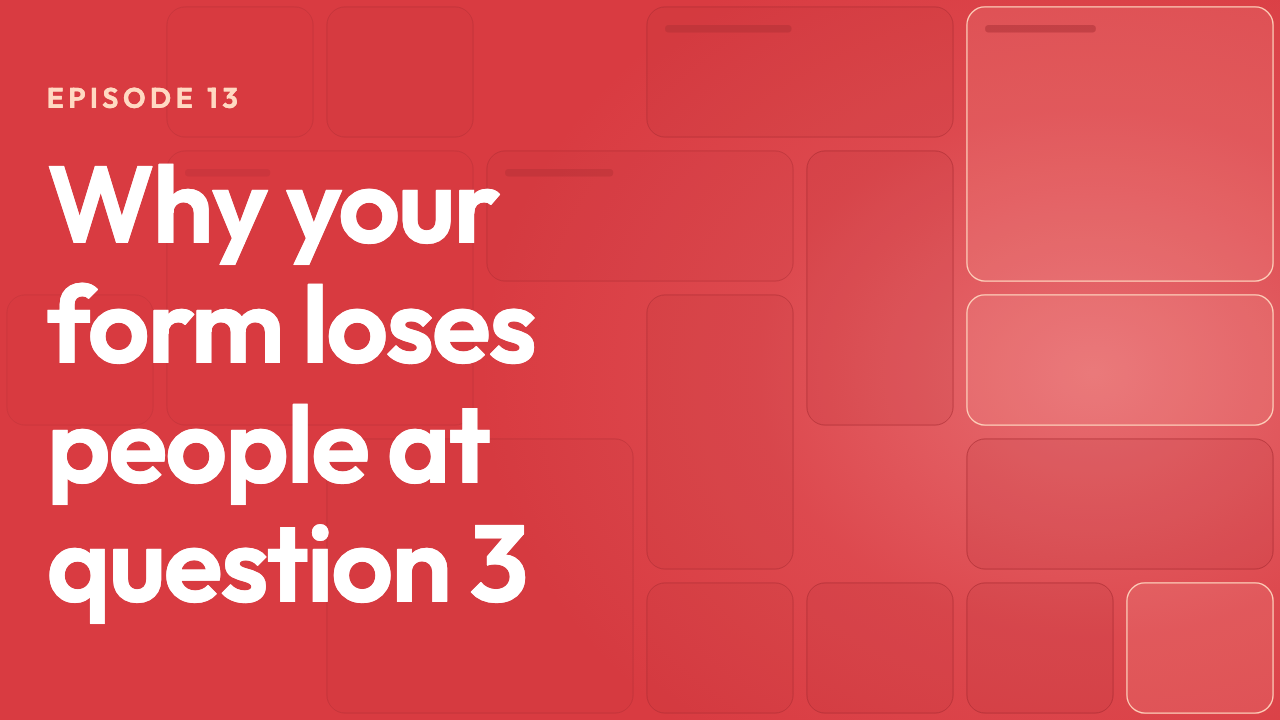
Four words, set as large as the frame allows, on a saturated red. Shown here at full width — scroll back with the page zoomed out and it still reads, which is the only test that counts.
Related free tools
Or browse all free tools.
FAQs
Frequently Asked Questions
Export at 1280×720 pixels. That is YouTube’s recommended thumbnail size, it is a clean 16:9, and it downscales evenly to every place a thumbnail gets shown. The editor above is already set to it, and the same file works for blog cards and course listings.
Because you are designing at 1280 pixels wide and the viewer is seeing it at a few hundred. Everything that reads comfortably at full size — three lines of copy, a thin typeface, a subtle colour difference — collapses at a fifth of the width. Zoom your browser out to 25% while you work, or shrink the window: if the words survive that, they will survive the feed.
Three to five words, set as large as the frame allows. The thumbnail’s job is to make one promise; the title underneath it carries the detail, and repeating that title inside the image spends your largest piece of screen real estate on something the viewer can already read.
The bottom-right corner, where the duration badge sits on a video thumbnail, and the outer edge all round, which different surfaces trim by different amounts. Keep words and logos in the middle band and nothing you care about gets covered or cut.
Pick the one your text contrasts with hardest, then check it against both interface themes. A thumbnail sits on a white page for some viewers and a near-black one for others, so a mid-grey background that looked safe can end up almost invisible against one of them. Strong, saturated colours survive both; the preset above starts on one.
Yes. Everything the generator makes is yours to use, including on monetised channels and client work, with no attribution required and nothing stamped onto the file. The PNG you download contains your artwork and nothing else.
Ready to Build Smart Forms with AI?
Ovoform is your gateway to effortless, intelligent, and high-performing funnel experiences to expand your global reach. Build smarter forms, automate form workflows, and gather powerful insights — all in minutes.
Get Started FreeNo credit card required. Unlimited responses.