
Free Tool
Wave background generator
Generate smooth wave backgrounds for a hero section, a divider between two blocks, or a 1920×1080 wallpaper. Free, no signup.
A wave background is a set of smooth curved bands, usually stacked from the bottom of the frame, used either to fill a hero section or to divide two blocks of colour. Because the shapes are curves rather than pixels, the useful export is SVG — a few kilobytes that stay smooth at any width — with PNG for places that cannot take vectors, like a wallpaper or a video call background.
Shaping your waves
- 1
Shuffle until the crest sits where you want it. Each press of S redraws the same bands with new phases, which moves the high and low points across the frame. This is the fastest way to get a peak out from behind where your heading will go.
- 2
Decide how loud it should be. Density sets the number of bands: low is two or three broad sweeps, high is a dense stack that reads almost as texture. For a divider, fewer and bolder. For a full hero behind text, more and quieter.
- 3
Take the vector. The ⋯ button next to Download offers “Download SVG” and “Copy SVG to clipboard”. Use the PNG button instead when you need a fixed raster — the 16:9 size gives you 1920×1080 for a wallpaper or a meeting background.
Two jobs waves do well, and one they do badly
Waves earned their place in web design by solving a specific problem: the hard horizontal line where one coloured section meets the next. A straight edge is honest but abrupt, and a page built from stacked bands of colour can end up looking like a stack of boxes. A curve across that boundary softens the transition and, more usefully, suggests the page continues rather than stopping. That is the divider job, and it is the one waves are best at.
The second job is filling a hero. Here the waves occupy the lower part of the frame while the heading sits in the clear space above — which is how the background in the editor is composed, with the upper third deliberately left open. This works because the eye reads the curve as ground and the empty area as sky, giving the text somewhere to sit without needing a box or an overlay behind it.
The job waves do badly is carrying content in the middle of the bands. Once text crosses the crest line, it has two different backgrounds behind it — a pale band above, a saturated one below — and the contrast ratio changes halfway through a sentence. If your layout forces that, the fix is the scrim control, which washes one side of the image toward the canvas colour and gives the text a consistent field; the alternative is a gradient overlay in CSS, which does the same thing but keeps the exported file reusable elsewhere.
Subtlety is mostly a function of two settings. Density controls the number of bands, and a small number of broad waves reads as deliberate while a large number reads as texture — both are useful, but they are different design decisions and worth making on purpose. The palette then decides how much the bands separate from one another: a single-hue palette keeps every band in one colour family and produces something you can put behind body text, while a two-colour palette gives you a graphic that wants to be the focus.
A practical note on exporting. If the wave is going behind a full-width section, take the SVG and let it scale; a raster has to be exported for the widest screen you intend to support, and that file is then downloaded by every phone as well. If the wave is going into something that does not understand vectors — a video call background, a desktop wallpaper, a slide deck that flattens images — take the PNG at 16:9, which exports 1920×1080 and covers all three cases without further thought.
Sizes worth exporting
| Size | Pixels | What it asks for | Source |
|---|---|---|---|
| 16:9 | 1920×1080 | Slides, video frames, wide cards. | Our own recommendation, not a platform requirement. |
| 3:1 | 1500×500 | Banners and section dividers. | Our own recommendation, not a platform requirement. |
| Blog hero @1x | 1600×900 | 1600x900 (16:9) — pair with @2x for retina displays. | Our own recommendation, not a platform requirement. |
| Blog hero @2x | 3200×1800 | 3200x1800 (16:9), served to 2x-density screens via srcset. | Our own recommendation, not a platform requirement. |
Specs verified October 2026.
16:9 is the one to reach for twice over: it exports 1920×1080, which is both the standard desktop wallpaper and the standard virtual background size. The 3:1 option suits a divider strip, where you want width without height.
One made with this tool
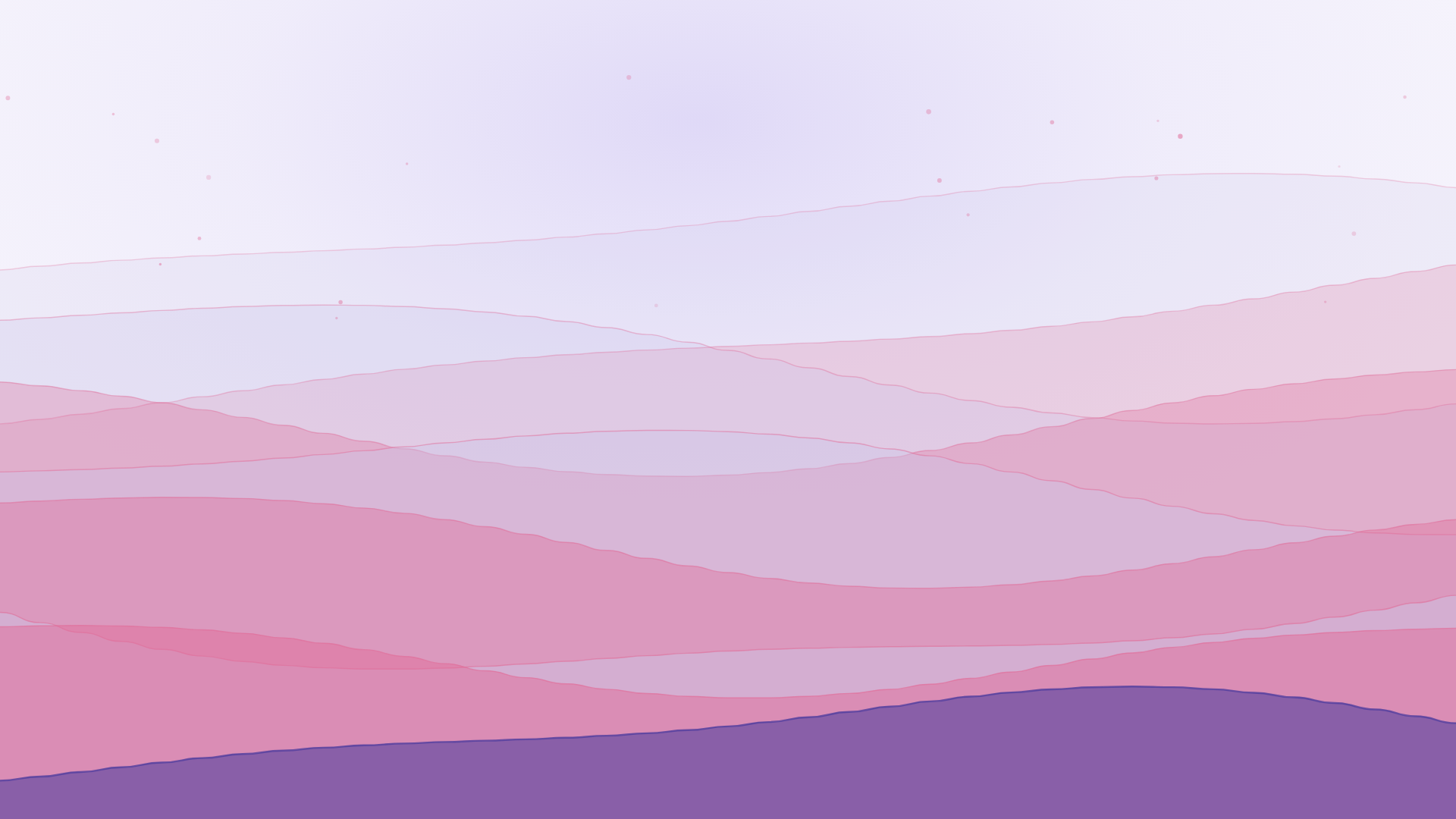
A 16:9 wave background in the Dusk palette, exported with no text at all — the heading for a hero like this belongs in the markup, where it can reflow and be read aloud.
Related free tools
Or browse all free tools.
FAQs
Frequently Asked Questions
Export the wave, then place it at the boundary as the background of a short block — 120 to 200 pixels tall is usually enough — with the section above and below supplying the two colours. Set the wave’s canvas colour to match the section below it and its band colours to match the one above, and the join reads as one continuous shape rather than a stripe you have pasted in.
SVG, almost always. Waves are smooth curves, which is precisely what vector describes well and what PNG makes heavy — a full-width wave as PNG has to be exported wide enough for the largest screen you support, while the SVG is a few kilobytes at any width. Take the PNG when your destination cannot accept vectors, such as a Zoom background or a desktop wallpaper.
Yes — pick the 16:9 size, which exports 1920×1080, and download the PNG. That is the standard shape for both a virtual meeting background and a desktop wallpaper, and the waves hold up at that scale because they are generated rather than scaled from a smaller image.
Three controls, in order of effect. Density in the Advanced panel changes how many bands there are, and fewer bands means more calm. The palette matters more than people expect — a single-hue palette keeps every band in one colour family. And switching off the Detail layer removes the fleck of dots above the crest, which is usually what makes a background feel busy at small sizes.
The upper third of this background is deliberately left clear, because that is where a heading usually sits. If your layout puts text lower, over the bands themselves, use the Scrim control in the Text panel to wash that side toward the canvas colour, or lay a CSS gradient over the image in your own markup.
Yes, including client work, with no attribution required and nothing stamped onto the export. Nothing uploads either — the waves are generated in your browser and the download comes straight from it.
Ready to Build Smart Forms with AI?
Ovoform is your gateway to effortless, intelligent, and high-performing funnel experiences to expand your global reach. Build smarter forms, automate form workflows, and gather powerful insights — all in minutes.
Get Started FreeNo credit card required. Unlimited responses.