Form Builders

Choosing the right survey platform can improve customer feedback, automate workflows, and simplify data collection. This guide compares the best SurveyMonkey alternatives in 2026, highlighting their strengths, trade-offs, pricing, and ideal use cases. You'll also learn the key features to evaluate before switching so you can choose a platform that matches your business goals and budget.
Nikhil Dogra
September 4, 2026

Survey software has evolved beyond basic data collection. Modern businesses need tools that integrate with CRMs, automate workflows, support conditional logic, and provide actionable insights. While SurveyMonkey remains a popular choice, many users now seek alternatives with better automation, flexibility, pricing, or integrations.
Whether you're collecting customer feedback, running employee surveys, or generating leads, selecting the right platform can improve productivity and data quality. Comparing features, integrations, and pricing helps ensure your survey software supports both your current needs and future growth.
This guide compares the best SurveyMonkey alternatives, highlights their key features, and helps you choose the right platform for your business.
As businesses grow, their survey needs become more advanced. The right platform should not only collect responses but also automate processes, integrate with existing tools, and improve the overall user experience.
Choosing the right solution helps teams save time, reduce manual work, collect higher-quality data, and make faster business decisions. Mobile-friendly forms, conditional logic, and seamless integrations also improve completion rates and customer satisfaction.
SurveyMonkey alternatives are online survey and form-building platforms that offer features such as automation, integrations, analytics, customization, and AI-powered tools. They help businesses collect feedback, generate leads, conduct research, and streamline workflows.
Common use cases include:
Employee surveys
Product research
Customer satisfaction (CSAT)
Internal business forms
Example: A SaaS company can automatically send survey responses to its CRM, notify the support team, and trigger follow-up emails, eliminating manual work and speeding up customer response times.
Before switching from SurveyMonkey, look for features that improve data collection, automate workflows, and integrate with your existing tools.
Choose a platform with a drag-and-drop builder, ready-made templates, and an intuitive interface. This helps teams create and publish surveys quickly without technical expertise.
Automation eliminates repetitive tasks by routing responses to your CRM, email platform, or project management tool, saving time and improving response speed.
Zapier connects your survey platform with thousands of applications, allowing responses to trigger actions like updating spreadsheets, sending emails, or notifying your team automatically.
Conditional logic displays questions based on previous answers, creating shorter, more personalized surveys and improving completion rates.
Built-in dashboards and reports help you track responses, identify trends, and make data-driven decisions without exporting information manually.
Integrations with CRMs and business tools keep customer data synchronized, reduce manual entry, and streamline sales and marketing workflows.
Professional templates and branding options help businesses create consistent, on-brand surveys while reducing setup time.
A mobile-friendly survey ensures respondents can complete forms easily on any device, improving accessibility and completion rates.
Choose software that offers encryption, user permissions, and compliance features to protect sensitive customer and business data.
AI-powered tools can generate survey questions, summarize responses, and identify trends, helping teams create surveys faster and analyze feedback more efficiently.
SurveyMonkey remains a popular survey platform, but many businesses need better automation, integrations, or pricing. The tools below compare their strengths, ideal use cases, and key features to help you choose the right solution.
Tool | Best For | Key Features | AI | Automation | Zapier | No-Code | Starting Price |
Ovoform | Businesses needing branded forms | Conditional logic, workflows, branding | Yes | Yes | Yes | Yes | Free (Unlimited responses + 30-day Pro trial) |
Typeform | Interactive surveys | Conversational forms, templates | Yes | Yes | Yes | Yes | Free/Paid |
Jotform | Versatile forms | Templates, payment forms, approvals | Yes | Yes | Yes | Yes | Free/Paid |
Google Forms | Basic surveys | Collaboration, simplicity | Limited | Basic | Third-party | Yes | Free |
Microsoft Forms | Microsoft 365 users | Office integration, quizzes | Limited | Basic | Power Automate | Yes | Microsoft 365 |
Zoho Survey | Zoho ecosystem | CRM integration, reports | Limited | Yes | Yes | Yes | Paid |
Qualtrics | Enterprise research | Advanced analytics, experience management | Yes | Yes | Yes | No | Custom |
Formstack | Workflow automation | Approvals, document generation | Limited | Yes | Yes | Yes | Paid |
Overview
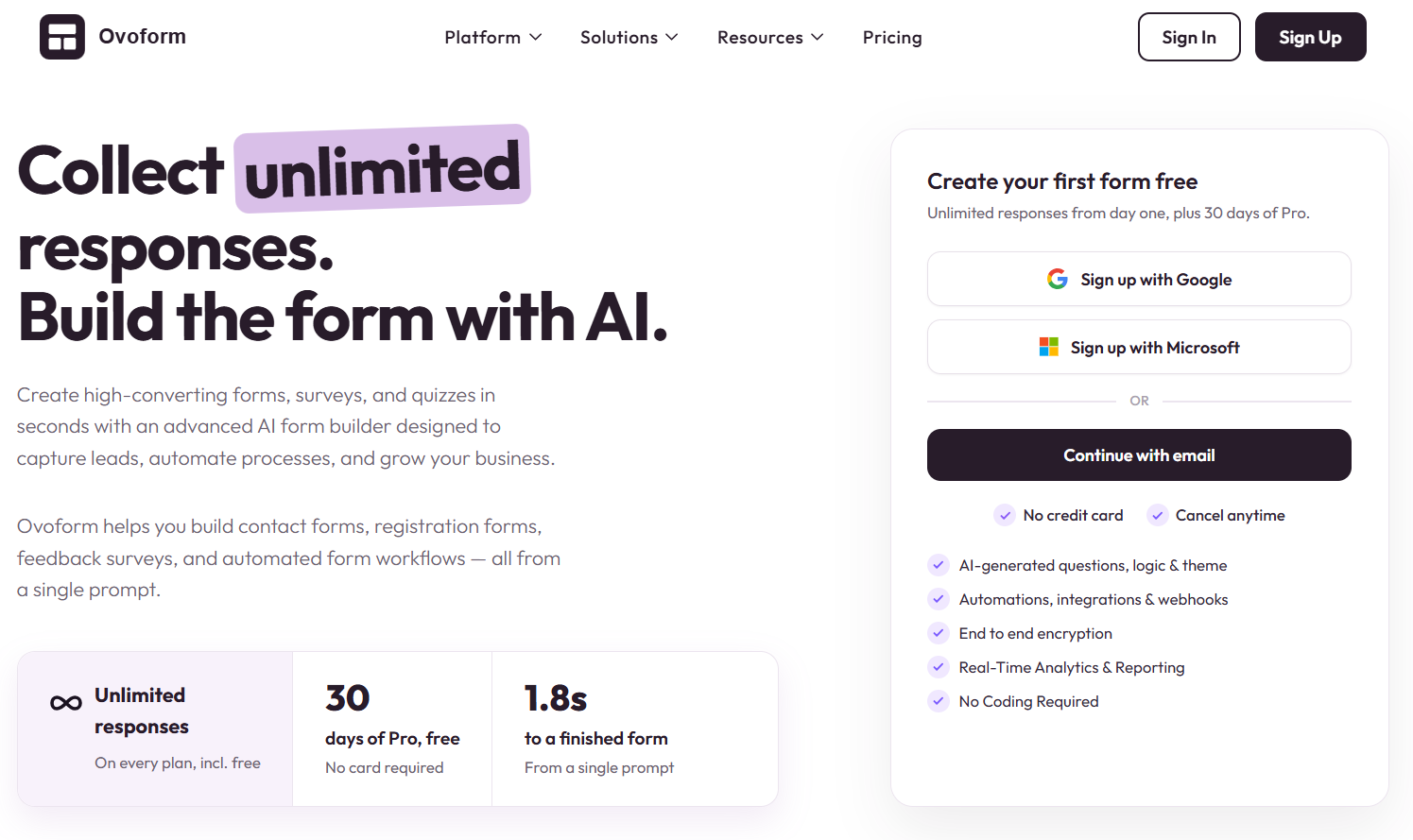
Ovoform is designed for businesses that want more than simple surveys. It combines branded forms, workflow automation, conditional logic, and integrations to streamline data collection while reducing manual work.
Best For
Growing startups
SMBs
Marketing teams
Customer success teams
Why Choose This Tool
Choose Ovoform if your priority is combining survey creation with workflow automation, branded experiences, and scalable business processes rather than collecting responses alone.
Overview
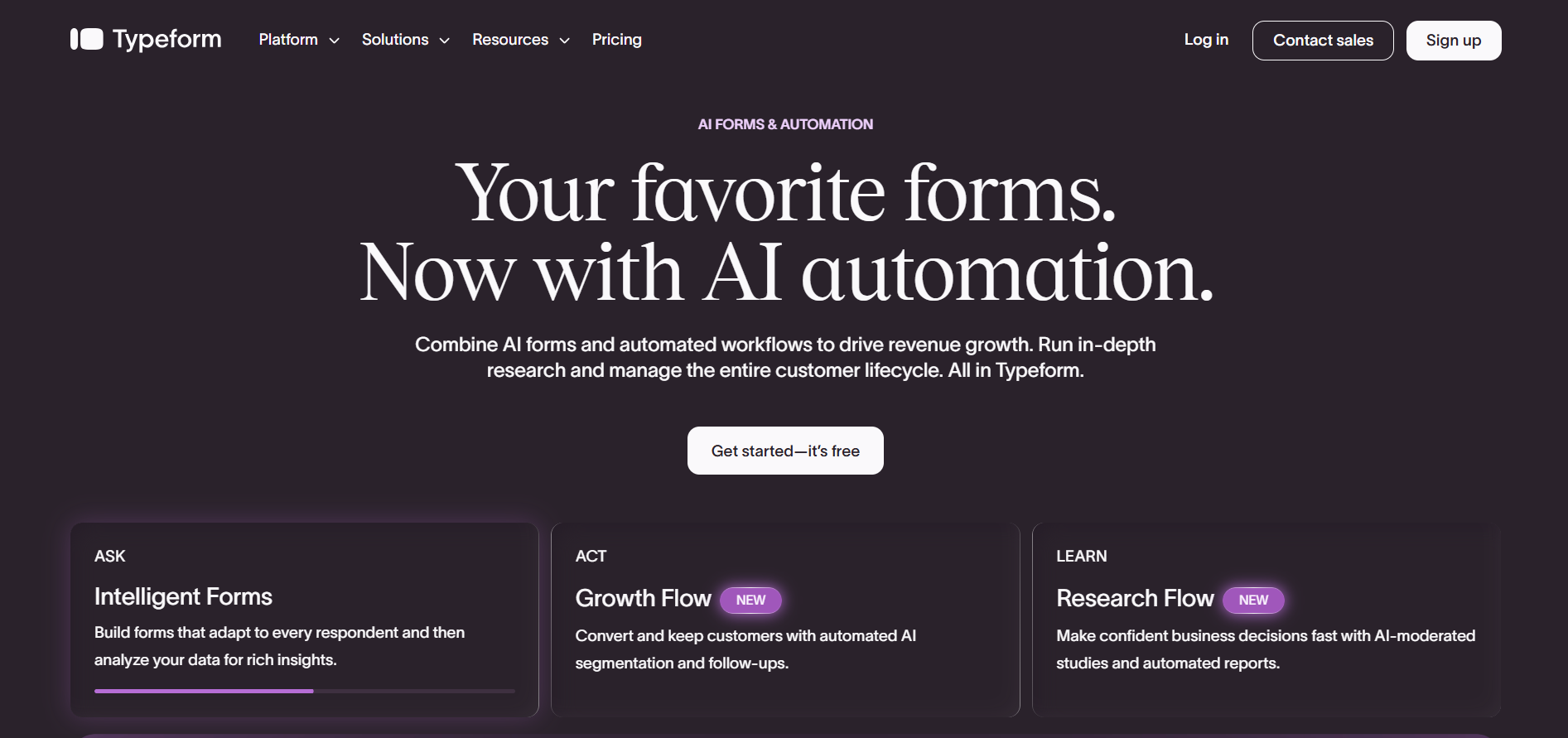
Typeform focuses on conversational surveys that feel engaging and interactive. Its one-question-at-a-time interface helps improve completion rates for customer feedback, lead generation, and event registrations.
Best For
Marketing teams
Agencies
Customer experience teams
Why Choose This Tool
Choose Typeform if creating visually engaging surveys is more important than building highly automated business workflows.
Overview
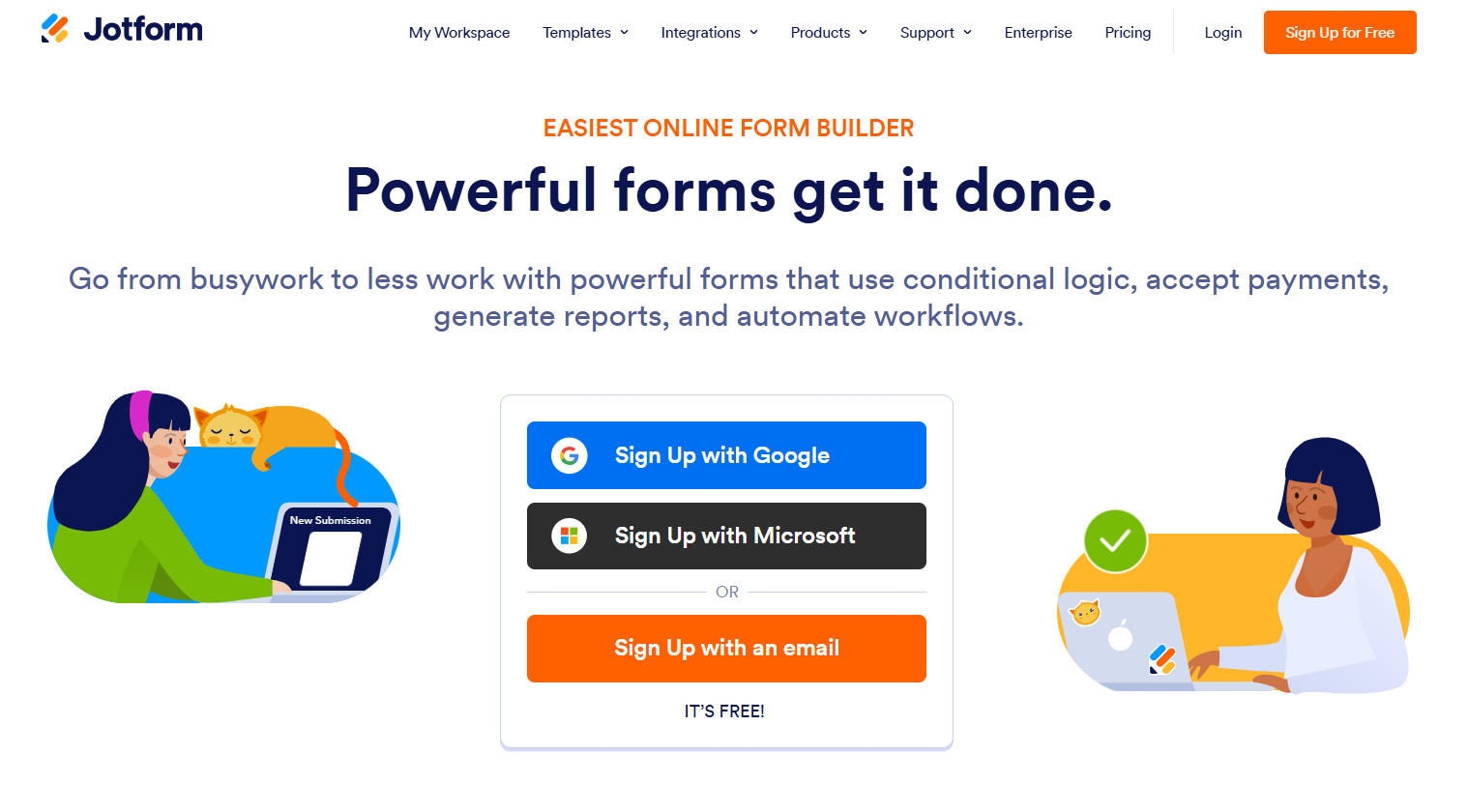
Jotform offers one of the largest template libraries and supports everything from contact forms to payment forms and approval workflows.
Best For
Small businesses
HR teams
Operations teams
Why Choose This Tool
Jotform works well for organizations that need one platform for surveys, registrations, approvals, and online forms.
Overview
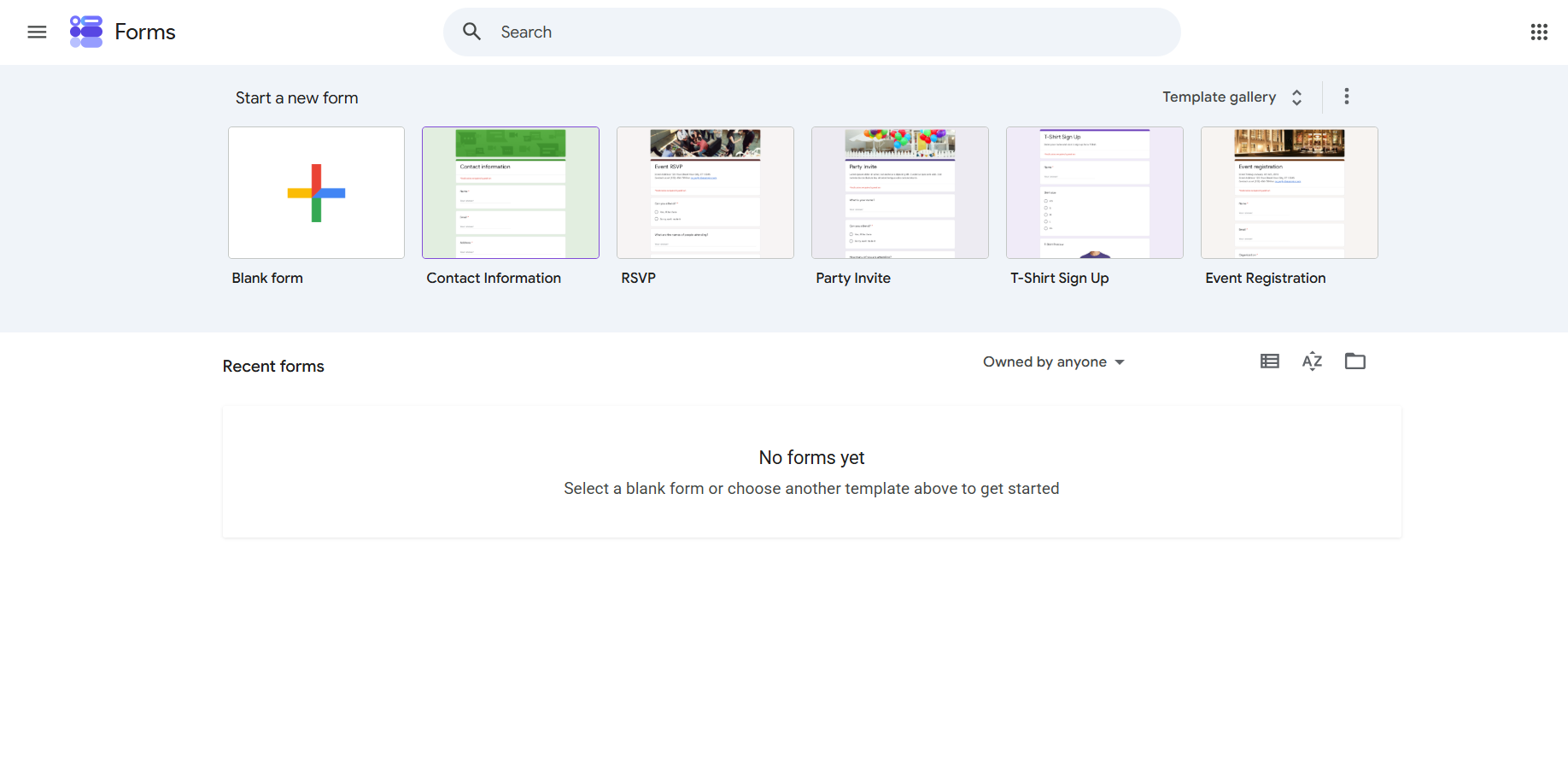
Google Forms provides a straightforward way to create surveys and collect responses without additional costs. It integrates naturally with Google Workspace, making it a practical choice for education, internal feedback, and simple data collection.
Best For
Educators
Small teams
Budget-conscious businesses
Why Choose This Tool
Choose Google Forms if affordability and simplicity matter more than advanced automation or customer-facing branding.
Overview
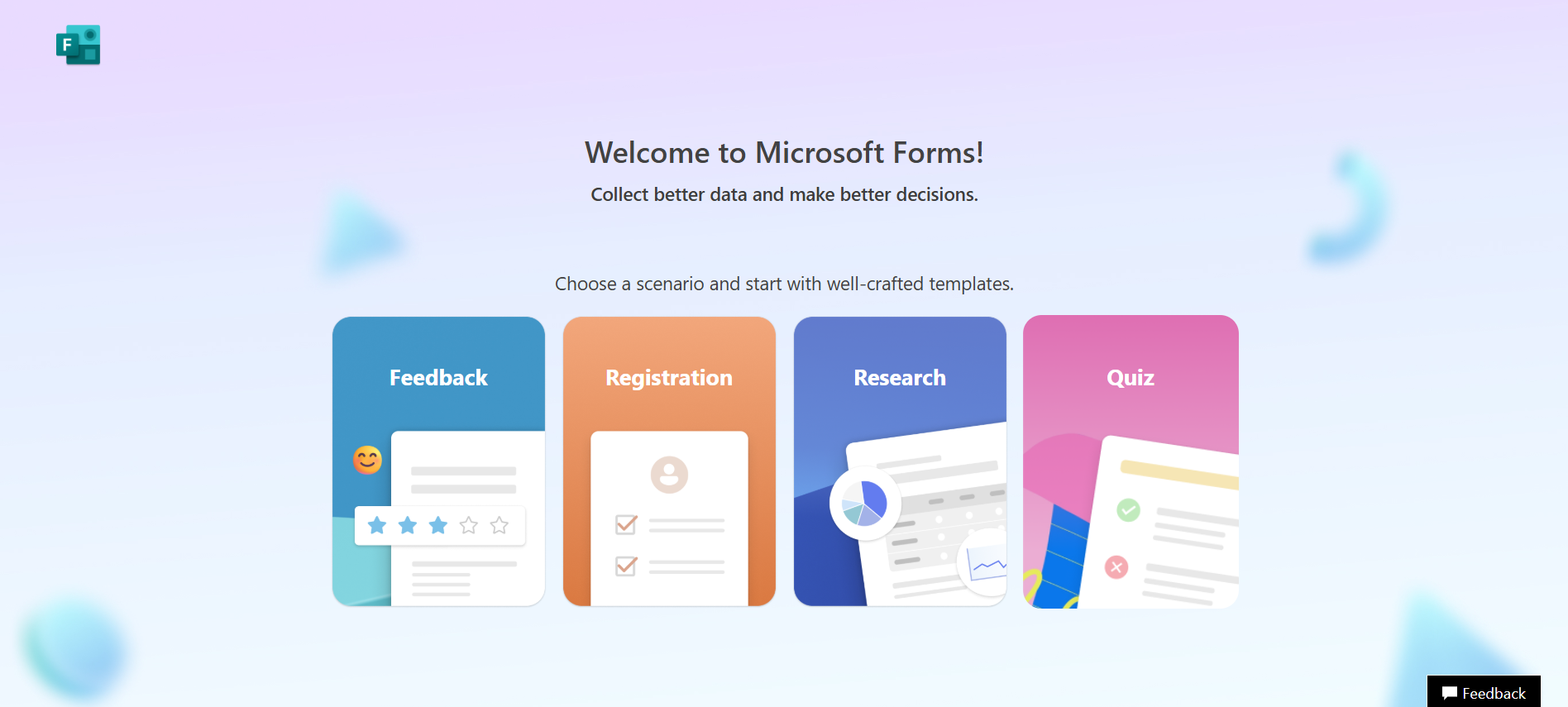
Microsoft Forms is a practical option for organizations already using Microsoft 365. It supports surveys, quizzes, and internal feedback while integrating with Excel, Teams, SharePoint, and Power Automate for basic workflow automation.
Best For
Microsoft 365 users
Internal HR surveys
Educational institutions
Corporate teams
Why Choose This Tool
Choose Microsoft Forms if your business already relies on Microsoft 365 and needs simple surveys without purchasing another platform.
Overview
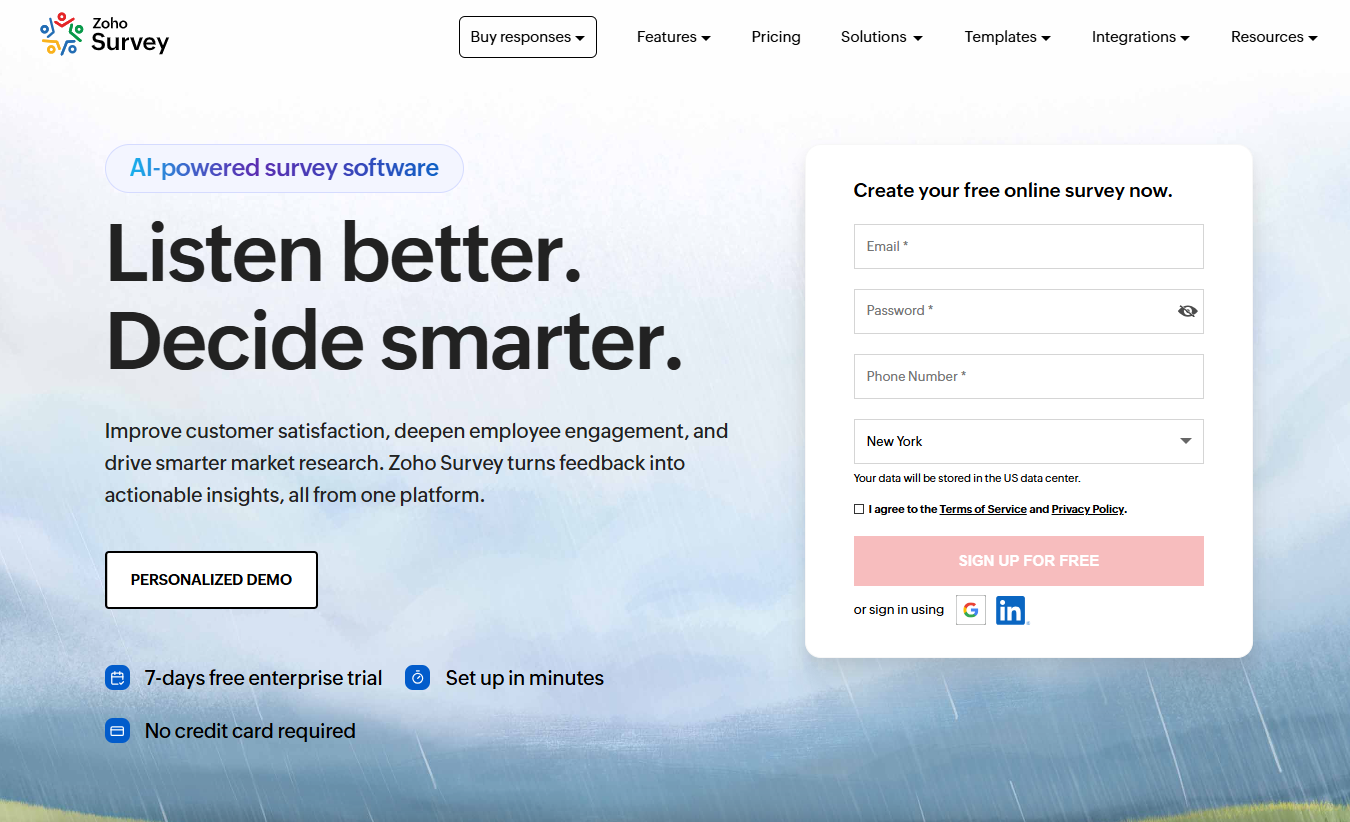
Zoho Survey is designed for businesses already using the Zoho ecosystem. It connects smoothly with Zoho CRM and other Zoho applications, helping teams collect customer feedback without moving data manually.
Best For
Zoho CRM users
Sales teams
Customer support teams
SMBs
Why Choose This Tool
Zoho Survey is a good choice if you want survey data to move directly into your CRM and existing Zoho workflows.
Overview
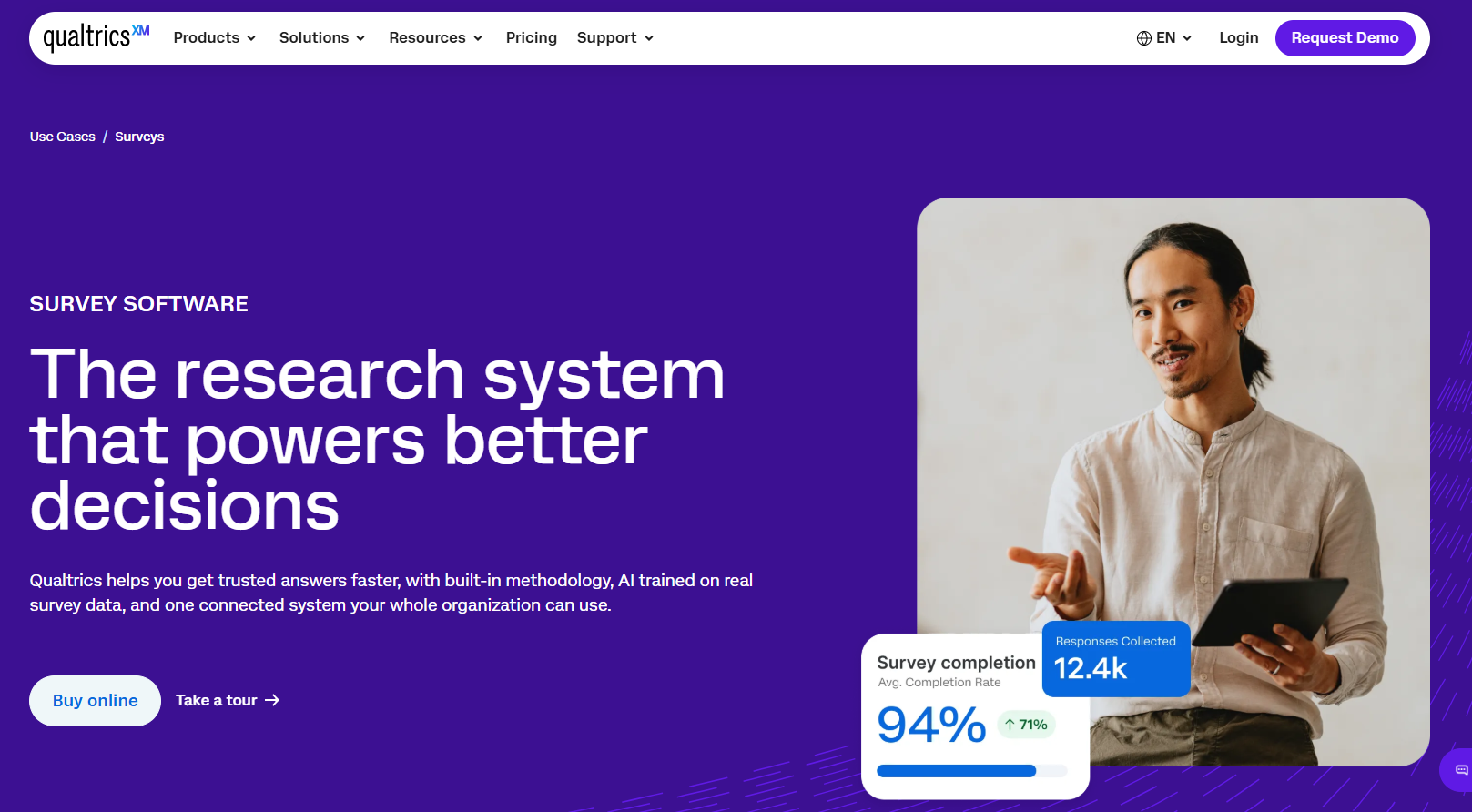
Qualtrics is an enterprise-grade experience management platform built for advanced research, customer experience programs, and large-scale analytics.
Best For
Enterprise businesses
Research organizations
Universities
Large customer experience teams
Why Choose This Tool
Choose Qualtrics when advanced research capabilities, governance, and enterprise scalability are more important than affordability.
Overview
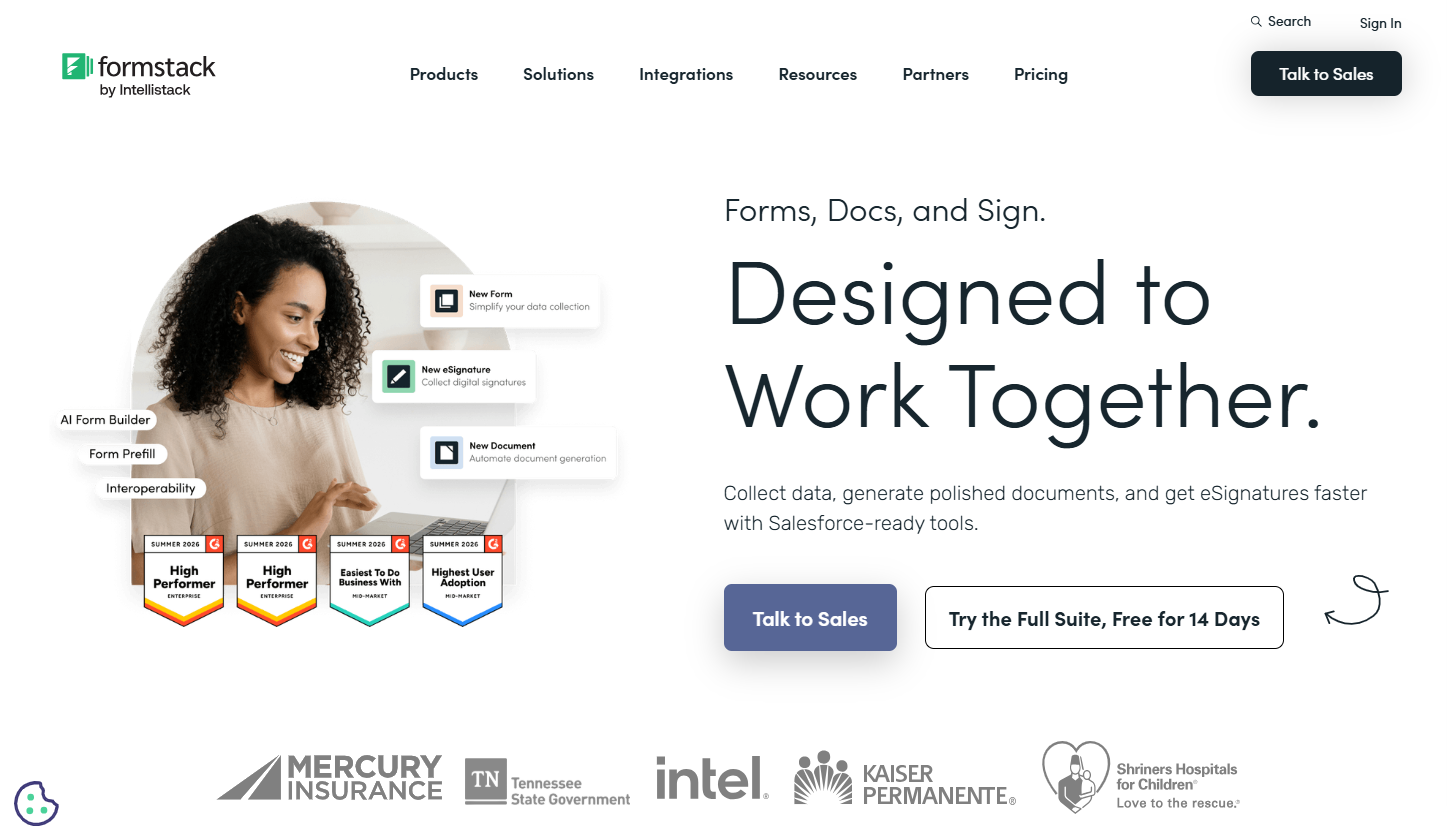
Formstack focuses on workflow automation rather than survey creation alone. It combines forms, approvals, document generation, and integrations to streamline business operations.
Best For
Operations teams
HR departments
Healthcare organizations
Finance teams
Why Choose This Tool
Choose Formstack if your goal is automating internal business processes alongside data collection.
Many businesses include every question they can think of in a single survey. Longer forms often discourage respondents, resulting in lower completion rates and less reliable data.
Manual follow-ups waste time. Connect surveys with your CRM or email platform to automate repetitive tasks.
Complicated layouts discourage respondents. Use clear labels, logical question flow, and mobile-friendly designs.
Choose a survey platform that works with your existing software to avoid manual data transfers.
Monitor completion rates and response quality regularly to identify areas for improvement.
Following a few proven practices can significantly improve survey completion rates, data quality, and the overall experience for both your team and respondents.
Every survey should have a clear objective. Asking only relevant questions reduces fatigue and improves the quality of responses.
Example: A customer satisfaction survey should focus on the recent support interaction instead of asking unrelated demographic questions.
Trade-off: Shorter surveys collect less information, so prioritize questions that directly support your goals.
Expert Tip: Aim for one primary objective per survey instead of combining multiple goals into a single form.
Automation helps teams spend less time managing data and more time acting on insights.
Example: Automatically send survey responses to your CRM, notify the sales team, and generate follow-up tasks.
Trade-off: Over-automation can create unnecessary notifications or workflows if not planned carefully.
Expert Tip: Automate repetitive administrative tasks while keeping important customer communications under human review.
Instead of asking every question at once, collect information gradually over multiple interactions.
Example: A lead generation form requests only a name and email initially, while later surveys gather company size and business goals.
Trade-off: Building a complete customer profile takes more time.
Expert Tip: Ask for information only when it provides immediate value to the customer experience.
Before publishing a survey, verify that every question, automation, and integration works as expected.
Example: Submit test responses to ensure CRM records, email notifications, and reports update correctly.
Trade-off: Testing requires additional preparation time but prevents costly errors after launch.
Expert Tip: Review every conditional logic path to ensure respondents always reach the correct questions.
Publishing a survey is only the first step. Regularly reviewing performance helps identify opportunities for improvement.
Example: If mobile users abandon a survey more frequently than desktop users, simplify the mobile layout.
Trade-off: Analytics require ongoing review and optimization.
Expert Tip: Track completion rates, response quality, and abandonment trends instead of focusing only on the number of responses.
Before switching to a new survey platform, use this checklist to ensure a smooth transition:
✅ Define your survey objectives.
✅ List the integrations your business depends on.
✅ Review automation requirements.
✅ Test conditional logic and workflows.
✅ Verify mobile responsiveness.
✅ Evaluate reporting and analytics features.
✅ Confirm security and compliance requirements.
✅ Compare pricing with your expected usage.
✅ Import existing survey data if needed.
✅ Run a pilot survey before full deployment.
Survey software has evolved far beyond simple questionnaires. Today's businesses need platforms that not only collect responses but also automate workflows, connect with existing business systems, and provide actionable insights.
While SurveyMonkey remains a well-known option, alternatives such as Ovoform, Typeform, Jotform, Google Forms, Microsoft Forms, Zoho Survey, Qualtrics, and Formstack each offer unique strengths. The right choice depends on your budget, team size, integration needs, and long-term business goals.
Before making a decision, evaluate how each platform supports your existing workflow rather than focusing on features alone. A solution that fits naturally into your processes will save time, improve customer experiences, and help your team make better data-driven decisions.
If your business is looking for a platform that combines modern form building, workflow automation, conditional logic, and business integrations, Ovoform is worth considering as part of your evaluation.
Create surveys, FAQs, and feedback forms in minutes with Ovoform — no code required.
Get started freeStart building with Ovoform today — free forever, no credit card required.
Get Started For Free