Surveys

Choosing the right product or plan isn't always easy, especially when customers are presented with too many options. "This or That" questions make the decision simpler by guiding people through quick, preference-based choices in an order form. In this guide, you'll learn how to use these questions to personalize recommendations, improve the buying experience, reduce decision fatigue, and build order forms that help customers choose with confidence.
Nikhil Dogra
September 1, 2026
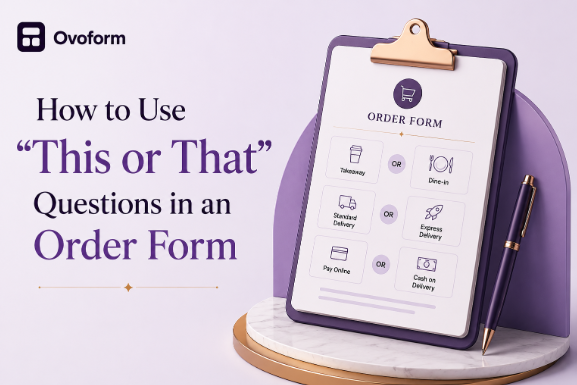
Customers often open an order form only to face multiple products, plans, or options. Instead of making a quick decision, they hesitate or leave without completing their purchase.
"This or That" questions make the process easier by asking customers to choose between two simple options. These preference-based questions help businesses personalize recommendations, reduce decision fatigue, and guide buyers toward the right product.
In this guide, you'll learn how to use these questions effectively, what features to look for, and practical ways to create personalized order forms that improve both the customer experience and conversions.
An order form shouldn't just collect information,it should help customers make confident decisions.
When buyers face too many choices, they're more likely to delay or abandon their purchase. "This or That" questions simplify the process by narrowing options based on customer preferences, making recommendations more relevant.
For businesses, this means better product discovery, cleaner customer data, and fewer incorrect purchases. Customers benefit from a faster, more personalized experience, while sales and support teams receive more useful information for follow-up.
"This or That" questions ask customers to choose between two options before showing the next step in an order form. Using conditional questions, the form adapts based on each response to recommend the most suitable product or plan.
For example, a SaaS company might ask:
Which best describes your team?
Small team (under 20 people)
Growing organization (20+ people)
Based on the answer, the form can recommend the most appropriate pricing plan or features. This approach works well for SaaS companies, subscription businesses, agencies, and any business offering multiple products or packages.
Your team should be able to build and update an order form without relying on developers. A no-code builder with a visual editor makes it easy to launch campaigns and adjust question flows.
Business impact: Faster updates and shorter launch times.
Customer impact: More consistent ordering experiences.
SaaS example: A subscription business updates pricing by editing a few questions instead of rebuilding the form.
Implementation advice: Start with a simple flow and expand over time.
Trade-off: Easier builders may offer fewer advanced customization options.
An order form should automatically trigger the next step, such as sending confirmations, updating your CRM, or started onboarding.
Business impact: Reduces manual work and speeds up operations.
Customer impact: Faster confirmations and a smoother buying experience.
SaaS example: Enterprise leads are assigned to sales, while self-service customers receive onboarding emails automatically.
Implementation advice: Automate repetitive tasks first.
Trade-off: More automation requires careful testing.
Zapier connects your order form with tools like CRMs, email platforms, Slack, and project management software.
Business impact: Eliminates manual data entry.
Customer impact: Faster processing and fewer delays.
SaaS example: A completed form creates a CRM contact, sends a Slack notification, and starts onboarding.
Implementation advice: Map integrations before launching.
Trade-off: Complex workflows can be harder to maintain.
Conditional logic shows only the questions that are relevant based on previous answers, making forms shorter and more personalized.
Business impact: Higher completion rates and cleaner data.
Customer impact: A faster, less overwhelming experience.
SaaS example: Different plans display different follow-up questions.
Implementation advice: Begin with one decision point and test every path.
Trade-off: Poorly planned logic can confuse users.
Analytics reveal how customers interact with your order form, including completion rates and drop-off points.
Business impact: Helps improve conversions over time.
Customer impact: Ongoing optimization creates a better experience.
SaaS example: Analytics identify a question causing users to abandon the form.
Implementation advice: Monitor views, completions, and abandoned sessions.
Trade-off: Data is valuable only if it's reviewed regularly.
Integrations keep customer information synchronized across your CRM, marketing, billing, and support tools.
Business impact: Fewer manual errors and improved efficiency.
Customer impact: Faster follow-up and consistent communication.
SaaS example: New orders automatically create CRM records and onboarding tasks.
Implementation advice: Connect the tools your team uses daily.
Trade-off: More integrations require ongoing maintenance.
Templates speed up setup, while customization lets you match your brand and sales process.
Business impact: Faster deployment and consistent workflows.
Customer impact: A familiar, branded experience builds trust.
SaaS example: A SaaS company duplicates an existing form to launch a new pricing plan.
Implementation advice: Standardize templates before customizing them.
Trade-off: Extensive customization takes more time to maintain.
Many customers complete order forms on mobile devices, so forms should be responsive and easy to navigate.
Business impact: Higher mobile conversion rates.
Customer impact: Faster completion on any device.
SaaS example: A customer upgrades their subscription from a smartphone.
Implementation advice: Test forms across different screen sizes.
Trade-off: Complex configurations may still work better on desktop.
Order forms often collect sensitive information, making security a key consideration.
Business impact: Reduces compliance risks and strengthens trust.
Customer impact: Greater confidence when sharing personal information.
SaaS example: Only authorized HR staff can access customer submissions.
Implementation advice: Use encryption and role-based permissions.
Trade-off: Stronger security controls require additional administration.
AI can personalize recommendations, qualify leads, and suggest the next best action based on customer responses.
Business impact: Smarter recommendations and faster qualification.
Customer impact: More relevant suggestions with less effort.
SaaS example: AI recommends the most suitable subscription plan based on customer preferences.
Implementation advice: Introduce AI gradually and review its recommendations.
Trade-off: AI should support—not replace—well-designed forms.
The best order form tool depends on your business needs, workflow complexity, and existing software stack. While some platforms focus on simplicity, others offer advanced automation, integrations, and personalization. Compare the options below to find the solution that best fits your team, budget, and growth plans.
Tool | Best For | Key Features | AI | Automation | Zapier | No-Code | Starting Price |
Ovoform | Smart order forms | Conditional logic, workflows, templates | Yes | ✅ | ✅ | ✅ | Free (Unlimited responses + 30-day free Pro trial) |
Typeform | Interactive forms | Conversational forms | Limited | ✅ | ✅ | ✅ | Free/Paid |
Jotform | Business forms | Payment, approvals, templates | Yes | ✅ | ✅ | ✅ | Free/Paid |
Fillout | Modern workflows | Conditional logic, Airtable | Limited | ✅ | ✅ | ✅ | Free/Paid |
Tally | Startups | Simple forms | No | Basic | ✅ | ✅ | Free/Paid |
Google Forms | Basic collection | Collaboration | No | Basic | Limited | ✅ | Free |
Paperform | Commerce forms | Payments, branding | Limited | ✅ | ✅ | ✅ | Paid |
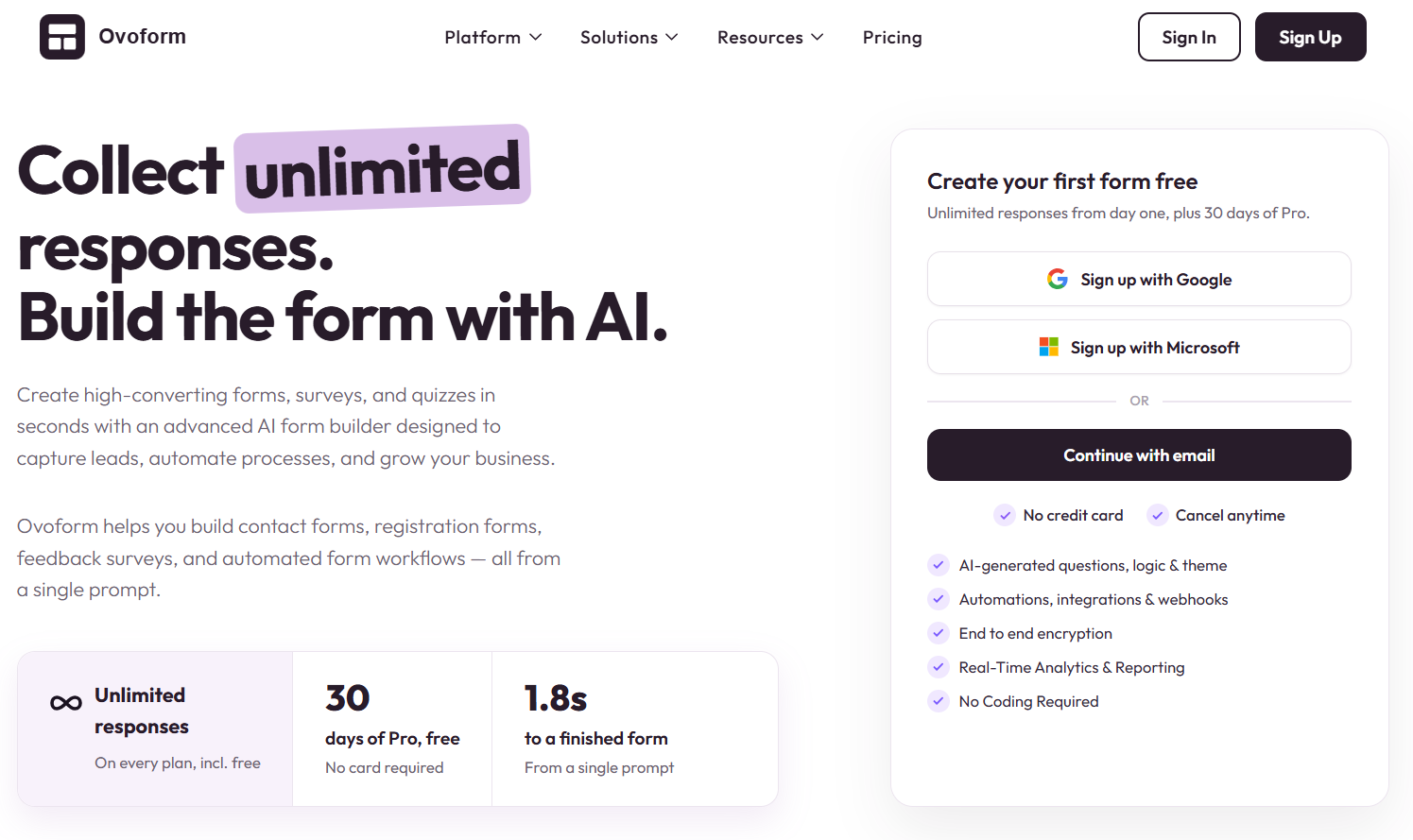
Ovoform helps businesses create personalized order forms with conditional logic, automation, and no-code customization.
Best For: SaaS, subscriptions, service businesses
Key Strengths
No-code builder
Conditional logic
Workflow automation
Business integrations
Consider Before Choosing: May be more advanced than needed for simple forms.
Why Choose It: Best for businesses that want to automate order-to-onboarding workflows.
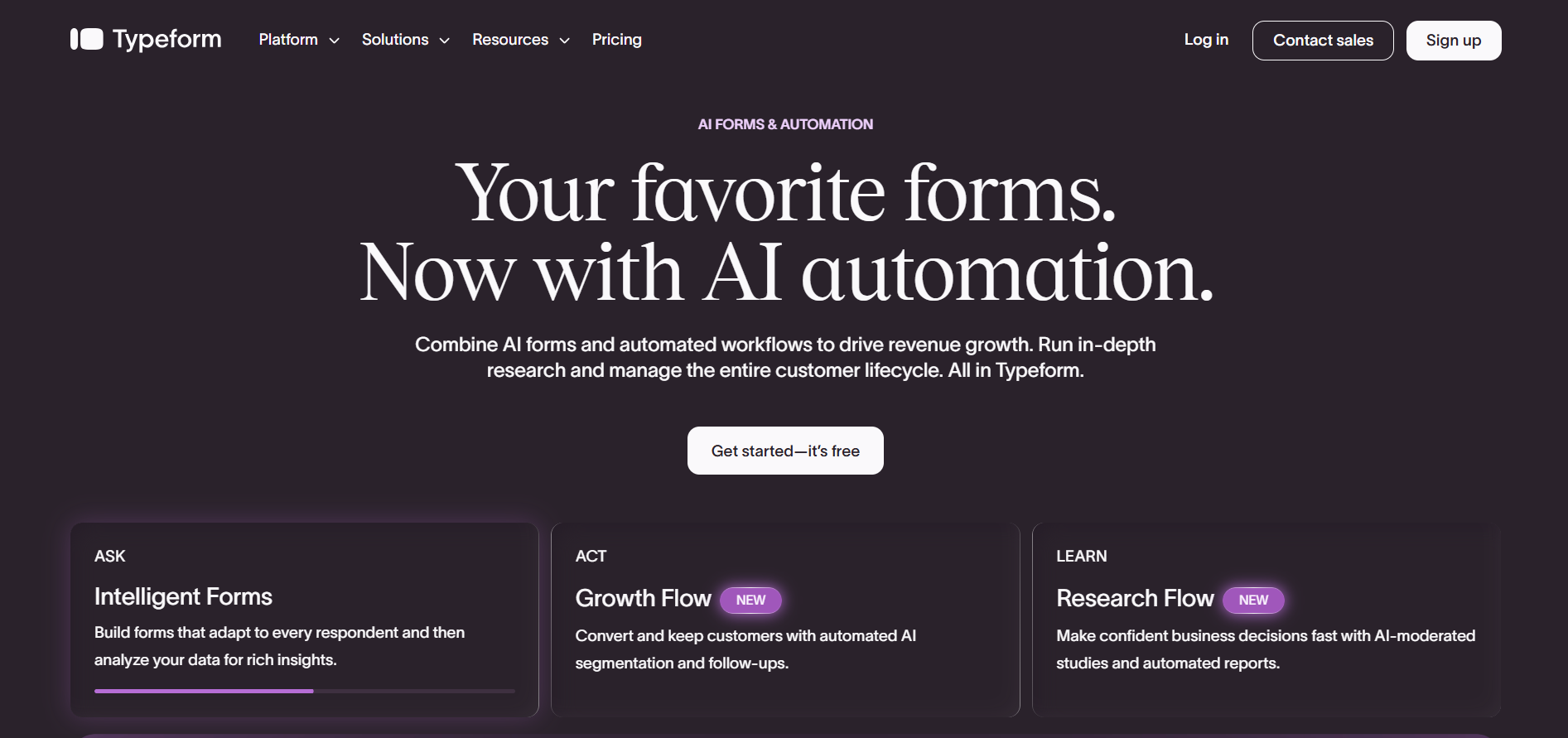
Typeform is known for its conversational, user-friendly forms that boost engagement.
Best For: Marketing, lead generation, surveys
Key Strengths
Conversational design
Great user experience
Strong integrations
Consider Before Choosing: Advanced workflows often require additional tools.
Why Choose It: A great choice for interactive customer experiences.
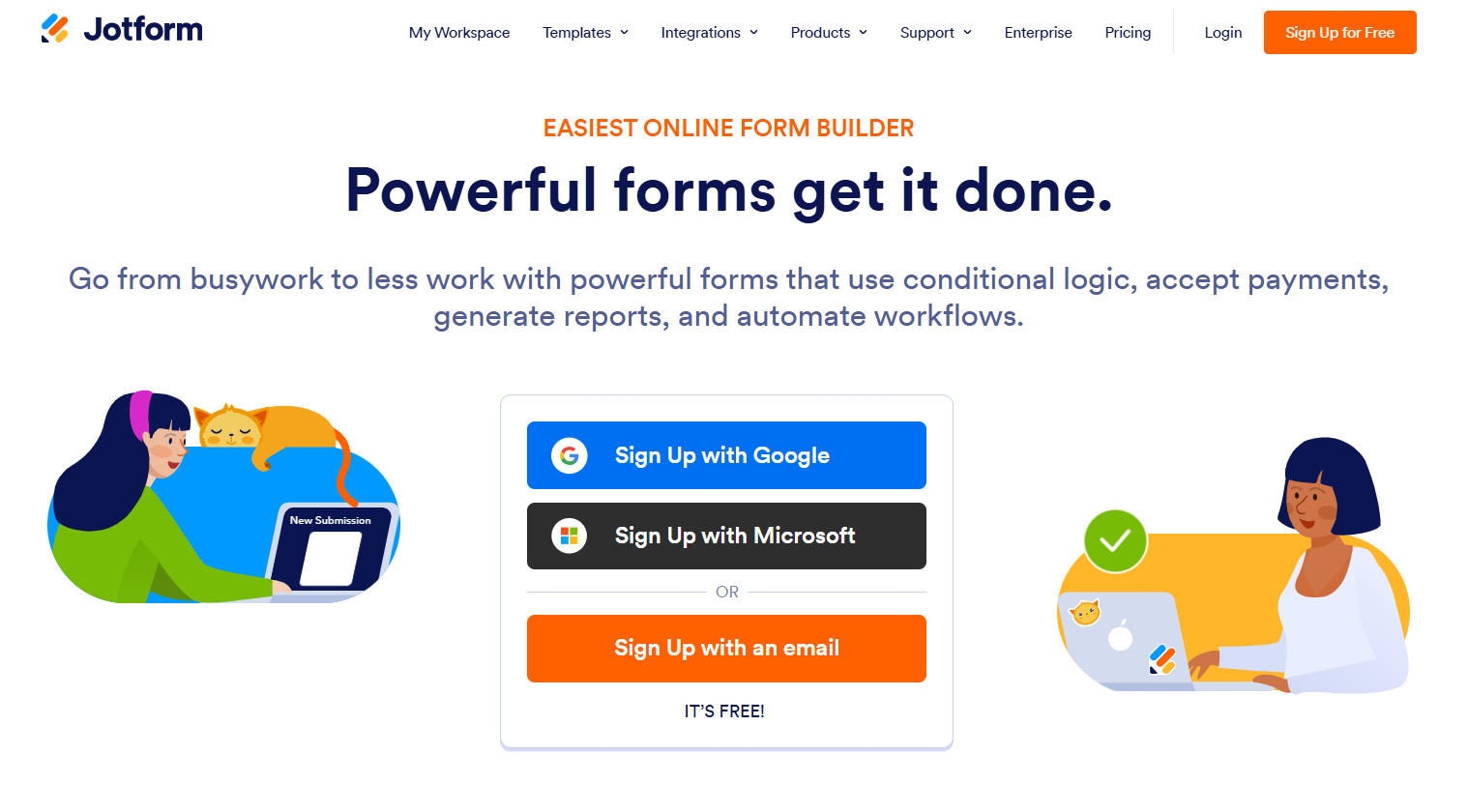
Jotform offers a large template library with support for payments, approvals, and business workflows.
Best For: HR, finance, operations
Key Strengths
Ready-made templates
Payment support
Automation
Consider Before Choosing: The extensive feature set can feel overwhelming.
Why Choose It: Ideal for businesses managing multiple workflows.
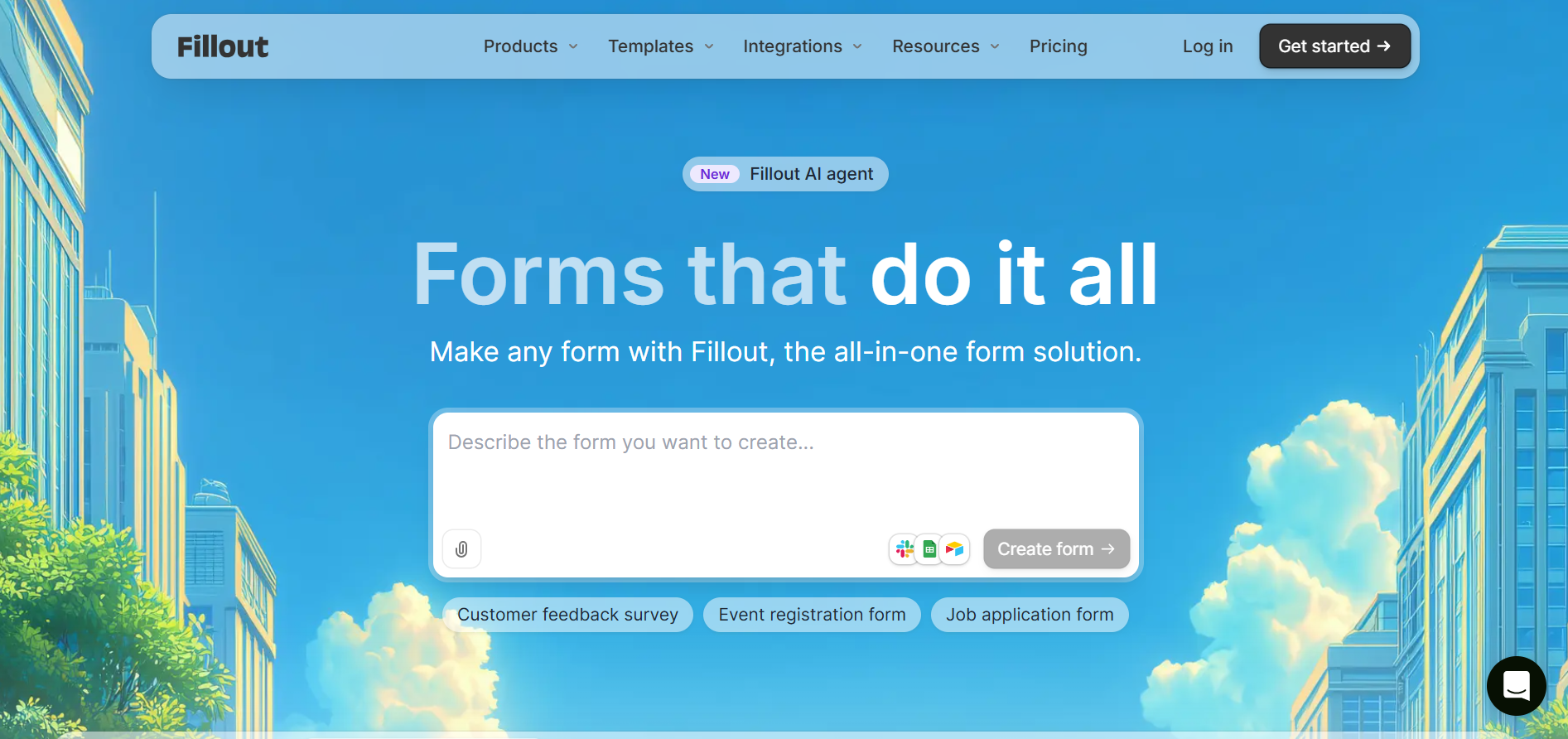
Fillout combines modern design with powerful conditional logic and Airtable integration.
Best For: SaaS startups, operations teams
Key Strengths
Conditional logic
Airtable integration
Easy customization
Consider Before Choosing: Enterprise capabilities are still evolving.
Why Choose It: Great for teams using Airtable or no-code workflows.
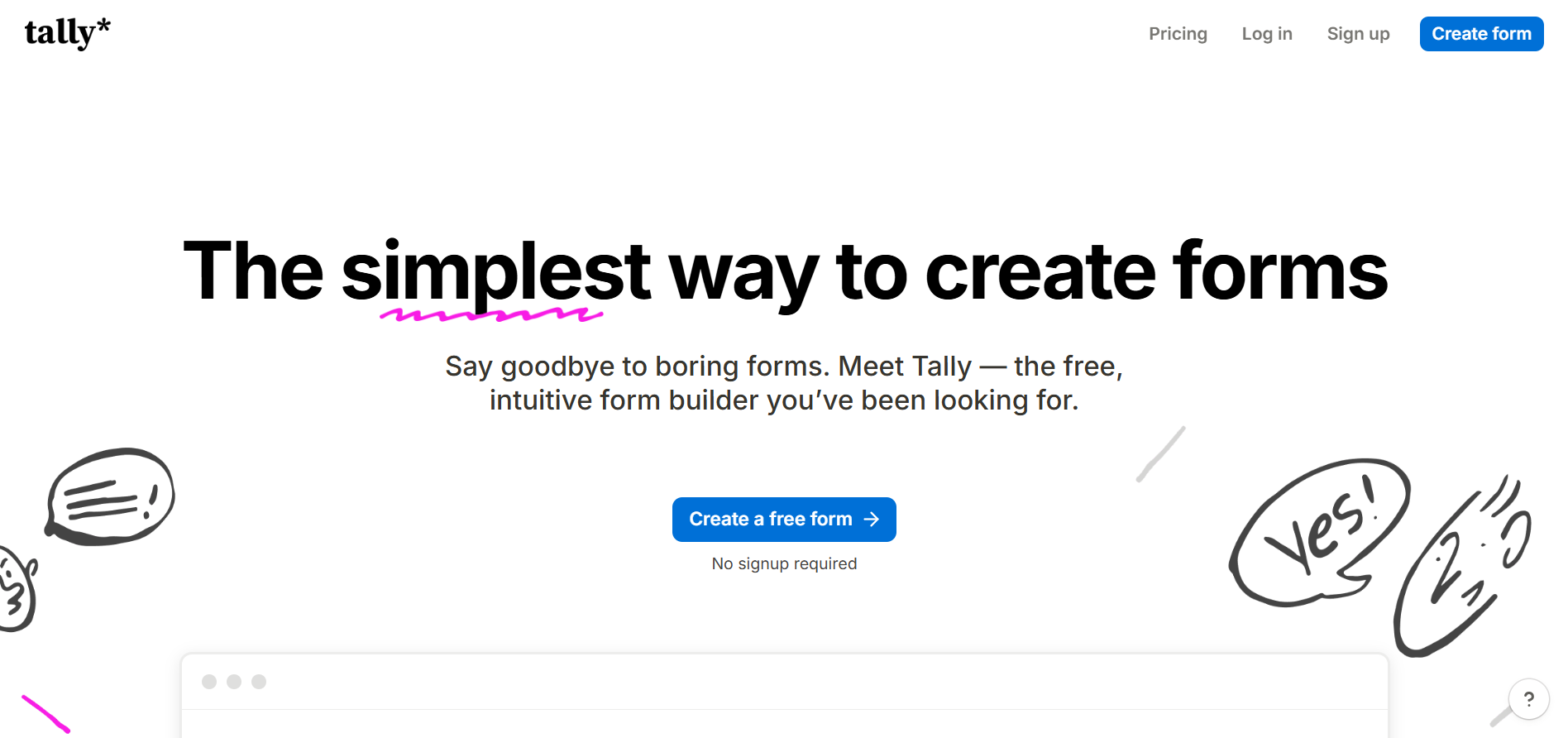
Tally makes form creation simple with its clean, Notion-style editor.
Best For: Startups, freelancers, creators
Key Strengths
Easy to use
Free plan
Fast setup
Consider Before Choosing: Limited built-in automation.
Why Choose It: Perfect for simple forms and quick launches.
Overview
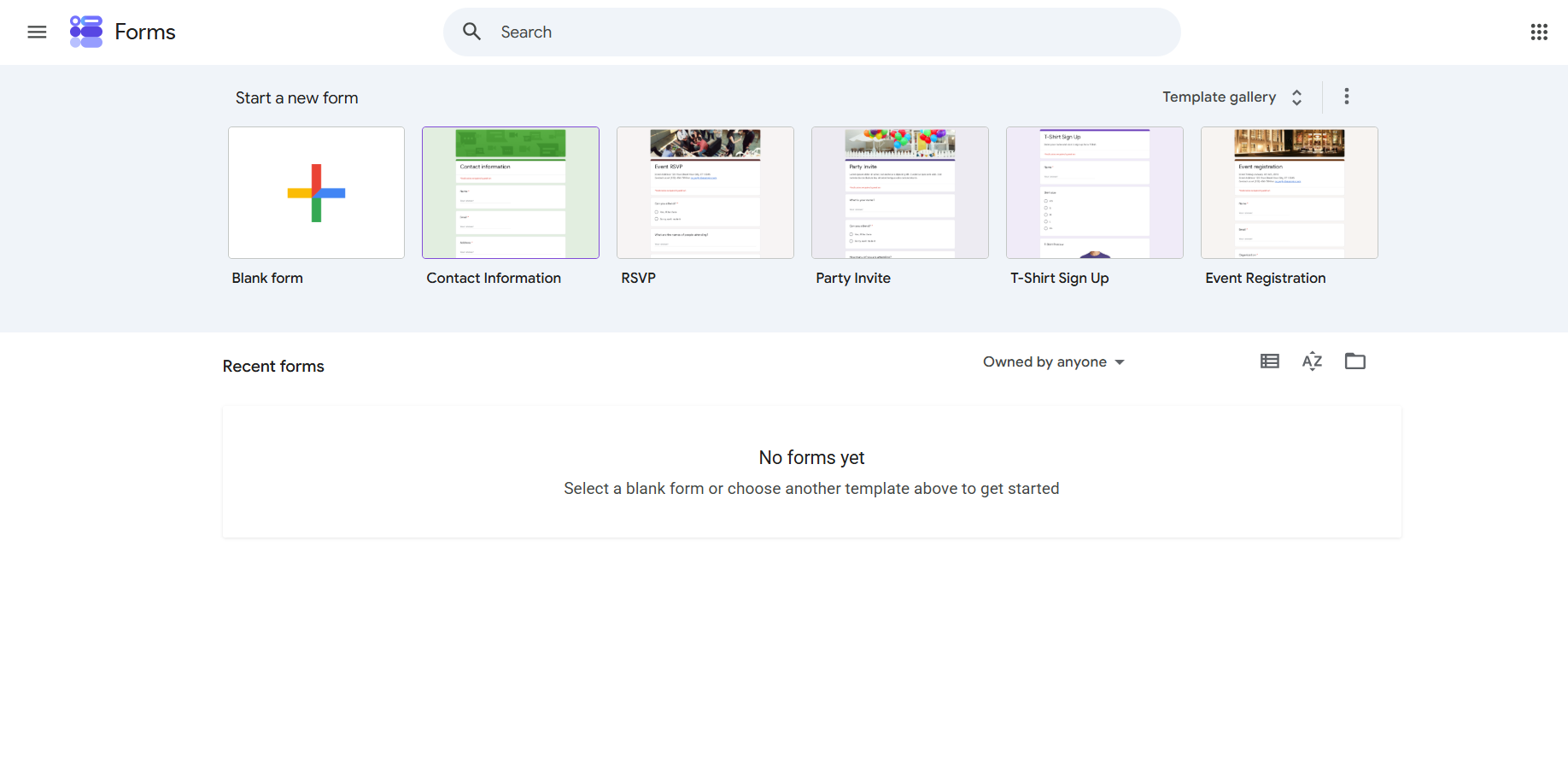
Google Forms is a free, reliable option for basic data collection.
Best For: Internal teams, education, small businesses
Key Strengths
Free
Google Workspace integration
Easy collaboration
Consider Before Choosing: Limited branding and personalization.
Why Choose It: Best for simple forms without advanced features.
Overview
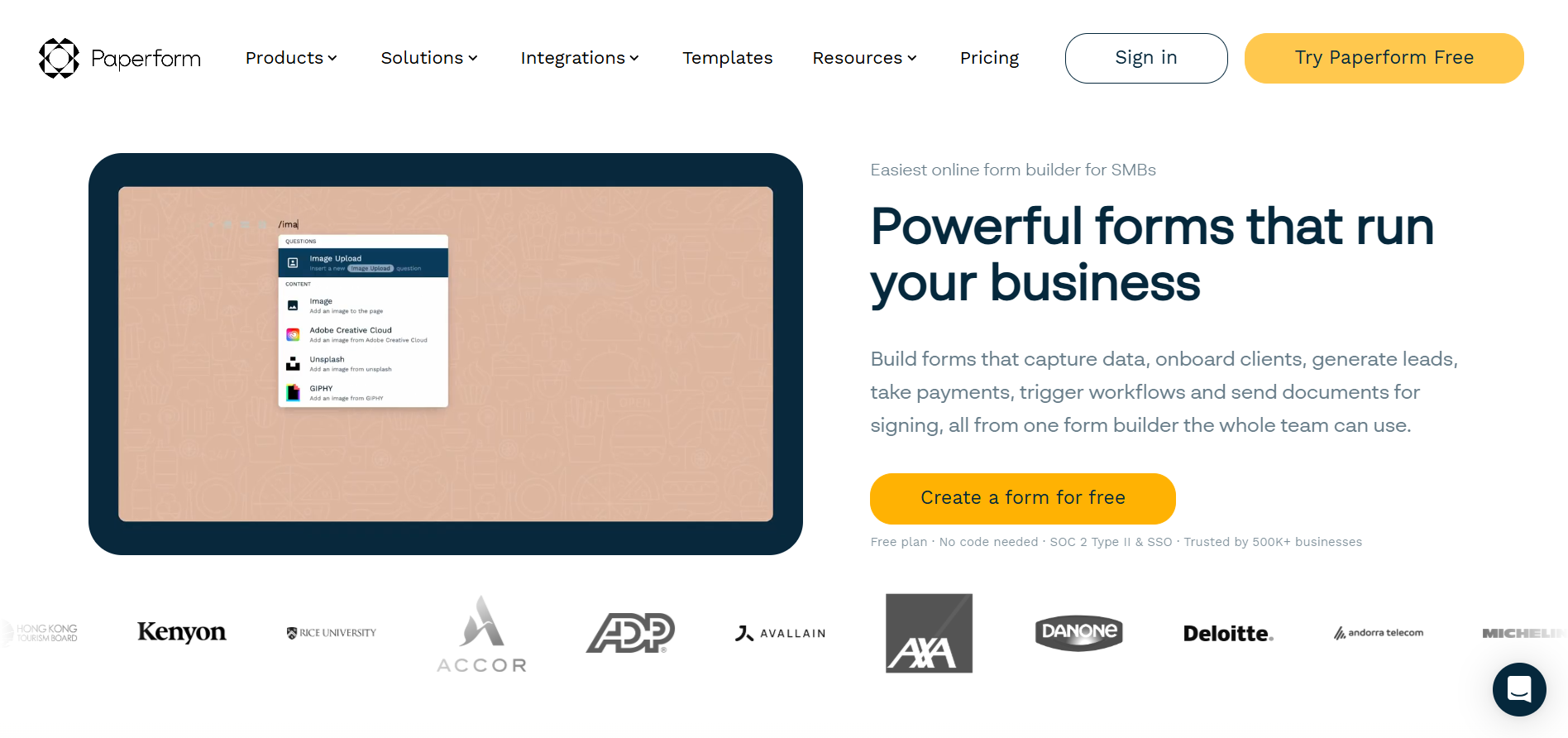
Paperform combines forms, payments, and landing pages in one customizable platform.
Best For: Agencies, service businesses
Key Strengths
Flexible design
Payment collection
Workflow automation
Consider Before Choosing: Higher pricing than simpler alternatives.
Why Choose It: Ideal for branded order and checkout experiences.
Long forms increase abandonment. Ask only what's needed to complete the order.
Manual work slows your team. Automate confirmations, CRM updates, and onboarding whenever possible.
Confusing layouts reduce conversions. Keep questions clear, organized, and mobile-friendly.
Unplanned integrations create duplicate data. Map your workflow before connecting tools.
Track completion rates and drop-offs regularly to improve your form over time.
Ask only questions that influence recommendations
Save time with CRM updates, notifications, and onboarding.
Collect essential details first and gather more later.
Verify every conditional path before publishing.
Review performance regularly and optimize based on real user behavior.
Before publishing your order form, confirm that you've completed the following:
Keep forms short.
Use "This or That" questions.
Add conditional logic.
Connect your CRM and business tools.
Automate follow-up tasks.
Test every workflow.
Optimize for mobile.
Review analytics regularly.
"This or That" questions make order forms more helpful by guiding customers to the right product instead of overwhelming them with choices. Combined with conditional logic and automation, they create a smoother buying experience while improving conversions and operational efficiency.
When choosing an order form platform, consider your workflow, integrations, automation needs, and future growth. If you need personalized forms with built-in automation and no-code flexibility, Ovoform is a strong option to consider.
Create surveys, FAQs, and feedback forms in minutes with Ovoform — no code required.
Get started freeStart building with Ovoform today — free forever, no credit card required.
Get Started For Free