
Surveys

A well-designed event check-in form helps organizers manage attendee arrivals, reduce queues, and maintain accurate attendance records. This guide covers essential check-in fields, QR code workflows, practical tips for handling common event-day challenges, privacy best practices, and ways to track attendance for smoother, more organized events.
Nikhil Dogra
October 13, 2026
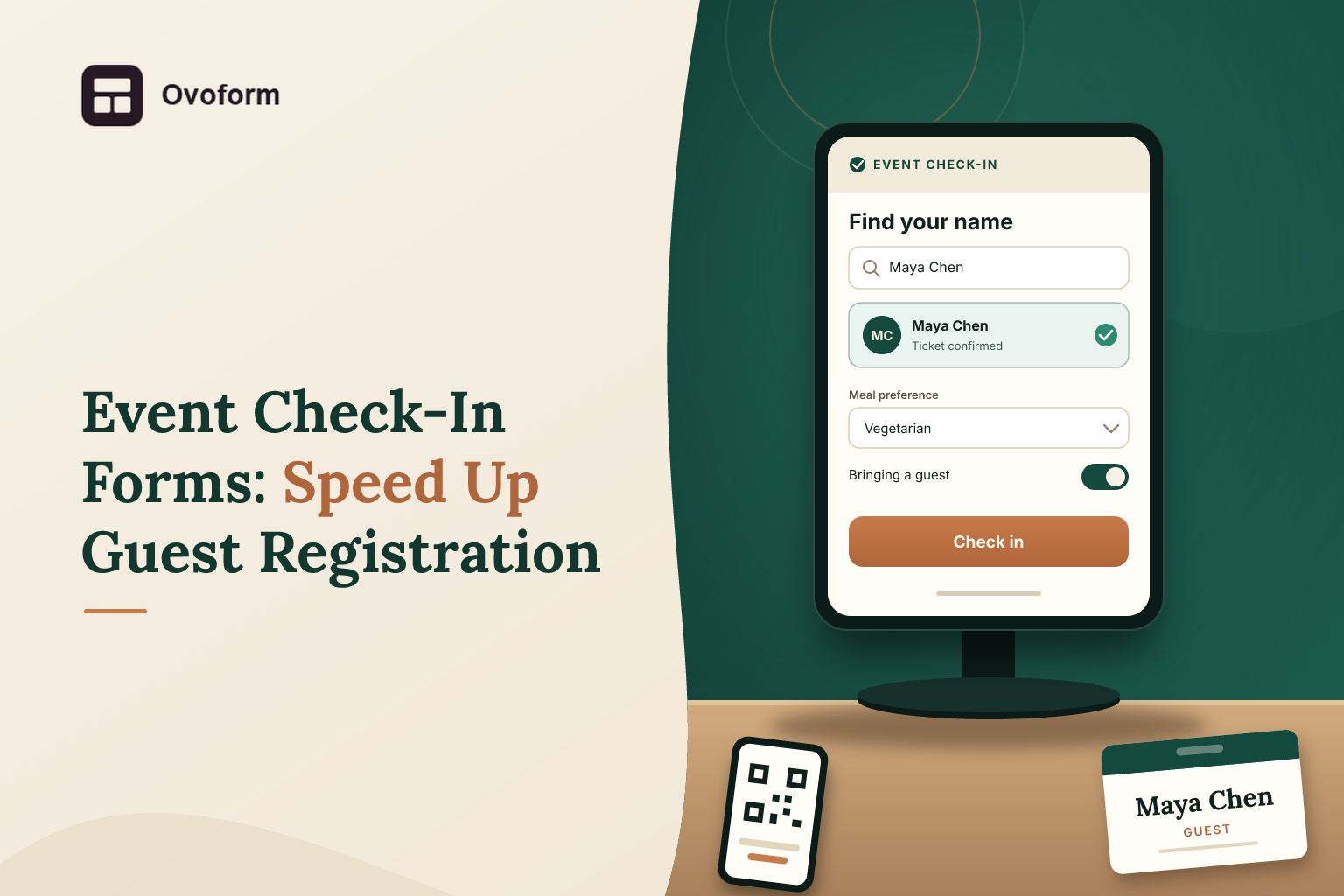
It is 9 a.m. on the day of a conference. Two hundred guests are expected over the next half hour, but only two volunteers are available at the registration desk. One is searching a printed list for a guest whose name is spelled differently. Another is trying to find a registration confirmation on someone's phone. Meanwhile, the queue grows, badges are waiting to be written, and the opening session is about to begin.
The problems do not necessarily end when the doors close. After the event, organizers may still be working from paper lists and handwritten marks, trying to establish how many people attended and which registered guests never arrived.
A well-planned event check-in process can prevent much of this confusion. A digital check-in form can help staff find attendee details, record arrivals, and keep information organized for reporting. When paired with a suitable event management or ticketing system, it can also support QR code scanning and attendance updates.
The important part is choosing a process that suits the event. A small community gathering does not need the same setup as a ticketed conference with multiple entrances and sessions.
This guide explains how event check-in forms work, what information to collect, how QR check-in forms can help, and how to prepare for the problems that tend to appear on event day.
An event check-in form is used to record or confirm that an attendee has arrived at an event. Depending on the setup, staff might search a guest list, scan a unique QR code, or ask a walk-in guest to complete a short digital form.
It is useful to distinguish check-in from registration. An event check-in form helps organizers collect attendee details and preferences before the event. The check-in process records arrival and, where necessary, verifies that the attendee has a valid registration or ticket.
For example, a guest may register online several weeks before a conference. On the event day, a volunteer searches for the guest or scans their ticket, confirms the relevant record, and marks the attendee as present.
A simple digital form can collect attendance information, but features such as validating tickets, preventing duplicate entries, and updating a shared live count depend on the connected system and its configuration.
Check-in is often the first face-to-face interaction guests have with an event team. A confusing process can create frustration before the event has even started.
Poorly planned check-in also affects the organizer's work behind the scenes. If the attendance record is incomplete, the team may struggle to estimate actual participation, reconcile registrations, or understand no-show rates.
Three issues are particularly common.
Slow attendee lookup: Staff must search long lists, resolve spelling differences, or ask guests to repeat information already collected during registration.
Unclear attendance records: Paper lists and separate spreadsheets can produce inconsistent numbers when several people manage different entrances.
No defined process for exceptions: Walk-ins, cancelled registrations, forgotten QR codes, and duplicate scans can hold up the queue if staff do not know what to do.
A good event check-in form addresses these problems by making the next action clear. It should help staff locate a guest quickly, record the outcome accurately, and move on to the next person.
The information needed at check-in is usually different from what is needed during registration. Collecting everything twice creates unnecessary work and slows down the entrance.
For pre-registered attendees, a check-in record may need:
Attendee name or registration ID
Registration or ticket status
Ticket category, if applicable
Check-in date and time
Session or entry point, when relevant
Staff member or station recording the arrival, if needed
For walk-in guests, the process may also require a name and contact details, along with any essential registration information. Explain why those details are needed and avoid making optional information mandatory.
Use a unique registration reference when possible. Two attendees may share the same name, so name search alone is not always enough to confirm the correct record.
Keep field labels straightforward. “Registration ID” is more useful than a vague label such as “Reference,” particularly when volunteers are using the form for the first time.
If you are creating the registration process from scratch, browse event registration form templates for starting points that can be adapted to different event requirements.
QR codes can make attendee check-in faster because staff do not have to type or search for every guest manually. However, the QR code is only one part of the process.
For an event that uses individual tickets, the workflow generally looks like this:
Each registered attendee receives a unique QR code linked to their ticket or registration record.
The attendee presents the code at the entrance.
A compatible scanner or check-in application reads the code and retrieves the associated record.
The system checks the registration or ticket status.
The arrival is recorded, and the system displays a confirmation or an exception message.
A suitable check-in system can flag a code that has already been used, helping staff investigate possible duplicate entry. This depends on the code being linked to a system that tracks individual ticket status; scanning a general QR code that opens a public form does not provide the same protection.
The distinction matters. A shared QR code may be perfectly adequate for directing guests to an event information page or a simple attendance form. For paid events or capacity-controlled venues, individual ticket validation is usually more appropriate.
Do not make guests complete a long registration form when they have already supplied the required details. Collect preferences and other nonessential information before the event.
At the door, focus on finding the attendee, confirming their status, and recording arrival.
Not every guest will have their QR code ready. Some may have deleted the email, run out of battery, or arrived using a different email address.
Give staff a backup search method using a name, email address, or registration ID. For larger events, make sure the team knows how to handle cases where a guest cannot be found.
For ticketed events, decide in advance what should happen if a code appears to have already been used. Staff might need to check the earlier scan, verify the ticket, or refer the case to a supervisor.
A warning is useful only if volunteers understand what action to take next.
Even an efficient form cannot compensate for too few entry points. Estimate arrival patterns and place enough devices and trained volunteers at the entrance.
For larger events, separate routine check-in from more complicated cases such as registration problems, ticket changes, or walk-in purchases.
Do not assume that venue Wi-Fi will perform as well as your office connection. Test the complete check-in process at the venue, using the actual devices and network conditions.
Keep an authorized attendee list available for manual lookup if the system permits a secure download. Decide how offline arrivals will be recorded and reconciled later so they are not missed or counted twice.
Use clear instructions, visible confirmation messages, and readable text on mobile devices and tablets. Brief volunteers before the event and walk through common exceptions.
A five-minute practice session can reveal confusing labels or missing steps before a real queue forms.
When several entrances are operating, all stations should use a shared attendance system or follow a defined process for consolidating their records.
Otherwise, two volunteers may check in the same person independently, or the final attendance total may omit arrivals recorded at a separate door.
A conference may have hundreds of attendees, several ticket categories, and multiple entrances. Individual QR tickets linked to a suitable check-in system can help staff validate registrations and record arrivals.
If badges are required, check whether the event platform supports badge printing or whether a separate tool is needed. Do not assume that a QR scanner automatically prints a badge.
A training event may run several sessions throughout the day. Organizers can record attendance separately for each session when they need to know who participated in a particular workshop.
For certification or attendance requirements, define what counts as attendance and ensure the record reflects actual participation rather than merely registering for the event.
A corporate launch may include invited clients, speakers, partners, and walk-in guests. Staff may need to identify different attendee categories or direct guests to separate registration desks.
Collect only the information needed for check-in, and restrict access to sensitive attendee details to the people who need them.
A small public event may not need individual tickets. A simple sign-in form or an organized manual headcount may be enough, depending on the event's purpose.
If contact details are collected for future invitations, explain how they will be used. Attendance tracking and marketing consent should not be treated as the same thing.
The value of event attendance tracking extends beyond counting people at the door. A well-maintained record helps organizers compare registrations with actual attendance and improve future events.
Start with a few useful measures:
Attendance rate: The number of registered attendees who arrived compared with the total eligible registrations.
No-show rate: The proportion of registered attendees who did not attend, after accounting for cancellations where appropriate.
Peak arrival period: When most guests checked in, helping the team plan staffing for future events.
Session attendance: Which sessions people attended, if separate session check-in is part of the process.
Check-in exceptions: How often staff needed to resolve missing registrations, duplicate scans, or other problems.
These measures are useful only when the underlying records are accurate. For example, a guest who arrives but is never marked as present may appear to be a no-show.
A digital form can help organize submissions, while analytics features may help teams examine collected response data where supported by their setup. For operational attendance reporting, confirm that the check-in system captures the required events and produces the appropriate report.
Attendee lists often contain names, contact details, ticket information, and other personal data. Digitizing the process does not remove the responsibility to handle that information carefully.
Collect only the information needed for registration, entry, and legitimate event operations. Avoid embedding names, email addresses, or other personal details directly into a public QR code. For ticket validation, use a system designed to retrieve the appropriate record securely.
Limit access to attendee information based on staff responsibilities. A volunteer who only needs to verify a ticket may not need access to every field collected during registration.
Also decide how long attendance records should be retained and who is responsible for managing them after the event. Review the privacy and access controls of any form builder, ticketing service, or connected application you use.
If you connect your registration workflow to other tools, review the available Ovoform integrations and check what information is shared, where it is stored, and who can access it.
A reliable process starts with the event's requirements, not with the choice of software.
First, estimate the number of attendees and identify how they will arrive. A small meetup with walk-ins has different needs from a conference with paid tickets and several entrances.
Next, decide how attendance will be recorded. Options include a staff-managed list, a short digital check-in form, or individual QR tickets validated through an event management system.
Prepare the form or check-in screen with clear labels, minimal fields, and an obvious success message. Establish how the team will handle missing registrations, duplicate scans, cancellations, and late arrivals.
Before the event, run a complete test. Use sample registrations, scan actual codes, check the confirmation screen, test the backup process, and make sure volunteers know where to ask for help.
A no-code builder such as Ovoform can help teams create digital forms for collecting event registrations and attendee information. More advanced functions, such as individual ticket validation, QR scanning, badge printing, and shared live attendance updates—should be confirmed in the selected system or implemented through a suitable integration.
If you are still comparing software before choosing your setup, read this guide to the 8 best event registration form builders in 2026. Compare tools based on your event size, registration requirements, integrations, and budget rather than choosing solely by the number of advertised features.
Finally, review what happened after the event. Ask volunteers which steps caused delays, compare attendance records with registrations, and make a short list of changes before the next event.
An event check-in form is a small part of event planning, but it can have a noticeable effect on the guest experience. A slow entrance creates frustration, while inconsistent attendance records make post-event reporting harder than it needs to be.
Start with a clear process, collect only the information required at the door, and choose a check-in method that matches the event's size and ticketing needs. QR codes can speed up entry when they are linked to the right system, but manual lookup, trained volunteers, and a reliable backup remain important.
When registration, check-in, and attendance records work together, event organizers can spend less time resolving avoidable problems and more time welcoming guests.n
Create surveys, FAQs, and feedback forms in minutes with Ovoform — no code required.
Get started freeStart building with Ovoform today — free forever, no credit card required.
Get Started For Free