Google Forms Tutorials

Discover the 5 best AI form builders in 2027. Compare Ovoform, Jotform, Typeform, Tally, and Fillout based on AI features, pricing, free plans, integrations, and customization to find the right form builder for your needs.
Nikhil Dogra
November 16, 2026
Creating an online form used to be a tedious task involving dragging and dropping fields, manually entering questions, setting up conditions and designing your form. Even simple customer feedback surveys can take longer than expected.
However, AI is streamlining form creation.
An AI form builder allows you to simply describe the type of form you want and it will create an appropriate form. As opposed to manually selecting the fields you want, you can simply enter something like;
"Please create a customer feedback survey for a coffee shop. Include a rating system using stars, questions about the quality of the food and service and a question asking if they would recommend us."
The AI will generate an initial form with the correct questions and answer types. Some platforms even allow you to further edit the questions using conversational prompts.
However, not all platforms offer the same. Some will offer basic form generation whilst others will use AI to help you design your form and capture your data.
Within this guide we will compare 5 AI form builders (Ovoform, Jotform, Typeform, Tally, Fillout). We will look at their AI capabilities, free plans, pricing, integrations, limitations and best for.
Whether you’re a small business owner, marketer, HR professional, researcher or you’re working within an expanding team this guide will help you find the right tool for you.
Just because a platform allows you to generate a form using AI does not mean it offers a fully AI powered form builder.
We considered the following 7 factors.
AI Form Generation – Can you generate a structured form using a description?
Conversational Editing – Can you edit your form using natural language prompts?
AI Powered – Will AI help with conditions, design, optimising questions, translations or analysing responses?
Customisable – Can you customise your brand, layouts, questions and user experience?
Free Plan & Response Limits – How much can you do for free?
Integrations – Can they integrate with spreadsheets, databases, CRMs and automation?
Scalable & Pricing – What happens if you start receiving more responses, have more members of staff or need advanced features?
We also took into consideration the audience of each platform. If you are running a business and receiving thousands of responses from customers you will have different priorities compared to someone creating occasional surveys.
We’ve included Ovoform in this comparison as it is our product. We have highlighted the pros and cons of each platform. We have used the public information provided by each product to compare them. Prices and limits can change so please refer to the links to ensure you know what you’re getting.
The table below gives you a quick overview of the five tools, their free plans, entry-level paid pricing and main strengths.
Tool | Free plan | Entry paid plan (monthly / yearly billing, per month) | Responses on entry paid plan | Stands out for |
|---|---|---|---|---|
Unlimited forms and responses (fair use), 1 seat; 30-day free Pro trial | Pro: $19 / $15.20 | Unlimited | Conversational form creation, Talk AI feature, document signing, and MCP connectors for Claude and ChatGPT. | |
5 forms, 100 submissions/month | Bronze: $39 / $34 | 1,000/month | Templates, payments and signed documents | |
10 responses/month | Basic: $39 / $28 | 100/month | Polished, on-brand conversational forms | |
Unlimited forms and submissions (fair use) | Pro: $29 / $24 | Unlimited (fair use) | Generous free plan and document-style editor | |
Unlimited forms and seats, 1,000 responses/month | Starter: $19 / $15 | 2,000/month | Airtable and Notion workflows |
Prices are listed in USD. Where applicable we have noted if the product can be purchased on a monthly or yearly basis. Ovoform currently have some confusion on their pricing page with regards to their response limits. Please double check the Free plan limit.
Each product has been designed with a certain audience in mind. Jotform is great for an extensive form builder, Typeform for great user experience, Tally for a document style builder with AI assistance, Fillout is great for database connectivity and Ovoform is great for conversational form creation and editing.
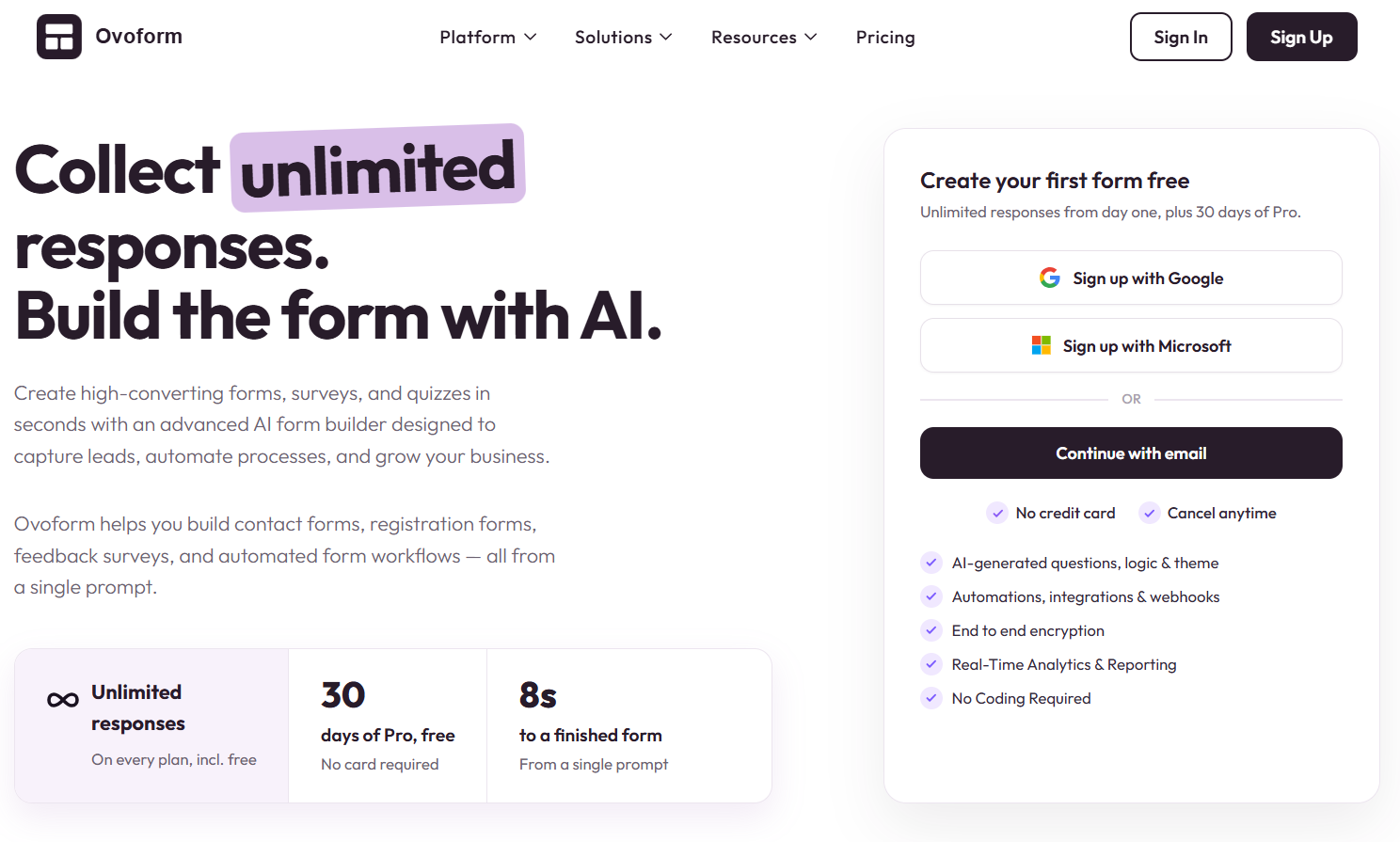
Instead of starting with an empty editor, simply describe the form you want. Ovoform AI generates the initial structure, questions and answer types. You can then continue refining the form through conversational prompts or use Talk AI to create and edit forms using voice. Respondents can also answer questions using voice.
For example,
"Please create a customer feedback survey for a coffee shop. Include a star rating, multiple choice question asking what they ordered to drink, NPS question and an open question."
The AI will create an initial form for you. You can then further customise.
AI Features:
Prompt Based Form Builder – Create your form by describing what you want to achieve, who it will be for and what information you need.
Conversational Editing – Edit your questions using natural language.
Conditional & Scoring – Create conditional rules using prompts.
Customise Themes & Settings – Customise your form using natural language.
Talk AI – Create or edit using voice. Respondents can answer using voice.
AI Analytics – Ask questions about your responses. Get insights, trends and summaries on supported paid plans.
MCP Integration – Integrate with compatible AI assistants such as Claude & ChatGPT using Ovoform’s MCP integration.
Find out more about all the features.
Free Plan & Pricing:
Free – AI form builder, unlimited forms and questions, 1 seat & 100MB storage. Please double check the current response limit on the pricing page as there is some confusion.
Pro ($19/month) – 3 seats, brand customisation, partial responses & 1GB storage. New users get a 30 day free trial of the Pro plan.
Business ($69/month) – 8 seats, multilingual forms, dynamic scoring, brand kit & 100GB storage.
For the latest information visit their pricing page.
Integrations:
Google Sheets, Excel, Airtable, HubSpot, Mailchimp, Slack, Microsoft Teams & Zapier. Webhooks are also available.
Find out more about their integrations.
Limitations:
This is a new platform compared to Jotform & Typeform. It does not have a vast amount of integrations or brand recognition. If you need a large amount of specialised templates or an extensive ecosystem then you may prefer to use an established platform.
Best for: Businesses, marketers & teams wanting to create forms using prompts, conversational editing and integrate the data.
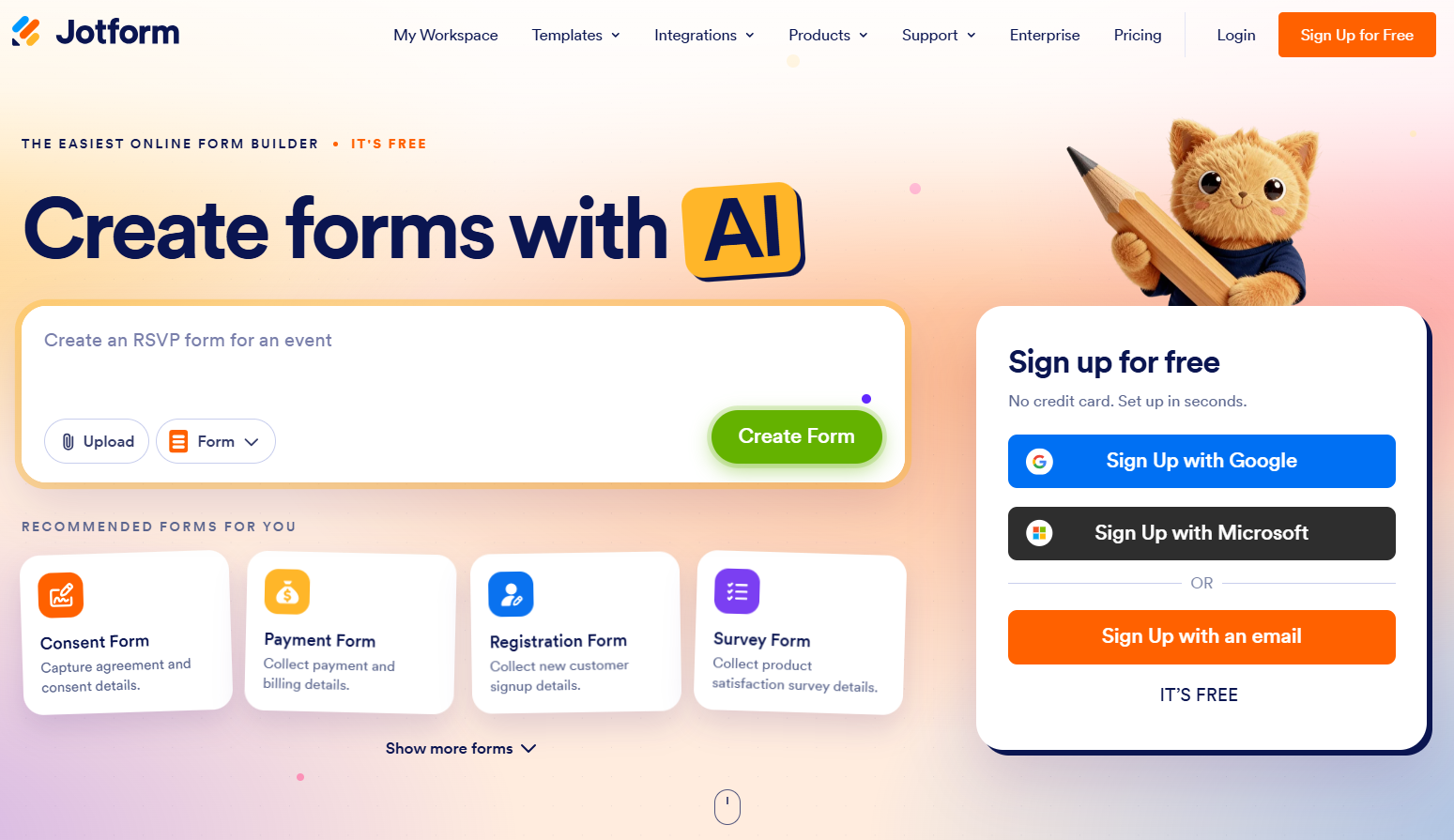
Jotform is an established online form builder with lots of templates.
It offers AI to help you create your form, edit your form, design your form, set up conditions and more.
AI Features:
AI Form Builder – Create your form by describing the information you want to collect. You can upload documents, images & content.
Conversational Editing – Edit fields, questions & layouts using AI.
AI Design – Create themes using natural language.
Conditions – Create conditions to show/hide fields, skip pages and customise your form.
Workspace Assistant – Search for forms & responses using Jotform AI. Get assistance with other tasks in your workspace.
AI Agents – Create AI agents for specific tasks and respondent interactions.
Find out more about their AI features.
Templates & Business Features:
Jotform has a vast number of templates. These include registration, application, feedback, payment, healthcare, education and more.
It also offers payment, e-signature, document related and industry specific features.
Find out more about their form templates.
Free Plan & Pricing:
Starter (Free) – 5 forms, 100 responses/month, 1 user & 100MB storage.
Bronze ($39/month/$34/year) – 25 forms, 1,000 responses/month.
Silver ($49/month/$39/year) – 50 forms, 2,500 responses/month.
Gold ($129/month/$99/year) – 100 forms, 10,000 responses/month.
For the latest information visit their pricing page.
Limitations:
There are limits to the free plan. The paid plans also have monthly response limits which you should consider if you are going to receive lots of data. The paid plans are also for individual users. If you’re working within a team then you should check the collaboration features.
Best for: Businesses wanting lots of templates, payment, e-signature and lots of specialised features.
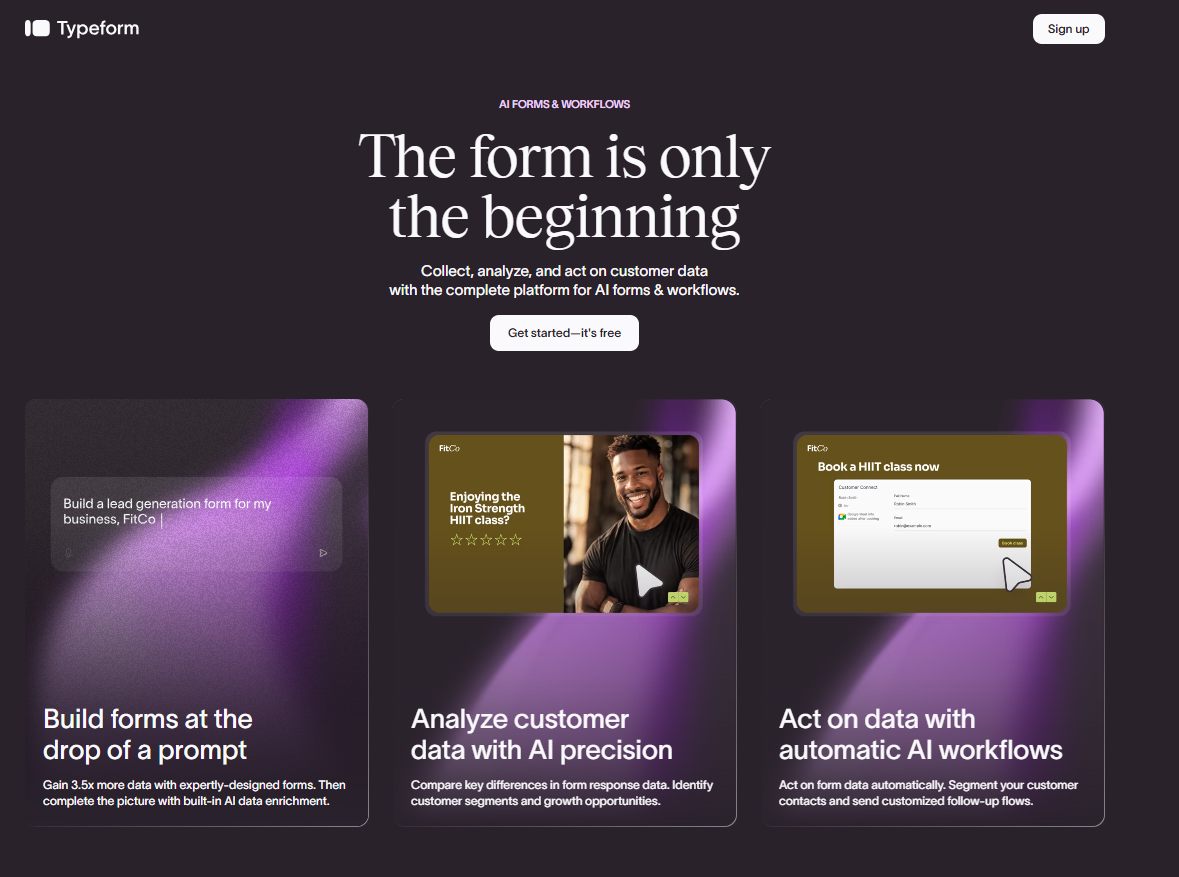
Typeform is well known for its one question per page. This means your respondents will not have a long list of fields to fill in.
It is a popular choice for businesses wanting beautiful forms.
It now offers AI to help you create, edit, optimise and analyse your responses.
AI Features:
Typeform AI – Create, edit & optimise your forms/workflows using natural language.
Clarify – Create personalised follow up questions based on an initial open response.
Optimise Questions – Optimise your questions & multiple choice responses.
Translation – Get help translating your form.
Smart Insights – Analyse your responses using AI generated summaries, topics & sentiment. Available on certain plans.
AI Brand Kit – Get help creating a consistent brand.
Find out more about their AI.
Design:
The main selling point of Typeform is the beautiful design. The one question per page, themes & customisation makes it great for customer feedback, lead generation, feedback and branded forms.
Its Clarify feature can be useful if you want more detailed responses. For example if a customer rates you poorly with a brief reason you can use the AI to create follow up questions.
Free Plan & Pricing:
Free – Limited plan with a 10 responses/month.
Basic ($39/month/$28/year) – 100 responses/month.
Plus ($79/month/$56/year) – 1,000 responses/month.
Business ($129/month/$91/year) – 10,000 responses/month.
For the latest information visit their pricing page.
Limitations:
The number of responses can be limiting. The Basic plan only allows 100 responses/month. If you’re receiving more responses you’ll need to pay more.
Some of the advanced AI features are only available on qualifying higher tier plans. When comparing alternatives you should consider the overall cost of capturing responses.
Best for: Brands & businesses wanting beautiful forms, one question per page and a beautiful user experience.
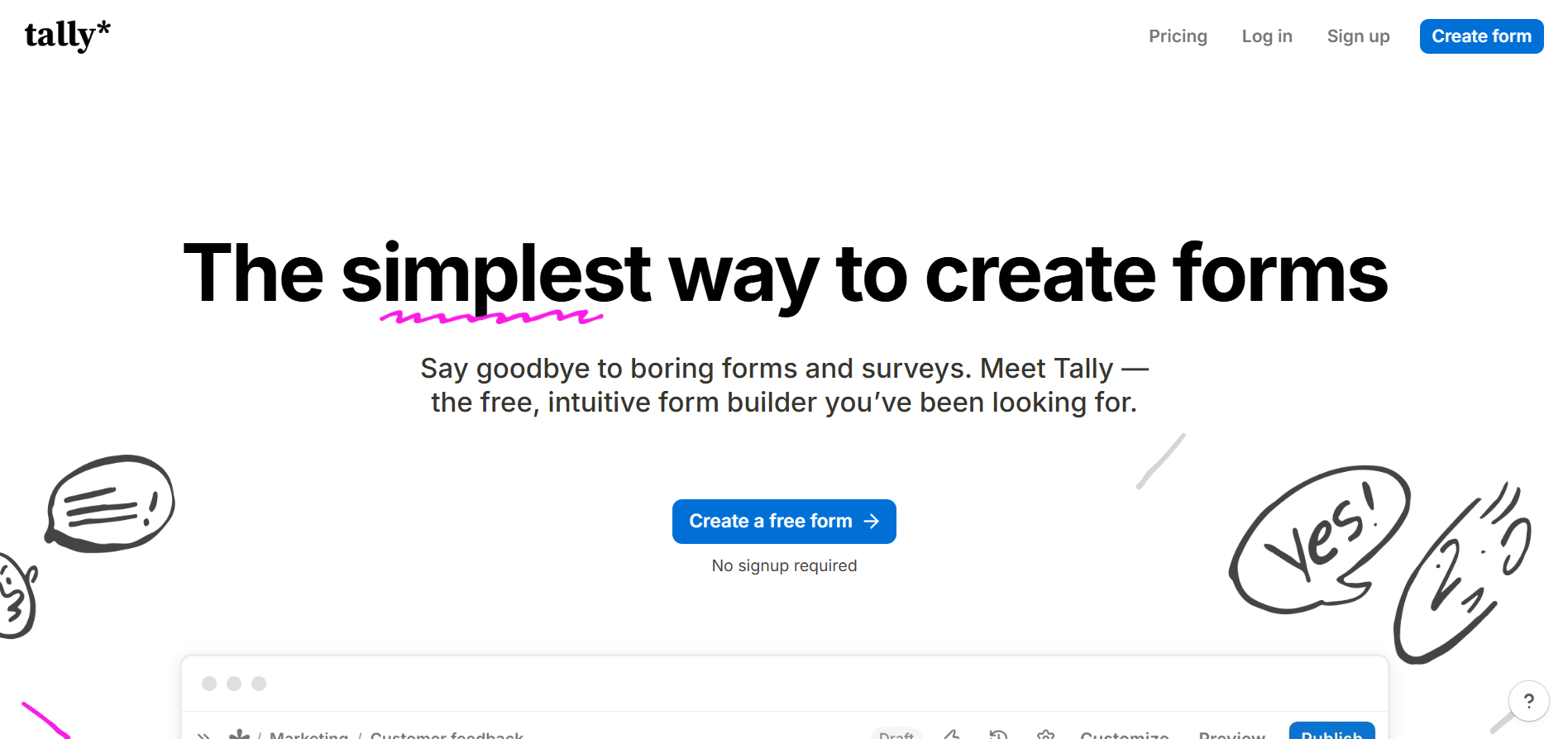
Tally has a different approach to creating forms. It is similar to a document with you typing in your questions and adding fields.
The free plan is a big selling point. The AI assistant helps you create and edit your forms using natural language.
AI Features:
AI Form Builder – Describe what you want and Tally will create the questions, structure & fields.
AI Editing – Add/remove/reorder fields using natural language.
Conditional & Calculated Fields – Use AI to create/edit conditional rules & calculated fields.
Brand Assistance – Upload your website, screenshot or logo to get your form to match your brand.
AI Troubleshooting – Describe any issues you have with your form and ask the assistant to look at it and help.
MCP Connectivity – Connect with compatible AI assistants.
A key point to note is that Tally offers AI form builder on all their plans including the free plan.
Find out more about their AI form builder.
Other Features:
Conditional, calculated fields, file uploads, payment, e-signature, piping & integrations.
The document style makes it great for those preferring a simple writing experience.
Free Plan & Pricing:
Free – Unlimited forms & responses (fair use policy). Lots of form building features.
Pro ($29/month) – Remove branding, custom domains, partial responses & team collaboration.
Business ($89/month) – Advanced business features such as data retention & email verification.
For the latest information visit their pricing page.
Limitations:
If you prefer a visual drag & drop editor or one question per page, you may not like the document style.
You will also have branding until you upgrade to the Pro plan. If you need more advanced branding & business features then you should consider the paid plans.
Best for: Individuals, creators & small teams looking for a powerful free form builder with AI assistance.
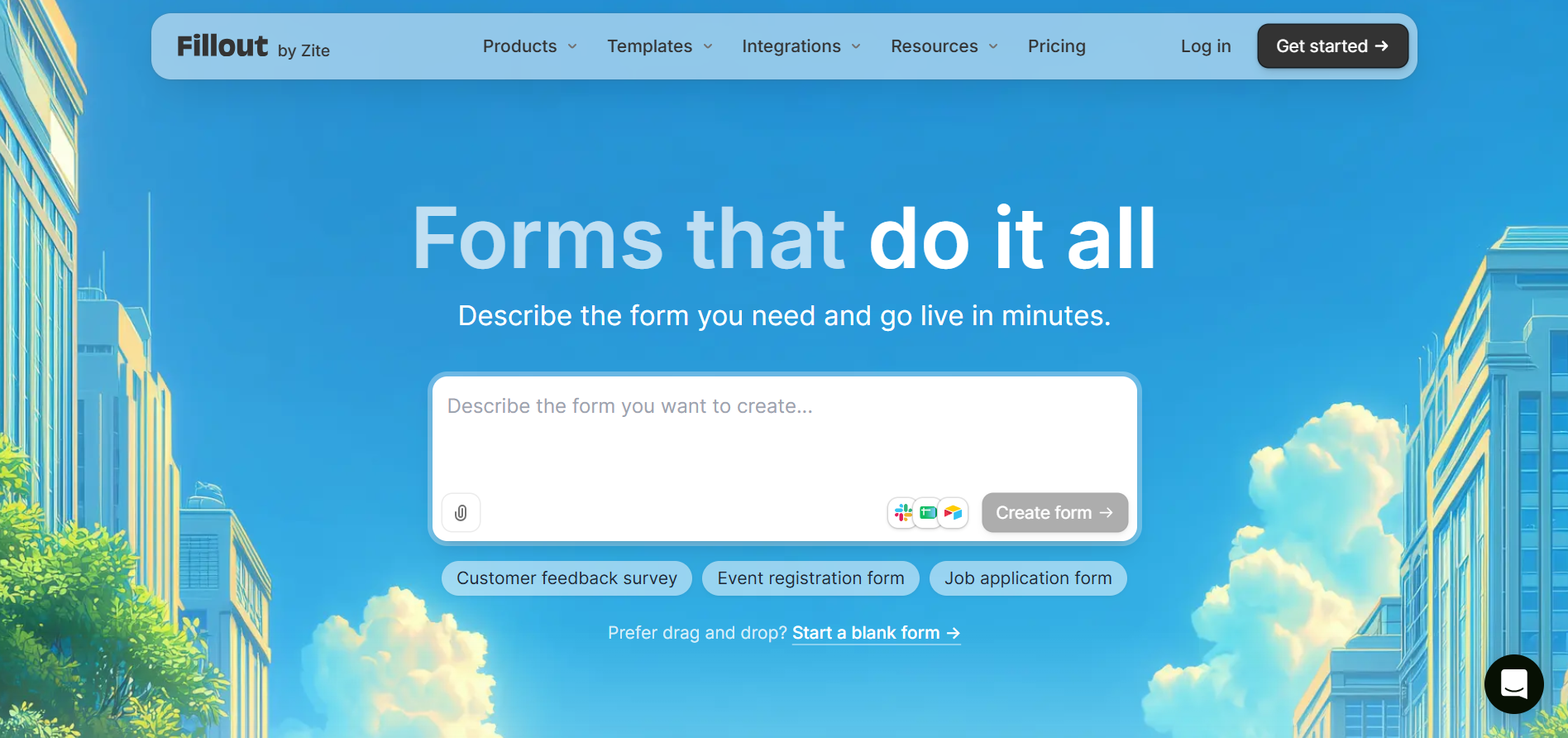
Fillout is a form builder for teams. It will allow your forms to integrate with your existing tools and databases.
It is ideal for teams using Airtable, Notion and Google Sheets. It will help you connect your data capture.
AI Features:
AI Form Builder – Describe what you want and generate an initial form.
AI Form Import – Create forms from existing questions or supported sources.
AI Editing – Edit generated forms using AI or the visual editor.
Optimise Questions – Optimise your questions to make your forms clear.
AI Design – Generate styles using a visual reference or brand image.
Find out more about their AI form builder.
Integrations:
The main selling point of Fillout is the ability to connect to your existing data. You can capture information, update your records & create workflows.
It integrates with Airtable, Notion, Google Sheets, HubSpot & more. Find out more about their integrations.
Free Plan & Pricing:
Free – Unlimited forms, unlimited seats & 1,000 responses/month.
Starter ($15/month) – 2,000 responses/month. More form features.
Pro ($40/month) – 5,000 responses/month. No branding.
Business ($75/month) – Unlimited responses, form analytics & custom domain.
These prices are the monthly equivalent of the yearly plans. For the latest information visit their pricing page.
Limitations:
Whilst they offer great team features there are response limits on the Free, Starter & Pro plans. If you’re receiving more than 5,000 responses/month then you will need to upgrade to the Business plan.
As it specialises in this area it may not be needed if you do not use database connectivity.
Best for: Teams using Airtable, Notion or other connected databases.
Whilst the most feature rich may seem like the best choice, you want to choose the one that works for your workflow, how many responses you will be receiving, your budget and tools.
Use the table below to help you decide.
Requirement | Platform | Why |
|---|---|---|
AI-powered form creation and conversational editing | Ovoform | Create forms using prompts and refine them through conversational editing. |
Extensive templates, payments and document features | Jotform | Offers a wide range of templates and specialised business features. |
One-question-at-a-time forms and polished design | Typeform | Focuses on visual design and respondent experience. |
Free AI form creation and editing | Tally | Provides AI assistance on its free plan. |
Database connectivity with Airtable and Notion | Fillout | Connects forms directly to existing databases. |
Consider the following:
How many responses will you be receiving?
Limits can make a big difference to the overall cost. If you are receiving hundreds/thousands of responses each month you should compare the limits of the plans you are likely to use.
Can you edit an existing form using AI?
Whilst it is great to be able to create an initial form it is often where you save time. Can you edit questions, change field types, conditions & design?
Do you need advanced integrations?
If you need to send your responses somewhere then a form builder that integrates with your CRM, spreadsheet or database will save you time inputting data manually.
What experience do you want your respondents to have?
A document style, traditional multi-field or one question per page form will give different experiences. Consider how complex your questions are and what your audience expects.
Will your team need advanced features?
Removing branding, custom domains, partial responses, analytics, team features, automation & data controls may all impact which subscription you need.
A great way to compare is to try a couple of the platforms with the same prompt. Create a form, ask the AI to add a follow up question based on a poor rating, change the theme & test out the conditions. This will give you an idea of how much control you actually have.
Regular form builders usually require you to manually add fields, write questions, design your forms and set up rules.
With an AI form builder you can use natural language to describe what you want in your form. You can then use the AI to assist you in editing, designing, adding rules and analysing responses.
Example
Suppose you need to create a customer feedback form for a restaurant. It will have a star rating, some specific questions about food quality and service, an NPS question and an additional question asking why they gave a low rating.
With a regular form builder you will have to build questions and rules manually. Whereas with an AI form builder you can use natural language to get a basic form created. On a more advanced form building platform you can also use the AI to create rules for your extra question.
Feature | Regular form builder | AI form builder |
|---|---|---|
Creating a form | Manually add fields | Use natural language to create a basic form |
Creating questions | Manually add questions | AI suggests or creates questions |
Editing | Manually edit fields and settings | Some allow you to edit using natural language |
Adding rules | Manually add rules | Some allow you to create/edit rules using natural language |
Designing | Choose a theme and set up settings | Some allow you to design using natural language |
Analysing responses | View reports and responses | Some allow you to analyse your responses using AI |
Learning curve | You need to be familiar with the editor | Easier to get started using natural language |
If you want full control over your form or you have existing processes in place then using a regular form builder may be a good choice.
If you want to save time on creating questions, designing your form and making repeated edits, then an AI form builder would be a good choice.
However, you will still need to manually check any questions created by the AI to ensure they are clear and relevant. You should also check any rules added.
The best form builder will be one that offers a balance of AI assistance with full editing and customisation options.
Depending on your needs, budget and how you want to gather data, the best AI form builder will depend on your specific requirements.
If you need lots of templates, payment options and advanced business tools, Jotform is a great choice. For more aesthetically pleasing, single question forms we recommend Typeform. Tally has a generous free option with AI support. We’d recommend Fillout if you’re a team that uses Airtable and Notion.
Ovoform is also a great choice for businesses that want to easily design and edit conversational forms. They offer document signing via Talk AI, integration with MCP and Claude/ChatGPT. There’s also a 30 day free trial for the Pro version.
Ultimately the best thing to do is to try out a couple of the platforms. Try using the same prompt and see how easy it is to customise and manage your responses.
Create surveys, FAQs, and feedback forms in minutes with Ovoform — no code required.
Get started freeStart building with Ovoform today — free forever, no credit card required.
Get Started For Free