Surveys

Learn how to create effective feedback forms that customers actually complete. This guide shares 10 proven tips to improve response rates, collect higher-quality feedback, avoid common survey mistakes, and turn customer insights into better business decisions.
Ovoform Team
June 12, 2026
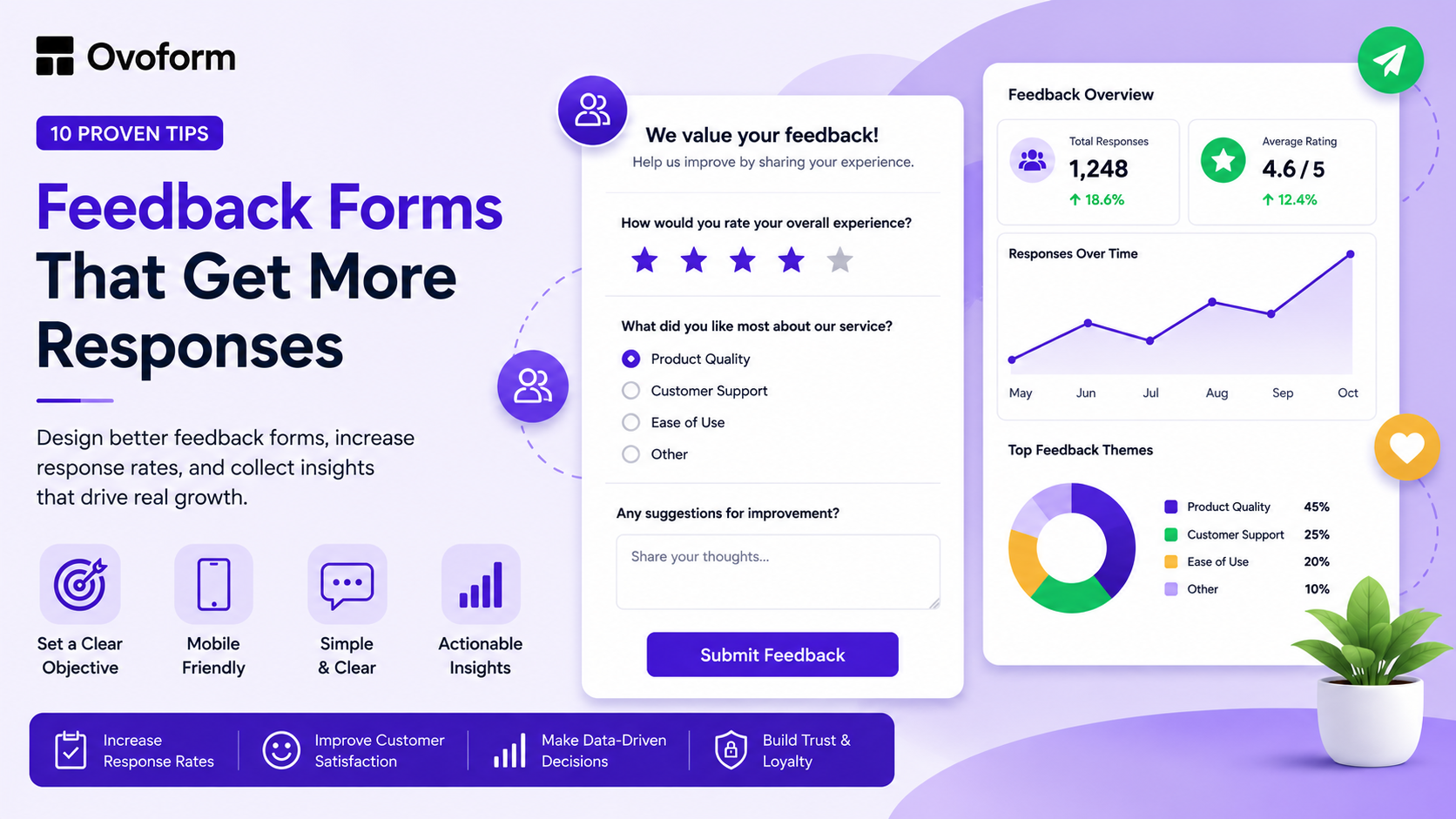
Customer feedback is one of the most valuable sources of business insight. It helps companies understand what customers love, where they experience friction, and what improvements matter most. Yet many businesses struggle to collect meaningful feedback because their forms are too long, poorly timed, or difficult to complete.
The problem isn't that customers don't have opinions. It's that many feedback forms create unnecessary barriers that discourage participation.
A well-designed feedback form removes those barriers. It makes sharing feedback quick, convenient, and worthwhile. Small improvements in form design can significantly increase completion rates and help businesses gather more actionable insights.
In this guide, you'll learn 10 proven feedback form design tips that can improve response rates, increase feedback quality, and help you collect more useful customer insights.
A feedback form is a structured survey used to collect opinions, ratings, suggestions, and experiences from customers, employees, event attendees, or users.
Businesses use feedback forms to:
Measure customer satisfaction
Identify product improvements
Evaluate customer support interactions
Understand user experience
Improve retention and loyalty
Make data-driven decisions
Feedback forms can be delivered through email, websites, mobile apps, customer portals, or post-purchase workflows. The effectiveness of these forms often depends less on the questions themselves and more on how the form is designed.
Most people won't struggle through a confusing or time-consuming survey. If a form looks overwhelming, contains unclear questions, or isn't optimized for mobile devices, respondents often abandon it before reaching the end.
Effective businesses treat feedback forms the same way they treat every other customer touchpoint: they design them intentionally, remove friction wherever possible, and respect the respondent's time.mp
When customers have a positive experience completing a survey, businesses collect more responses and gain more accurate insights.
Different goals require different types of feedback forms.
Feedback Form Type | Primary Purpose |
Measure overall satisfaction | |
Gather feature and usability feedback | |
Post-Purchase Survey | Evaluate buying experiences |
Assess service quality | |
Improve workplace experience | |
Event Feedback Form | Measure event success |
NPS Survey | Measure customer loyalty and advocacy |
Understanding your goal before creating a survey is the foundation of a successful feedback strategy.
Identify the most important question you want answered before creating a feedback form. Many businesses overwhelm respondents with lengthy surveys, resulting in poor data quality.
For example, if you're collecting post-purchase feedback, focus on the buying experience rather than product features, pricing opinions, and customer support, all in the same survey.
A clear objective leads to a focused survey, resulting in shorter forms, higher completion rates, and more actionable insights.
Once you've set your goal, the next step is to lessen the effort required from respondents. Research shows that response rates drop with longer surveys; forms typically perform best with three to five questions.
For additional information, consider using multi-step forms, conditional logic, or follow-up surveys. Progress indicators can also help respondents see how much remains to be completed in the survey.
After shortening the form, focus on clarity. Many surveys use formal language that can be confusing.
Instead of:
"Please rate your level of satisfaction with our service delivery."
Try:
"How happy were you with our service?"
Natural-sounding questions are easier to answer and create a sense of comfort. Clear language reduces confusion and speeds up responses.
Not every question should use the same answer format. Different question types serve different purposes:
Star ratings for satisfaction
Multiple choice for preferences
Yes/No questions for qualification
Open-text responses for detailed feedback
Rating scales for benchmarking
Using the right format simplifies survey completion and analysis, reducing effort for respondents while delivering cleaner data for businesses.
Mobile usage continues to dominate online interactions. If a feedback form isn't optimized for smartphones, businesses risk losing a large percentage of potential responses.
Before launching any survey:
Test on multiple devices
Ensure buttons are easy to tap
Use readable font sizes
Avoid horizontal scrolling
Minimize typing requirements
A mobile-friendly experience can significantly improve survey completion rates.
Even the best-designed feedback form can be ineffective if it is sent too late. Customers are more likely to provide valuable feedback when their experiences are still fresh in their minds.
Examples of such situations include:
- After making a purchase
- Following customer support interactions
- After completing the onboarding process
- After attending an event
The closer the survey is to the experience, the more accurate the responses will be.
Customers are more likely to participate in a survey when they understand its purpose.
A statement like, "Your feedback improves the onboarding experience for future customers," can boost participation and build trust.
Honest feedback requires a sense of psychological safety.
If respondents believe their answers could create conflict or expose personal information, they may provide incomplete or inaccurate responses.
When appropriate:
Allow anonymous submissions
Avoid unnecessary personal data collection
Clearly explain privacy practices
The safer respondents feel, the more candid their feedback becomes.
Completing a survey shouldn't feel like the end of a transaction.
A simple thank-you page can:
Confirm submission
Express appreciation
Explain the next steps
Direct users to additional resources
Closing the feedback loop helps strengthen customer relationships.
Feedback forms should always be viewed as works in progress. Businesses must frequently test:
Question order
Survey length
Headlines
Rating scales
Call-to-action wording
Even minor improvements in completion rates can lead to significantly more customer insights over time.
Many businesses unknowingly lower response rates by:
Asking too many questions
Using technical language
Sending surveys too late
Ignoring mobile users
Requiring unnecessary personal information
Failing to explain why feedback matters
Avoiding these mistakes often improves response rates without changing the survey itself.
Here’s a simple process for creating a feedback form that gets results:
Define your goal. What one thing do you most need to know right now?
Choose your questions. Limit the survey to 3 to 5 focused questions.
Select the right input types for each question (rating, multiple choice, open text).
Add Context: Explain why you're requesting feedback and how it will be used.
Choose the Right Trigger: Send surveys immediately after relevant customer interactions.
Create a Thank-You Screen: Acknowledge participation and explain what happens next.
Review Results Regularly: Look for patterns, trends, and opportunities for improvement.
Continuously Optimize: Refine questions, timing, and design based on completion rates and response quality.
This approach will help ensure your feedback form is effective and efficient.
Design directly affects whether customers choose to share feedback.
The most successful feedback forms are short, easy to understand, mobile-friendly, and delivered at the right moment. Rather than collecting every possible data point, focus on asking a few meaningful questions that align with a clear business objective.
When businesses remove friction from the feedback process, response rates increase, customer insights improve, and decision-making becomes more informed.
Whether you're collecting post-purchase feedback, measuring customer satisfaction, or gathering product suggestions, a well-designed feedback form can transform customer opinions into meaningful business improvements.
Ready to create feedback forms that customers complete? Explore Ovoform's free feedback form templates and begin collecting better insights today.
Create surveys, FAQs, and feedback forms in minutes with Ovoform — no code required.
Get started freeStart building with Ovoform today — free forever, no credit card required.
Get Started For Free